How to Remove Distractions While Working Remotely

Whether you've been working from home for years like I have managing Great.com or you've just started for the first time, it's crucial to establish boundaries between your home life and your work life when they intermingle so much. Doing so can help you stay productive, focused, and satisfied in both your personal and professional lives.
One of the most effective ways to make boundaries is by reducing both personal and job-related distractions during your workday. Here are 10 ways to eliminate distractions while working remotely, create a good at-home work environment, and better manage your work-from-home productivity.
1. Create a Dedicated Workspace
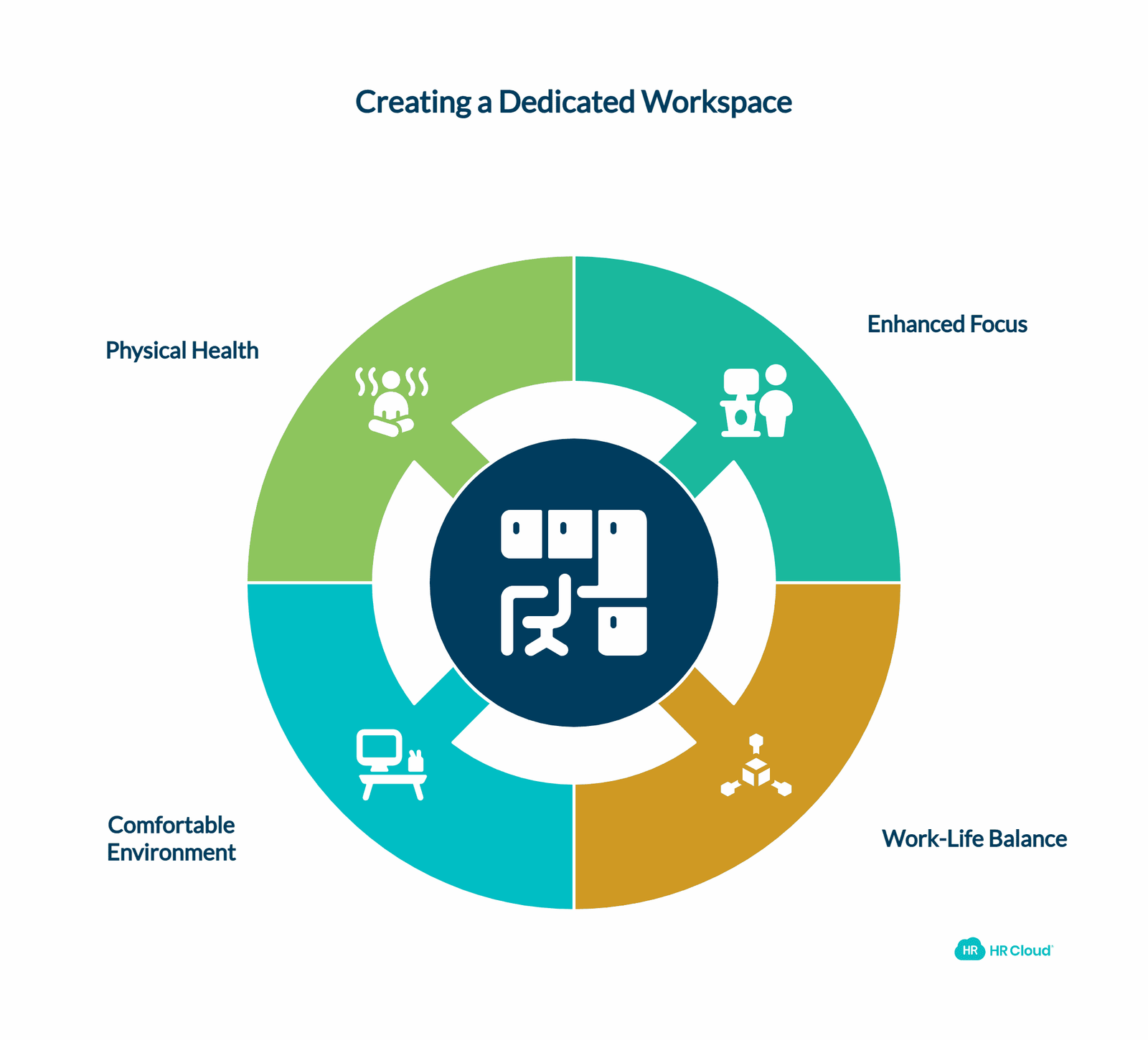
When you have a home office or dedicated space you can go to that's just for work, you can better prevent office distractions from interfering with work, shift from your work mode to your home mode when the day is done, and set healthy boundaries for work-life balance. Turn an extra bedroom into an office or office/guest room. Set up your sturdy desk with dedicated desks for different tasks, and arrange your computer and work equipment. Decorate the room in a way that helps you feel like you're at work and shut the door during work hours. Ensure proper lighting with a desk lamp and natural light to create a comfortable work environment.
If you don't have an extra room you can transform, create barriers by hanging sheets to create fake walls or setting up a divider of bookshelves or partitions. Alternatively, consider using a shared office or coworking space if working from home isn't feasible. Consider investing in ergonomic furniture, like a comfortable chair or standing desk, to support your physical health during long work hours and combat the risks of a sedentary lifestyle.
2. Know What Easily Distracts You
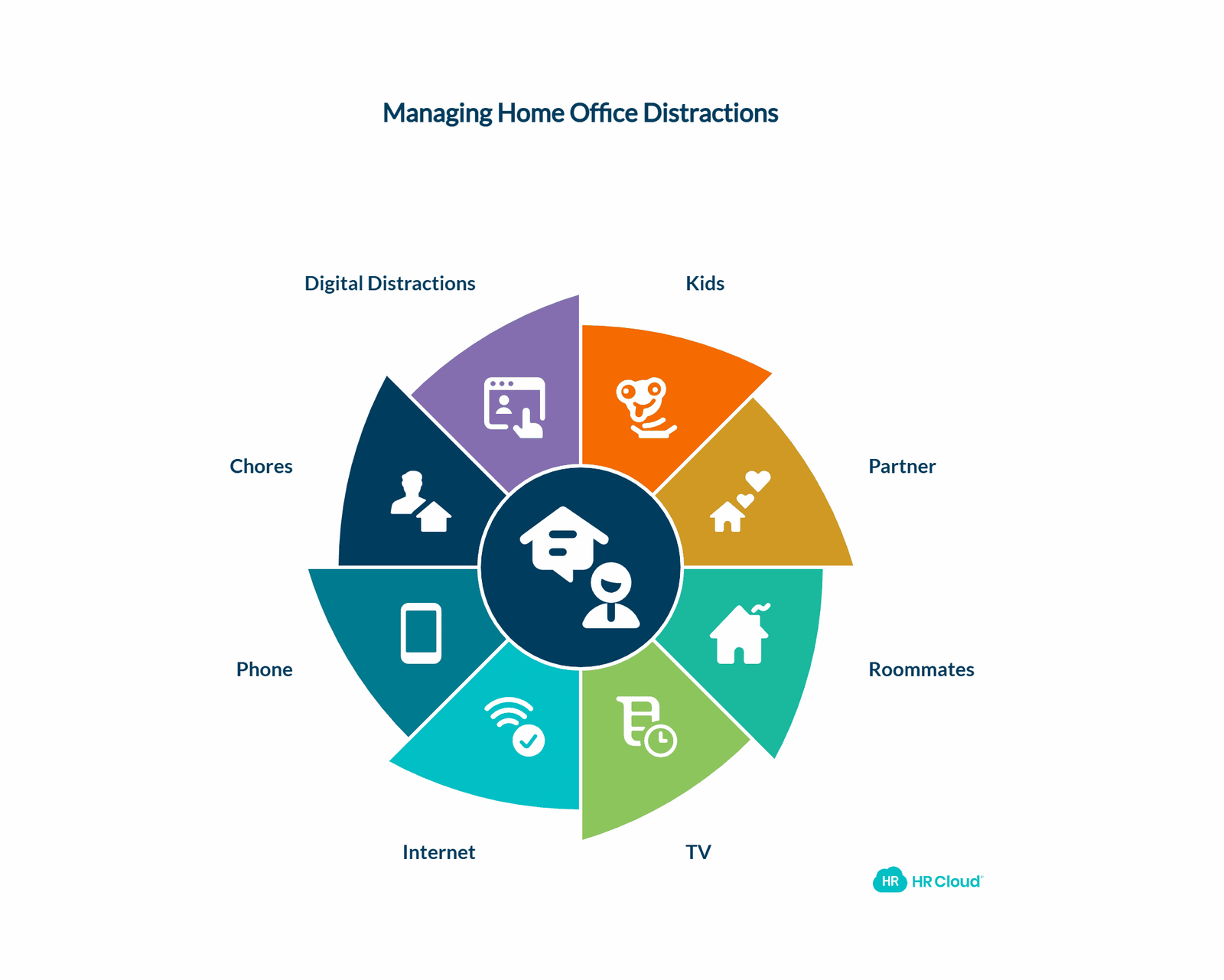
Think about the common distractions at work that could interrupt your day while working at home: kids, a partner, roommates, TV, the internet, your phone, chores. Make sure any potential distraction is out of sight, out of mind while you work. Hang a "busy" sign on your closed office door, put your phone in the other room, and keep the TV off all day. Avoid potential distractions as much as you can to stay productive and use your time on the clock wisely. Be aware of digital distractions and consider using website blockers to minimize distractions from social media and other non-work-related sites. Implement screen time limits to maintain focus during work hours.
3. Start the Day With Self-Care
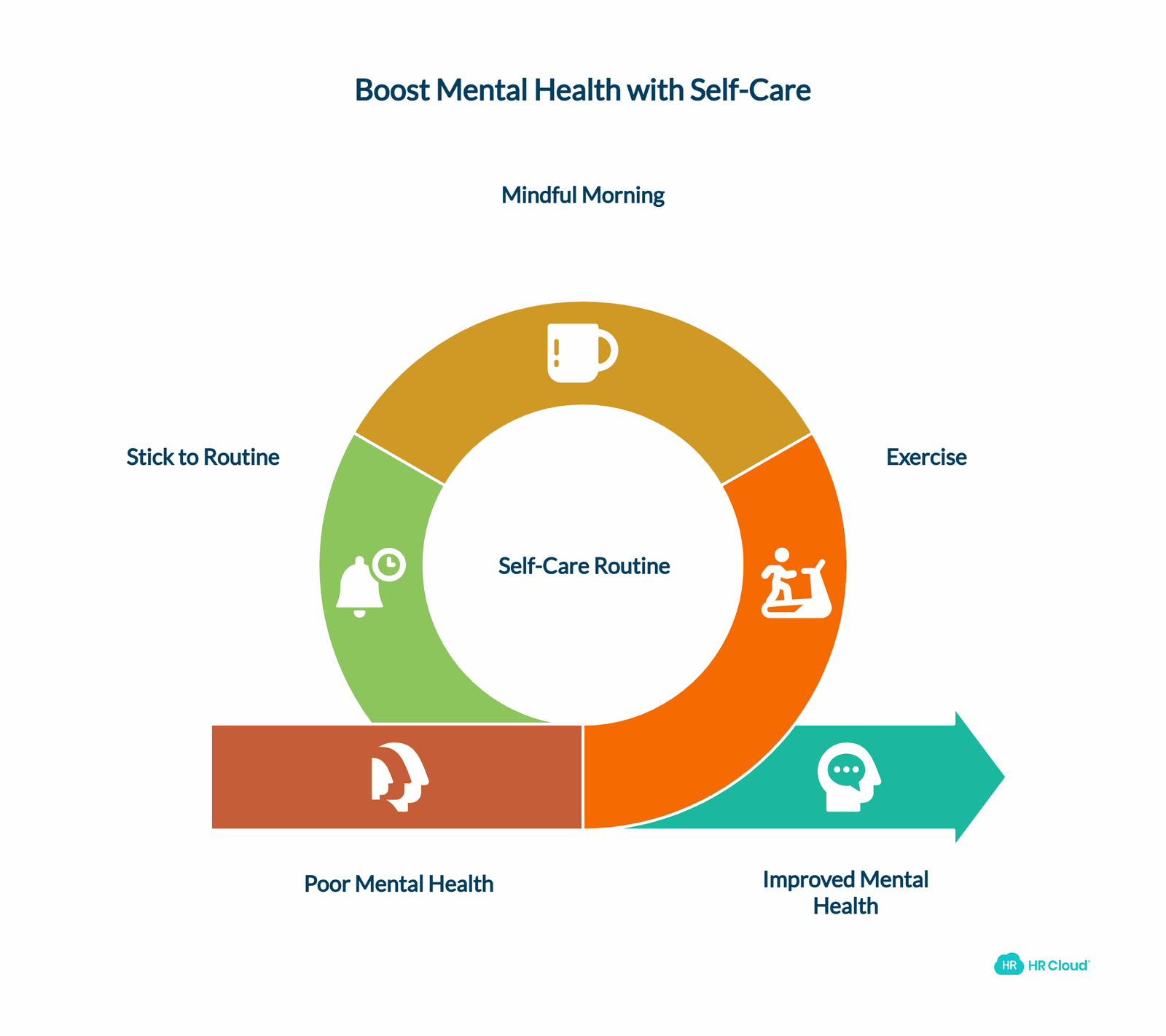
Going to the office every day meant following a getting-ready routine. Now that you work from home, stick with your typical routine as this can signal to your brain and body that it's time for work. Then, use this time (or, at least some of it) to get ready for the day in ways you may not have been able to before.
Start your day with some exercise, like a jog or yoga, to promote stress relief, focus, and positivity. You could also take your time making your morning coffee, tea, or breakfast, journaling, reading, meditating, or doing any other activity that allows you to start on the right foot. This self-care routine, including practices like meditation, can significantly boost your mental health and set a positive tone for the day.
4. Block Media and Sites That Might Distract You
When working from a computer, tablet, and/or smartphone, you have access to social media, online videos, streaming, games, and more. Consider installing a site blocker extension on your browser to block your access to specific sites, like Instagram, Facebook, Twitter, YouTube, and others that you may be tempted to open while working, for a period of time. That way you can't act on that temptation and can better focus on your work. These productivity tools can help you maintain focus and avoid the pitfalls of excessive screen time. Be mindful of social media breaks and their impact on your productivity.

Experience how Workmates can transform communication and strengthen culture—all in one powerful platform
Book Your Free Demo5. Play Background Music
Neither total silence nor disruptive background noise is good for avoiding distraction. Put on some noise-canceling headphones and play background music that's great for enhancing productivity, helping with focus, and promoting positivity. Some genres include classical music, upbeat pop, lo-fi, and other instrumental music. Many sites, including YouTube and Spotify, have playlists dedicated to work-from-home background music. Just make sure your site blocker isn't actively preventing your access to these sites. The right ambient noise can serve as a productivity booster, helping you maintain concentration during deep work sessions and cognitive tasks.
6. Put Your Phone on “Do Not Disturb”
If you need your phone on you, consider putting it on "Do Not Disturb." This feature, typically found in your smartphone's settings, blocks calls, texts, and other alerts from your phone unless it's an emergency. You can customize which types of messages are blocked and which can come through. For example, you might block all notifications, texts, and calls from all numbers except household members, just in case they need to get ahold of you. Monitoring your phone usage and setting limits can significantly reduce workplace distractions and improve your focus time.
7. Schedule Breaks Throughout Your Workday
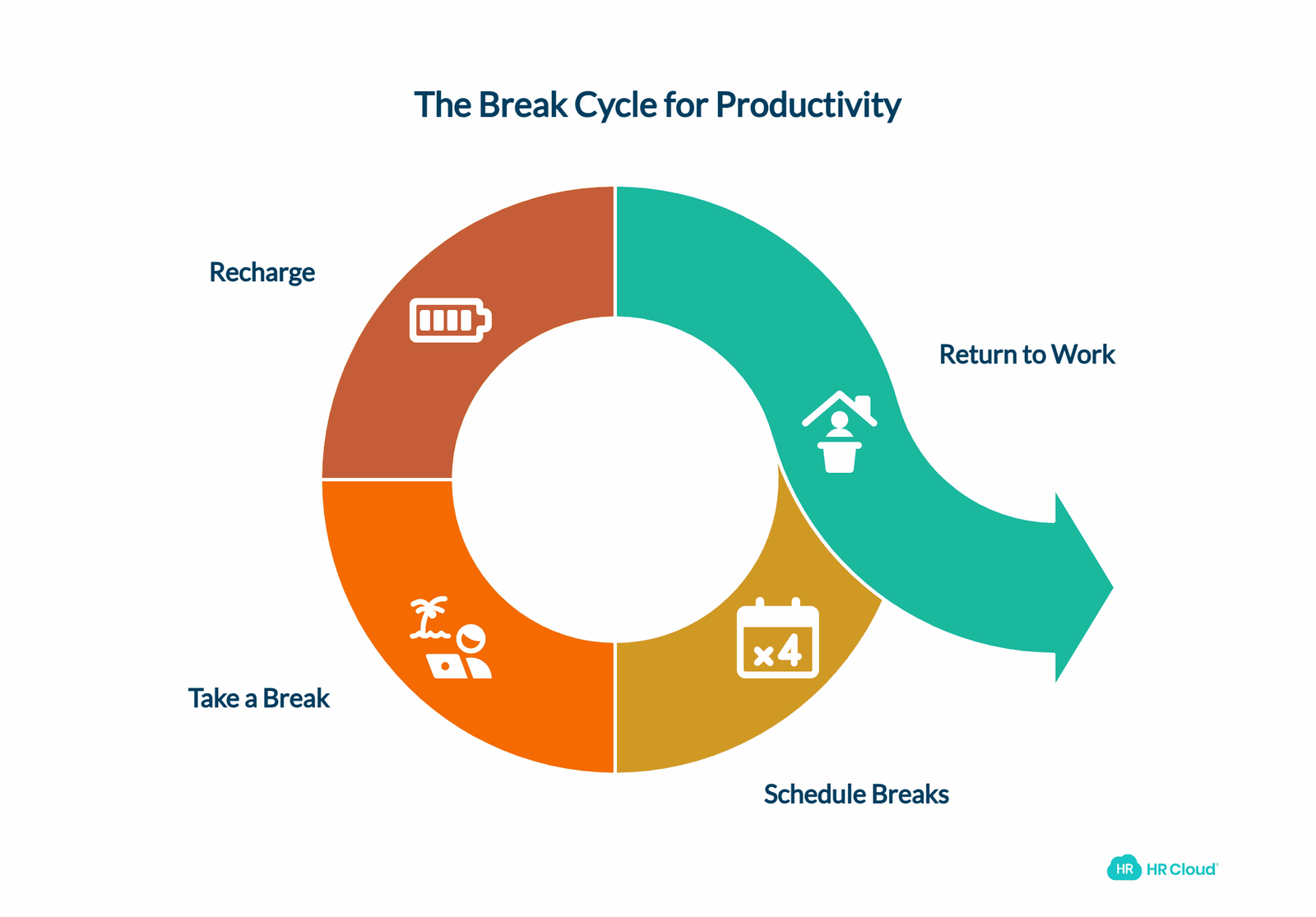
Working straight through a shift rarely results in a fully productive day because you have natural ebbs and flows in your focus and engagement. In addition, studies show that employees feel guilty for taking breaks, including a full lunch break each day, instead of constantly working. But taking breaks throughout the day helps you get a few minutes of rest here and there and return to work refreshed each time. Schedule breaks throughout your day so that you force yourself away from your workspace and into an activity that allows you to recharge.
Use scheduling tools and calendar apps, like Google Calendar, iCal, or Outlook Calendar, to outline blocks of time that are dedicated to different tasks and work activities. Then, every few hours, schedule a break and take it. You can even try the Pomodoro Technique to break your work up into 25-minute sprints of work and 5-minute breaks between them. Alternatively, consider implementing 90-minute work cycles for deeper focus sessions. These proven time management methods can ensure you take much-needed rest during your workday and reduce the temptation to give in to distractions.
8. Save Household Chores for After Work
One of the perks of working remotely is that you can handle household responsibilities practically any time. However, shifting back and forth between household chores and professional responsibilities can be jarring for your mind and body, which can reduce productivity in both activities. Save chores for when you clock out, just as you would when working at the office, to avoid ineffective multitasking and task switching.
9. Share Your Schedule With Others
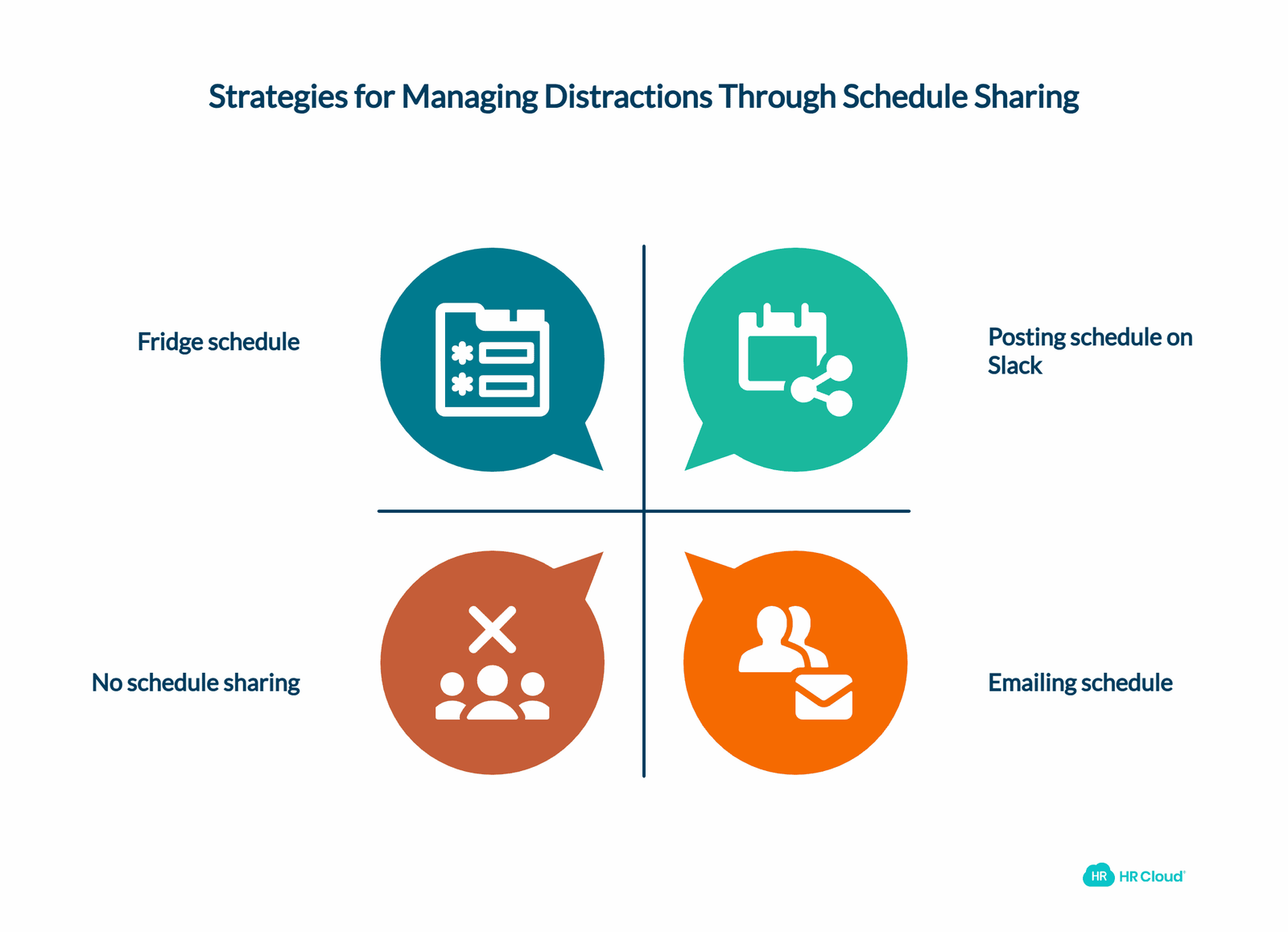
If your distractions come from others, like children, roommates, or colleagues, needing your attention, you can try sharing your schedule with them so everyone knows when you are and are not available to be with them. Consider putting a copy of your work schedule on the fridge, emailing a copy to your team, or posting updates on your remote work messaging app, like Slack or Microsoft Teams. This can help minimize family interruptions and create a more structured day. Effective communication channels and visual signals are key to maintaining productivity in a shared living space.
10. Know When To Give In to a Distraction
As previously mentioned, your attention span and motivation naturally ebb and flow throughout the day. And sometimes, your mind and body are both in agreement that it's time to stop for a break or for the day. Know what your mind's and body's signs are that you need to give in to distraction and shift your mindset. That way you can always put your best self forward when working instead of working less efficiently and effectively when your mind and/or body are tired. Understanding your peak productivity hours and mental energy levels can help you optimize your work schedule and know when it's time for a mental break.
Distractions can negatively impact your productivity, effectiveness, and work-life balance, no matter the role or industry you're in. That's why it's so important to understand what distractions you have to manage while working at home and employ strategies to reduce them and their impact on your work. By creating a clutter-free desk in a quiet location, using productivity tools like project management software and collaboration tools, and implementing these productivity tips, you can create a psychological boundary between work and home, leading to more focused and efficient work time.
To further optimize your work-from-home experience, consider implementing time tracking and task management techniques to stay on top of your responsibilities. Efficient meeting optimization for video calls and virtual meetings can also help reduce distractions and improve overall productivity. By being mindful of these strategies and consistently applying them, you can create a more productive and satisfying work-from-home environment.

Discover how our HR solutions streamline onboarding, boost employee engagement, and simplify HR management
Book Your Free DemoAuthor Bio:
Erik Bergman co-founded Catena Media and helped grow it to over 300 employees and a $200 million valuation before stepping away to start Great.com, an iGaming organization that donates 100% of its profits to environmental charities. In addition to running a successful online affiliate business, Erik also hosts the Becoming Great podcast, shares entrepreneurship tips with his more than 1 million social media followers, and contributes to sites like Entrepreneuer.com, Business Insider, Foundr, and Forbes.
Keep Reading


Like What You Hear?
We’d love to chat with you more about how HR Cloud® can support your business’s HR needs.
Book Your Free Demo