

E-Verify built in
Submit I-9 data to E-Verify from the HR Cloud dashboard. Automatic case handling and error detection show what needs attention.
Collect Section 1 on any phone, verify documents in person or remotely, submit to E-Verify, and store every record with a full audit trail. All inside the platform your team already uses for onboarding.
Section 1 on any phone. Section 2 in person or remote. E-Verify built in.
4.7/5 from 399 reviews
4.7 / 5 — 399 reviewsTrusted by leading companies













Deadline calculator
The clock starts on the first day of work. Try a date and see what HR Cloud tracks for each hire, at every location.
Business days here count Monday to Friday and skip U.S. federal holidays. If your business closes on other days, count those too.
New hire completes Section 1. HR Cloud sends the invitation by text or email and flags entry errors before they sign.
Employer reviews documents and completes Section 2. In person or remote, from the same record, with signatures captured.
Employer creates the E-Verify case. Submit from the same screen, with error detection before submission and case tracking after.
Keep the form, then retire it. Every record is stored with its audit trail and can be pulled up on demand.
Reverify expiring documents. HR Cloud flags upcoming expirations and prompts the employee for new documents, so a lapse never goes unnoticed.
Rules: E-Verify case creation, E-Verify User Manual 2.2. Retention, TASB summary of the federal rule. Confirm edge cases, such as short employment, with counsel.
How it works
Pick any step to watch it happen, or let it play through.
Send the I-9 invitation the moment the offer is accepted. New hires open it on any device and finish in minutes.
Inline guidance and error checking help new hires get it right the first time, and a drawn or typed signature closes it out.
HR reviews List A or List B and C documents, completes Section 2, and captures signatures. Remote hires work with an authorized representative you assign by location.
Cases go to E-Verify directly from the dashboard, with error detection before submission and case tracking after. Results come back to the same record.
Every form is stored with its audit trail. Alerts flag expiring work authorization and missing steps, and any record can be pulled up on demand.
Features
From a first-day hire to a reverification two years later, every step runs in the same system as the rest of your onboarding.
Submit I-9 data to E-Verify from the HR Cloud dashboard. Automatic case handling and error detection show what needs attention.
Send an invitation by text or email and new hires complete the form on any device.
Manage I-9s for remote hires with authorized representative assignment and compliant virtual verification tools.
Assign authorized representatives by location and see completion for every site in one view.
Stay ahead of expiring work authorization with reminders to HR and employees.
Watch I-9 completion, E-Verify results, and deadlines update live on one dashboard.
SOC 2 Type II certified, encrypted storage with an audit trail on every form and instant retrieval when you need it.
Start I-9s in bulk from a CSV import and bring existing forms over without manual data entry.
When the I-9 form changes, HR Cloud updates the version so new hires always complete the current one.
Use cases
Whether you hire ten people a month or ten thousand, the same workflow adapts to your sites, roles and volume.
Comparison
Every mark comes from the vendor's own public pages, reviewed on November 3, 2026. A dash means the vendor does not say, not that the feature is missing. Confirm current capabilities with each vendor.
| Capability |  |  |  |  |  |  |
|---|---|---|---|---|---|---|
| New hire completes Section 1 on any deviceText or email invite, no desktop needed | ||||||
| Remote Section 2 verificationAuthorized representative or DHS alternative procedure | ||||||
| E-Verify connected to the I-9Submit and track cases from the same system | ||||||
| Error checking on the formCatches mistakes before submission | ||||||
| Audit trailWho did what, and when | ||||||
| Expiring document alertsReminders before work authorization lapses | ||||||
| New hires upload their own ID documentsPhoto capture or upload by the employee |
Customer success
Not projections. Measured outcomes from customers running distributed, frontline-heavy operations.
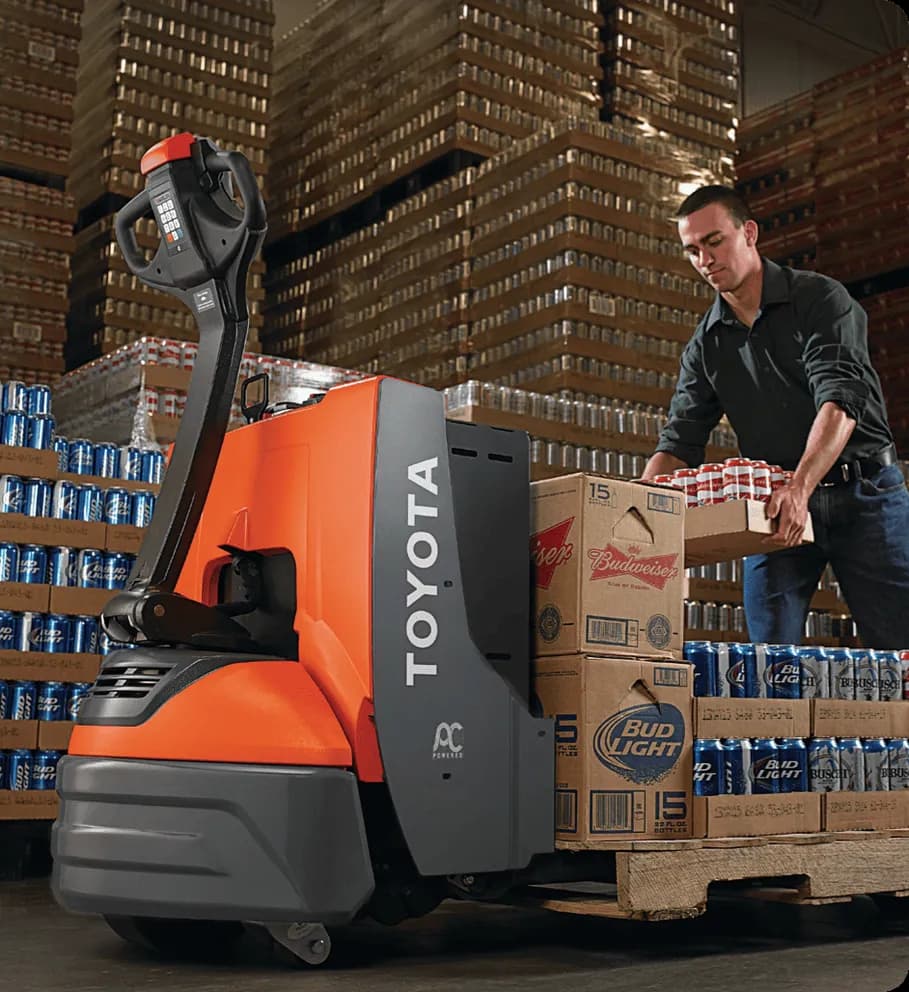

“Our associates can comment, react, and provide feedback directly through the platform.”
Danielle Nickerson | Human Resource Specialist


“We were drowning in paper. HR Cloud digitized our compliance documentation and gave managers real visibility into their teams.”
HR Director | Behavioral Progression
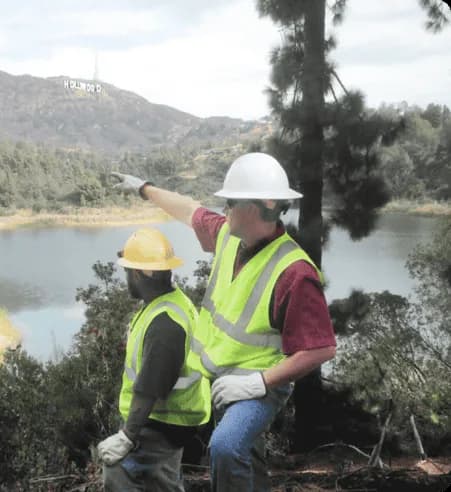

“Onboard has helped us save so much valuable time and effort while increasing data accuracy.”
Kaylee Collins | HR Analyst


“We have not received as great of support as HR Cloud provides with any other provider.”
Allyson Homan | Rehmann


“Interim HealthCare reduced time-to-productivity for new hires by months, giving care coordinators more time with patients.”
Chief People Officer | Interim HealthCare
HR Cloud adapts to each industry's compliance rules, schedules and workforce with specialized features.

License tracking, certification management, and healthcare compliance workflows with built-in audit trails and reminders.
Healthcare HR software →
Mobile-friendly tools for jobsite compliance, safety training, and field-based employee management.
Construction HR software →
Incident reporting, safety management, and ADP integration for smooth operations.
Manufacturing HR software →
Remote worker onboarding, equipment tracking, and project management for tech teams.
Technology HR software →
Safety compliance, drug test tracking, and mobile access for field operations.

Certification tracking, policy sharing, and flexible staff management tools.
Education HR software →
Kiosk-based onboarding, high-turnover management, and multi-location support for distributed teams.
Hospitality HR software →
High-volume candidate management, automated referrals, and customizable reporting.
180+ integrations
Connect payroll, productivity, recruiting, identity, and communication tools without rebuilding your stack.
See all integrations →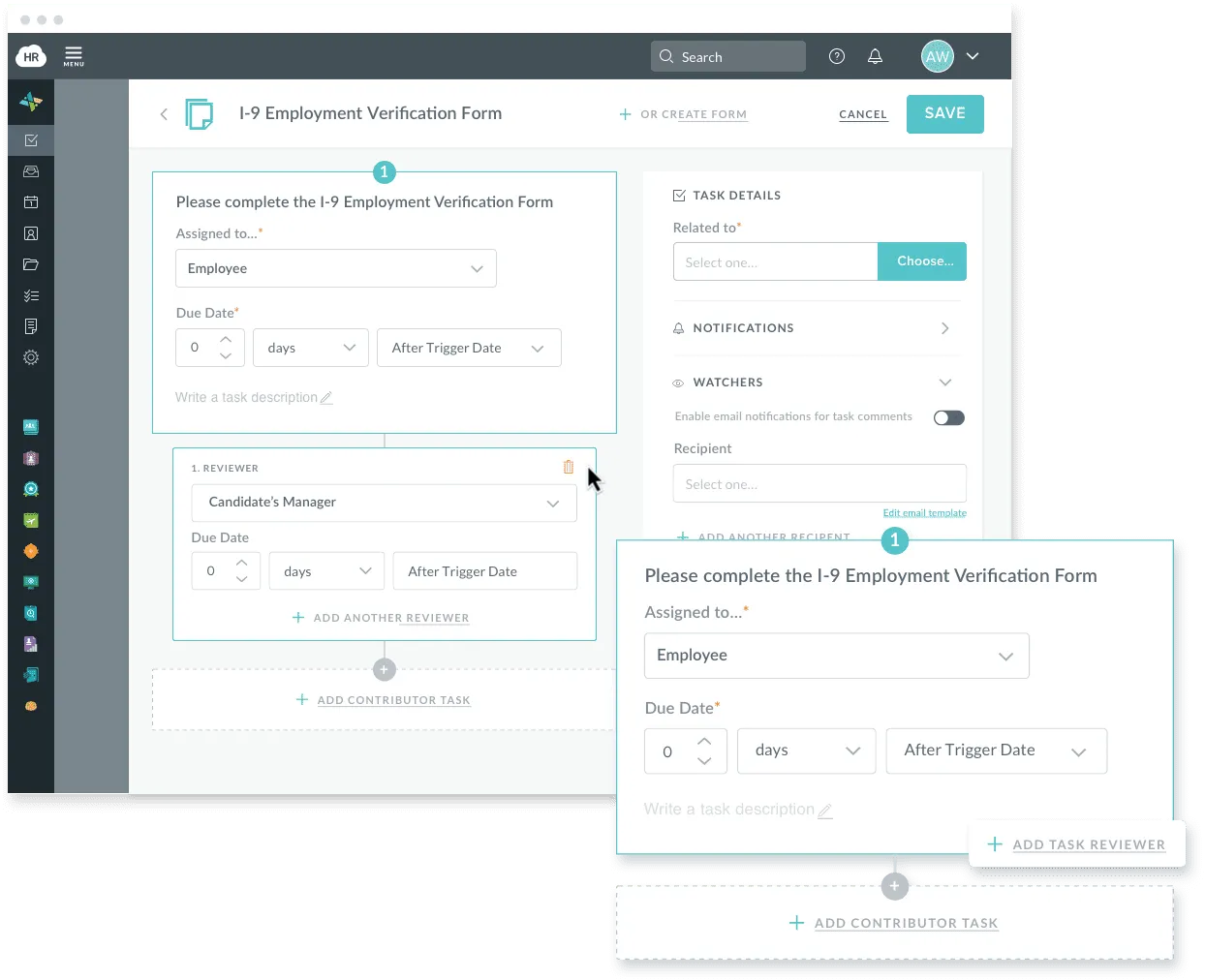
Design fillable forms, set the signing order, add rules, and track every step to completion.
Custom HR forms and workflows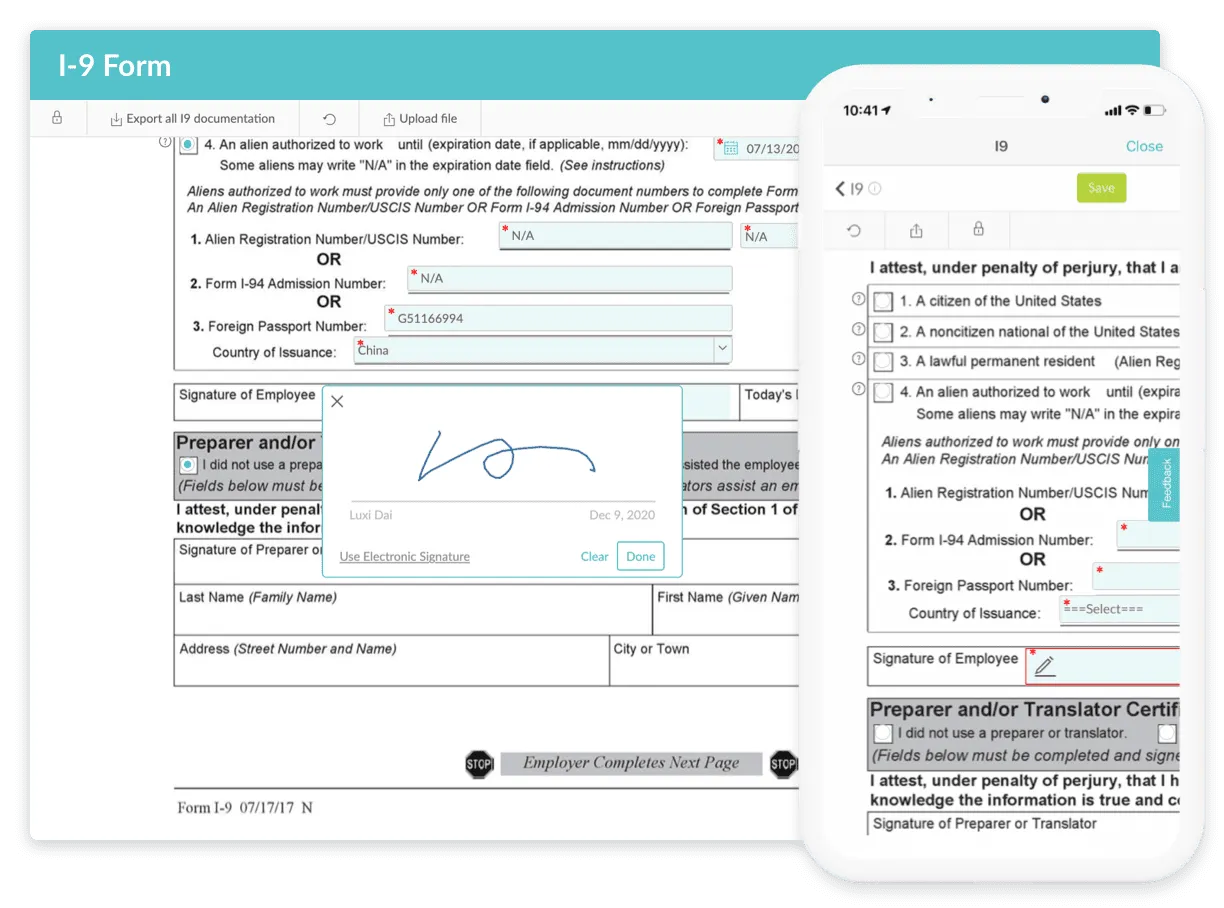
Employees, managers and HR sign with a drawn or typed signature, with the approval stored on the record.
E-signature software for HR documents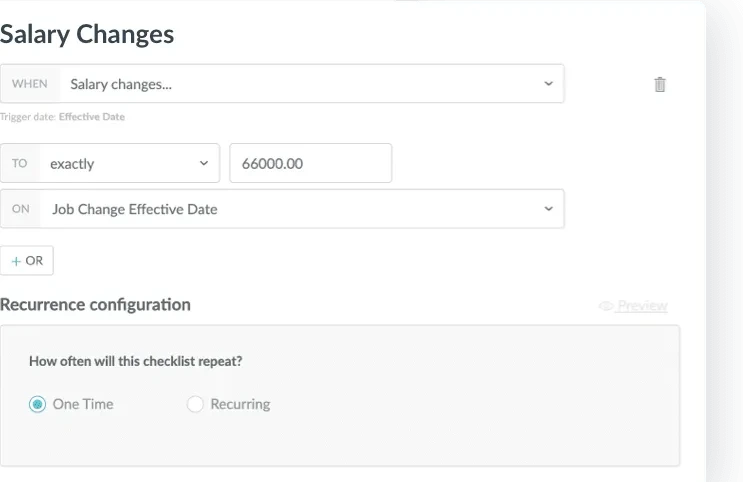
Triggers, approvals, reminders and document collection across the full employee lifecycle, from offer accepted to exit.
HR automation softwareMore from HR Cloud: employee onboarding software, ADP integration and the onboarding ROI calculator.
Bring us your current process. We will show you exactly where HR Cloud removes the chasing.
Go live in 6 weeks with a dedicated implementation lead.
This page provides general information and is not legal advice. Consult qualified counsel about your obligations under federal and state law.
 Jordan
 Amara
 Luis
 Representative
 48 I-9s started