
Best Workplace Chat Apps for Smooth Communication

Choosing the right workplace chat app can transform how your teams collaborate, stay informed, and feel connected — whether they're at a desk, on a factory floor, or working across time zones. With remote and hybrid work now standard in most organizations, the tools you pick for internal communication directly affect engagement, employee retention, and daily productivity while shaping the overall employee experience.
According to a 2023 Grammarly and Harris Poll report, knowledge workers spend over half their workday on communication tasks, yet 72% of business leaders say their teams still struggle to communicate effectively. The tools you choose either solve that problem — or compound it. Effective communication platforms also drive employee satisfaction and workplace performance when implemented strategically.
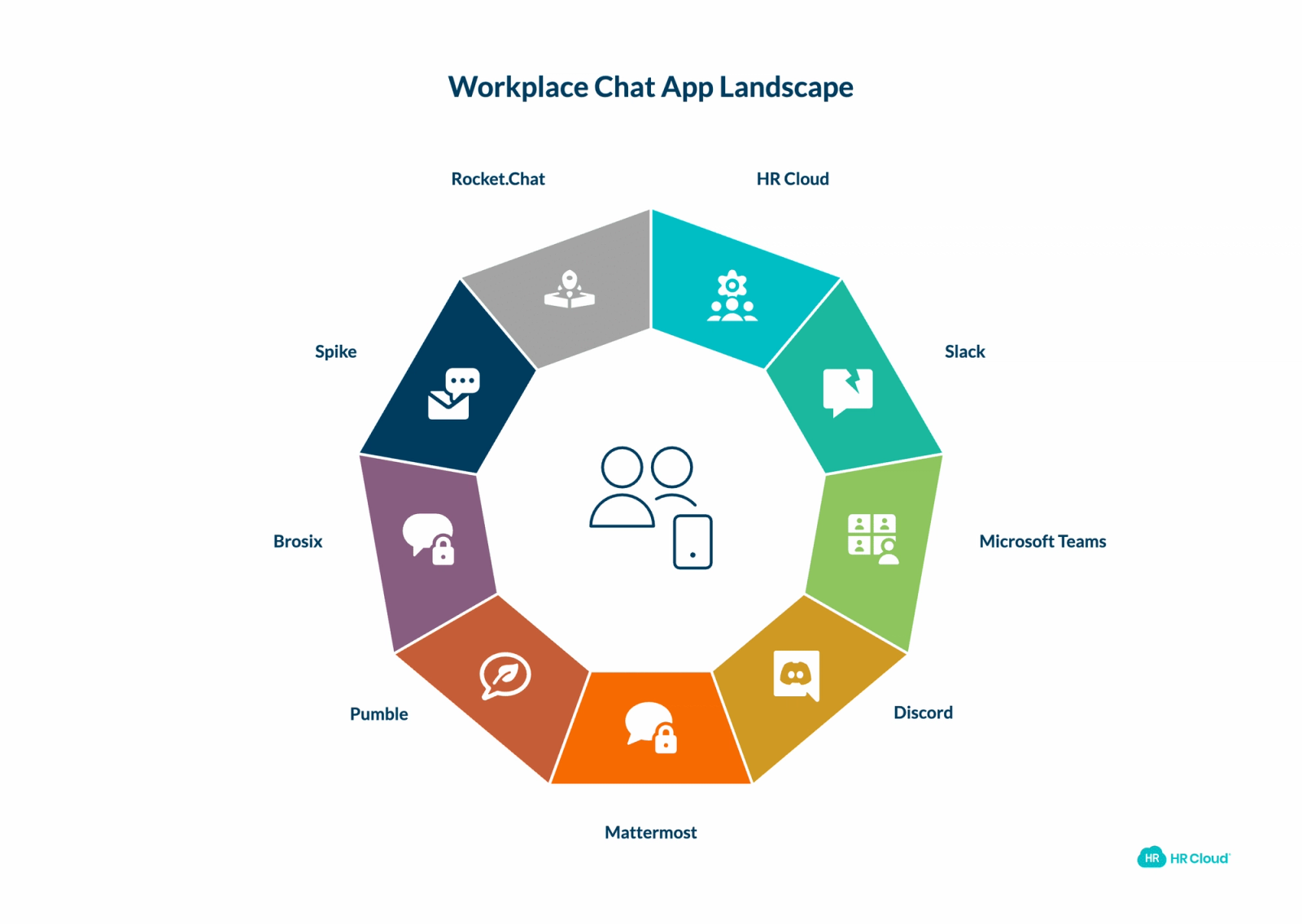
This guide covers nine workplace chat apps worth evaluating in 2026, starting with a platform that integrates communication directly into your HR workflow.
Key Takeaways
- Knowledge workers spend over half their workday on communication tasks, yet 72% of business leaders say their teams still struggle to communicate effectively — making the right tool a strategic decision, not just a software purchase.
- The best workplace chat apps in 2026 go beyond messaging to connect communication with employee engagement, recognition, onboarding, and HR analytics.
- Mobile accessibility is non-negotiable for frontline, deskless, and field-based workers — platforms that treat mobile as an afterthought exclude the employees who need support most.
- HR Cloud's Workmates module is the only platform on this list that natively integrates communication with peer-to-peer recognition, onboarding workflows, performance management, and engagement analytics in a single system.
- Slack and Microsoft Teams dominate for general-purpose messaging but require additional HR tools to manage the full employee lifecycle.
- Mattermost and Rocket.Chat are best suited for technical teams with strict data sovereignty requirements; Discord is not designed for enterprise HR compliance.
- Choosing the right platform depends on your workforce type, HR integration needs, and whether you need communication tied to recognition programs and employee engagement data.
What to Look for in a Workplace Chat App
| Capability | Why It Matters | Who Needs It Most |
|---|---|---|
| Real-time messaging and channels | Organizes conversations by topic, department, or project — reducing noise and helping employees find relevant information faster | All organizations |
| Mobile accessibility | Deskless, remote, and field-based workers require full platform access from their phones — not a stripped-down mobile version | Healthcare, manufacturing, retail, construction |
| Integrations | Chat apps must connect to existing HRIS, payroll, project management, and video conferencing tools to avoid workflow fragmentation | Mid-size to enterprise organizations |
| Security and admin controls | Role-based permissions, data retention policies, and audit logging are mandatory in regulated industries | Healthcare, finance, government, enterprise |
| Engagement beyond messaging | Forward-thinking HR teams need platforms that connect daily communication to recognition, surveys, and employee feedback — not just chat | Organizations focused on retention and culture |
9 Best Workplace Chat Apps
1. HR Cloud
HR Cloud is an all-in-one HR platform trusted by enterprise organizations including Toyota and Peloton. Unlike standalone chat apps, HR Cloud is built for HR teams who need communication, recognition programs, and people operations in a single system — without juggling multiple vendors.
Its Workmates module is designed specifically for employee communication and engagement, with tools that go well beyond simple messaging. For organizations dealing with distributed teams, frontline workers, or high turnover, having communication tied directly to your HR data isn't a nice-to-have — it's a structural advantage that supports both employee retention and employee motivation.
What Features Does HR Cloud Offer?
Customizable Communication Channels
Teams can create targeted channels by department, location, or role — a critical feature for distributed and frontline workforces in healthcare, manufacturing, and retail. Managers can control who sees what, ensuring the right information reaches the right people without creating noise for everyone else.
Company Announcements with Read Receipts
HR Cloud enables company-wide broadcasts with acknowledgment tracking, so HR leaders know who has seen critical policy updates, safety notices, or compliance-related communications. This goes meaningfully beyond what most standalone chat apps offer.
Mobile-First Access for Frontline Workers
HR Cloud's employee mobile app is purpose-built for deskless employees — workers in manufacturing plants, hospital floors, retail stores, and construction sites who may never log into a desktop computer. Most mainstream chat apps treat mobile as an afterthought; HR Cloud treats it as the primary channel for this workforce segment.
Recognition Integrated into Communication
Rather than running recognition programs separately through a different tool, Workmates weaves peer-to-peer recognition and rewards and recognition directly into daily communication flows. The platform supports both non-monetary rewards and monetary recognition options, creating a comprehensive recognition platform. According to Gallup's 2025 State of the Global Workplace report, employees who feel recognized are significantly more engaged — and that recognition lands harder when it happens in the same space where work conversations occur. This integrated approach to employee recognition software helps build a strong recognition culture while supporting strategic recognition initiatives.
Structured Onboarding Communication
For new hires, HR Cloud's Onboard product automates the first-90-day communication journey, removing the need for manual follow-ups from HR and managers. New employees receive structured information at the right time, in the right sequence, through the same platform they'll use day-to-day, enhancing the overall employee experience.
Employee Self-Service
Staff can submit time off requests, access HR documents, and get approvals through the same platform where they communicate — reducing the app-switching burden that frustrates employees and creates gaps in information.
Analytics and Engagement Insights
HR Cloud tracks communication reach and engagement through its analytics dashboard, giving HR leaders the data to identify which messages landed, which teams are disengaged, and where communication breakdowns are occurring — before they become retention problems. These insights support a data-driven recognition strategy and help measure employee satisfaction.
Internal Communication Software
Beyond channels and announcements, HR Cloud's dedicated internal communication tools support campaign management, content libraries, and crisis communication — making it a complete internal communication platform for HR teams, not just a place to send messages. The platform's recognition technology enables team-based recognition and supports various employee recognition ideas that drive employee loyalty.
For organizations that want their communication platform to connect directly to recognition practices, performance culture, and HR data, HR Cloud offers a level of integration that standalone chat apps cannot replicate. The platform's comprehensive recognition framework supports both non-monetary and monetary recognition strategies, making it a true recognition software solution integrated with communication.
2. Slack
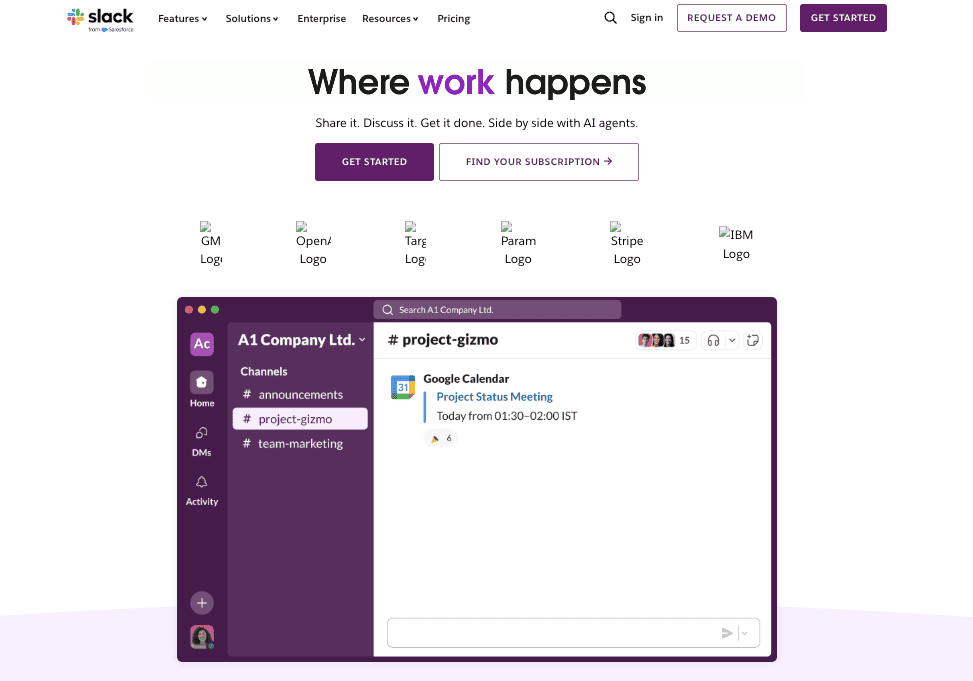
Slack established itself as the dominant independent messaging platform for workplace teams — and for good reason. Its channel-based structure, intuitive interface, and massive integration ecosystem make it the default choice for thousands of organizations globally.
75% of employees say teamwork and collaboration are essential, and Slack is one of the most effective tools for facilitating exactly that kind of real-time, context-rich communication that drives workplace performance and employee loyalty.
What Features Does Slack Offer?
Channels The Channels feature is Slack's foundation. Teams organize conversations by project, department, or topic — keeping signal separate from noise. You can track files, tools, people, and full conversation threads in one place, and members join only the channels relevant to their work.
Direct Messaging Slack allows you to message individuals directly or in designated groups. It's a fast way to share information privately or get a quick response without pulling an entire channel into the conversation.
Huddles Huddles are lightweight audio and video calls designed for quick, informal collaboration — no calendar invite required. Teams can share screens, use a drawing function, share links and notes, and communicate with emoji reactions in real time.
Integrations Slack offers over 2,600 app integrations, connecting platforms like Google Drive, Salesforce, Zoom, and Asana into a unified workflow. HR Cloud integrates with Slack, which means Workmates recognition notifications and company announcements can surface directly in your existing Slack workspace.
Worth noting: Slack's free plan limits message history to 90 days and caps integrations at 10. Paid plans start at $7.25/user/month (billed annually). For organizations that also need HR functions like onboarding, performance management, or recognition initiatives, a standalone Slack subscription still requires layering other HR tools on top.
3. Microsoft Teams
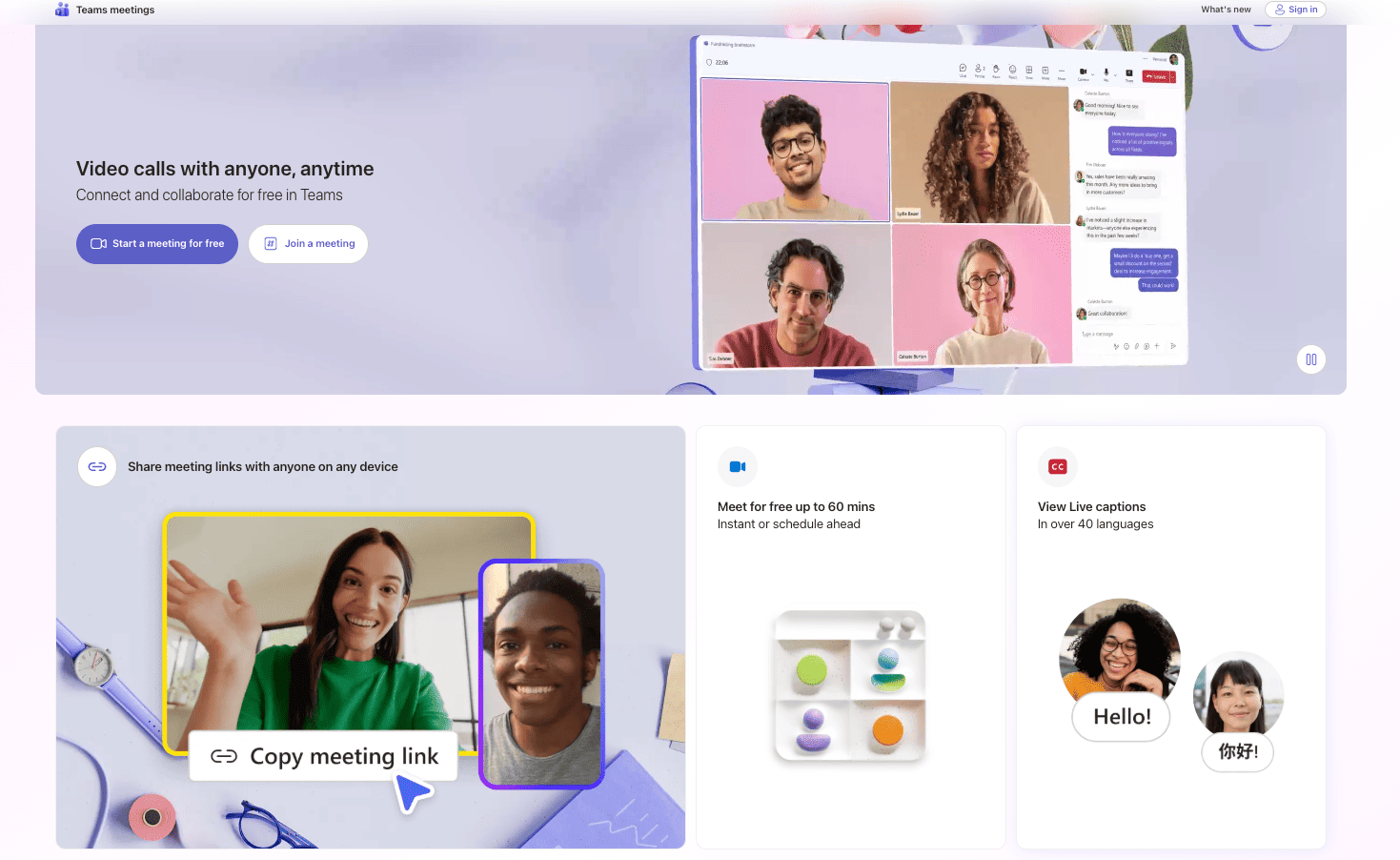
Microsoft Teams is the natural choice for organizations already inside the Microsoft 365 ecosystem. It combines chat, video meetings, file collaboration, and calling in one interface — reducing the app-switching friction that bogs down hybrid teams.
A Deloitte study on digital collaboration found that employees with access to the right collaboration tools are 17% more likely to report satisfaction with their workplace culture. Teams directly addresses that for desk-based workers, though it has historically been less optimized for frontline or deskless employees.
What Features Does Microsoft Teams Offer?
Meetings Teams is purpose-built for any kind of meeting — from quick team check-ins to all-hands sessions. Screen sharing, background blur, live captions, and custom backgrounds are all built in, making video meetings accessible and professional for distributed teams.
Call Hosting Beyond team conversations, employees can take and make one-on-one calls with advanced VoIP features including call transferring, voicemail, and group calls. For many organizations, Teams effectively replaces the desk phone.
Real-Time Collaboration Teams integrates directly with SharePoint, Word, Excel, and PowerPoint — meaning employees can co-edit documents inside the chat interface without leaving the platform. This is particularly valuable for teams running frequent document-heavy workflows.
Quick Chatting For teams that don't need a full meeting, quick chats in Teams support both one-on-one and group messaging with full threading, emoji reactions, and file attachments.
Microsoft Teams also supports third-party integrations, including the standup bot for MS Teams, for teams that want to add structured daily check-ins into their communication flow.
Worth noting: HR Cloud integrates with Microsoft Teams, which means Workmates announcements and recognition can appear directly in Teams — giving you the communication reach of Teams with the HR depth of HR Cloud underneath it.
4. Discord
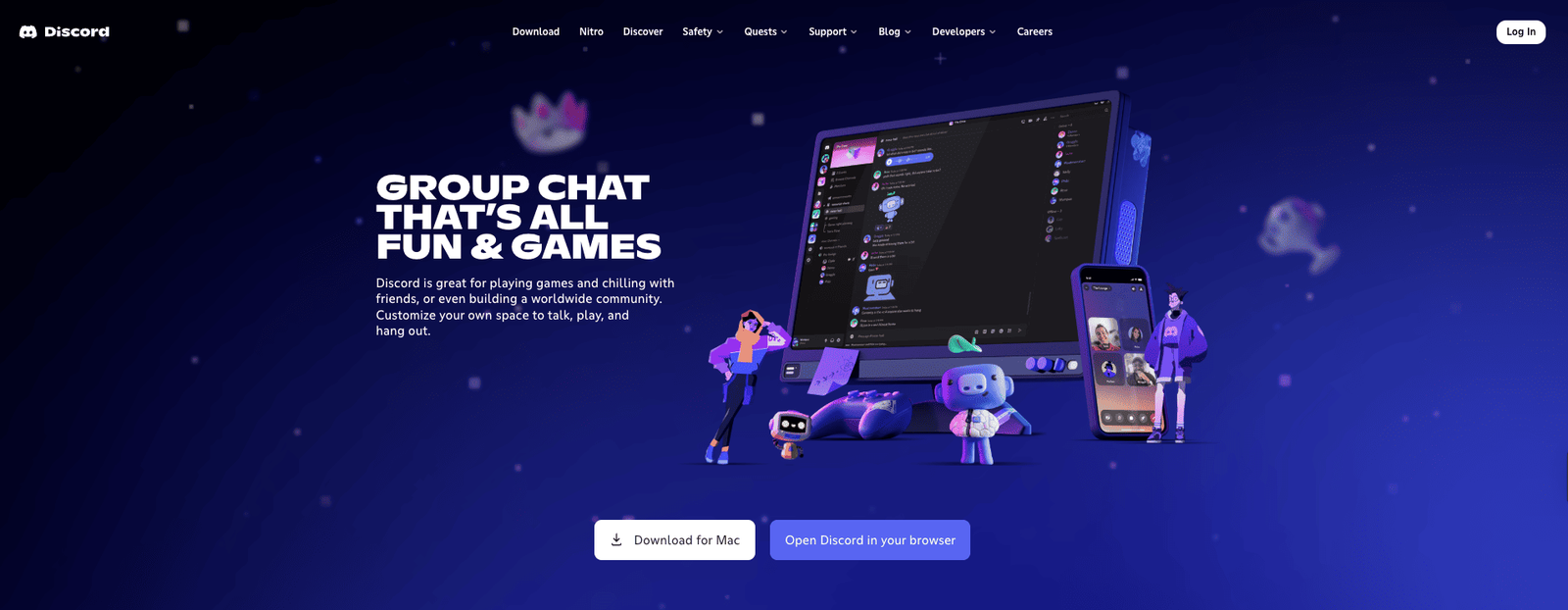
Originally designed for gaming communities, Discord has found a real place in some modern workplaces — particularly in tech startups, creative agencies, and developer-heavy organizations — because of its open voice channels and low-friction communication model.
If you're looking for modern team chat with persistent channels, searchable chat histories, and a culture of casual, always-on communication, Discord is worth evaluating.
What Features Does Discord Offer?
Servers and Channels The central premise of Discord is that users create and join public or private servers, then organize communication within those servers through separate channels. You can structure channels by team, project, or topic and control access at a granular level.
Open Voice Channels One of Discord's most distinctive features: there are no call requests. You simply set up an open voice channel and team members drop in and out as needed — mimicking the kind of organic, ambient communication that happens in a physical office. This is particularly effective for teams that want presence awareness without the overhead of scheduled calls.
Moderation Tools Server owners have access to comprehensive moderation controls — setting channel rules, assigning permissions, creating private channels, and reviewing activity logs.
Collaboration Tools Like most business chat apps, Discord supports screen sharing, file sharing, and large-scale video and audio calls. Thread-based conversations help keep discussions organized within busy channels.
Worth noting: Discord is not designed with enterprise HR compliance, structured data retention, or employee lifecycle management in mind. Organizations in regulated industries such as healthcare, finance, or government will likely find it insufficient for their security and audit requirements.
5. Mattermost
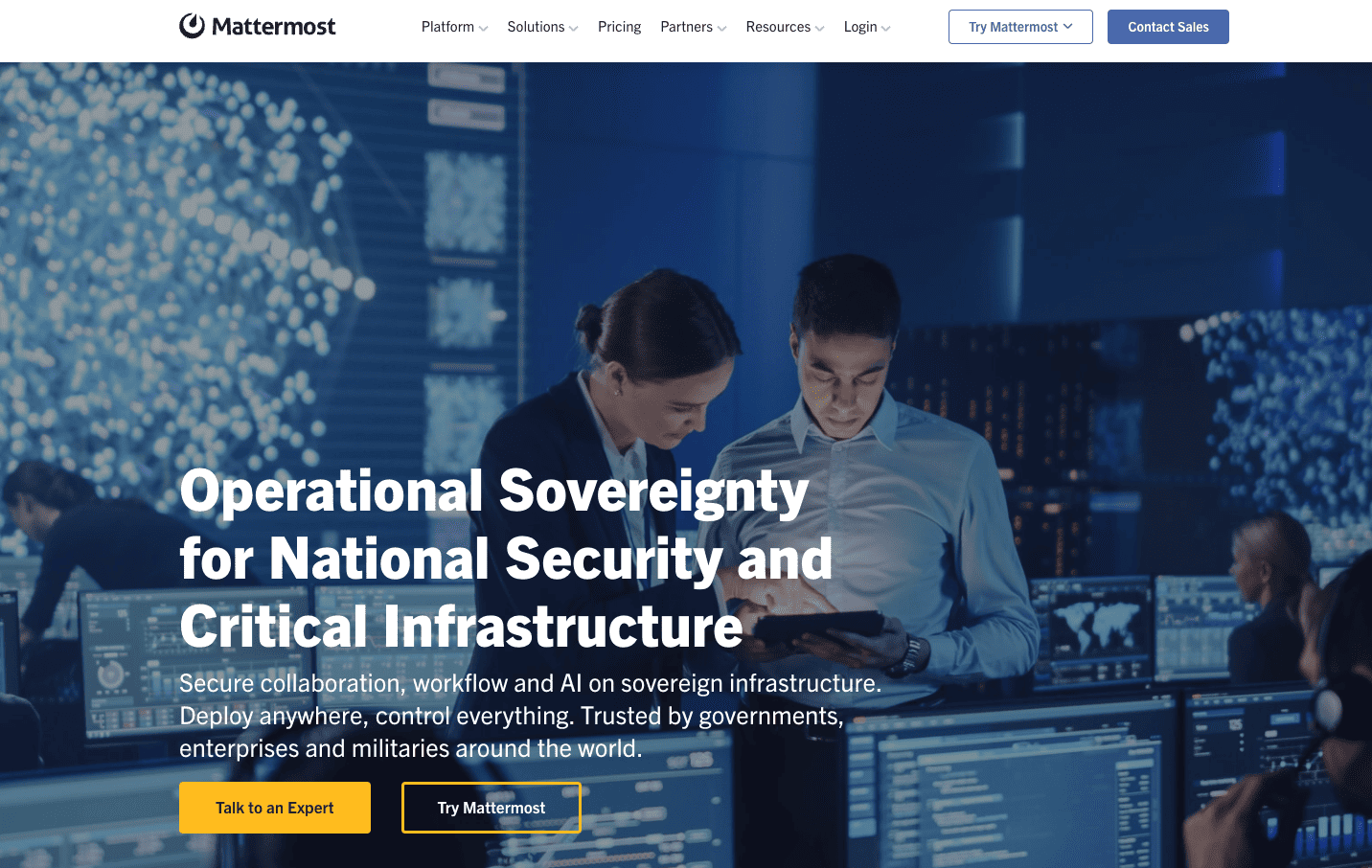
Mattermost is an open-source messaging platform built for technical teams that prioritize security, data sovereignty, and customization. It's deployed at organizations like NASA, Samsung, and Qualcomm — environments where data control is not a preference but a requirement.
What Features Does Mattermost Offer?
Streamlining R&D Processes Mattermost is designed to support complex technical workflows, from managing product releases to resolving issues across distributed engineering teams. It connects to CI/CD pipelines and DevOps toolchains in ways that general-purpose chat apps don't.
Developer-Friendly Interface The platform is built around channel-based communication, checklists, and card-based task assignment — giving developers an interface that maps naturally to how they work without requiring context-switching.
Full Customization As an open-source platform, Mattermost's open API lets your team extend and configure the system to match your exact workflow requirements. This is particularly valuable for organizations with highly specific compliance or integration needs.
Enhanced Security Teams choose between cloud or self-hosted deployment, keeping conversation data entirely within their own infrastructure. This level of control makes Mattermost a leading choice for defense, intelligence, and financial services teams.
Worth noting: Mattermost's strength is clearly in technical environments. HR teams looking for employee engagement programs, recognition strategies, survey tools, or people management capabilities will need dedicated HR software alongside it.
6. Pumble
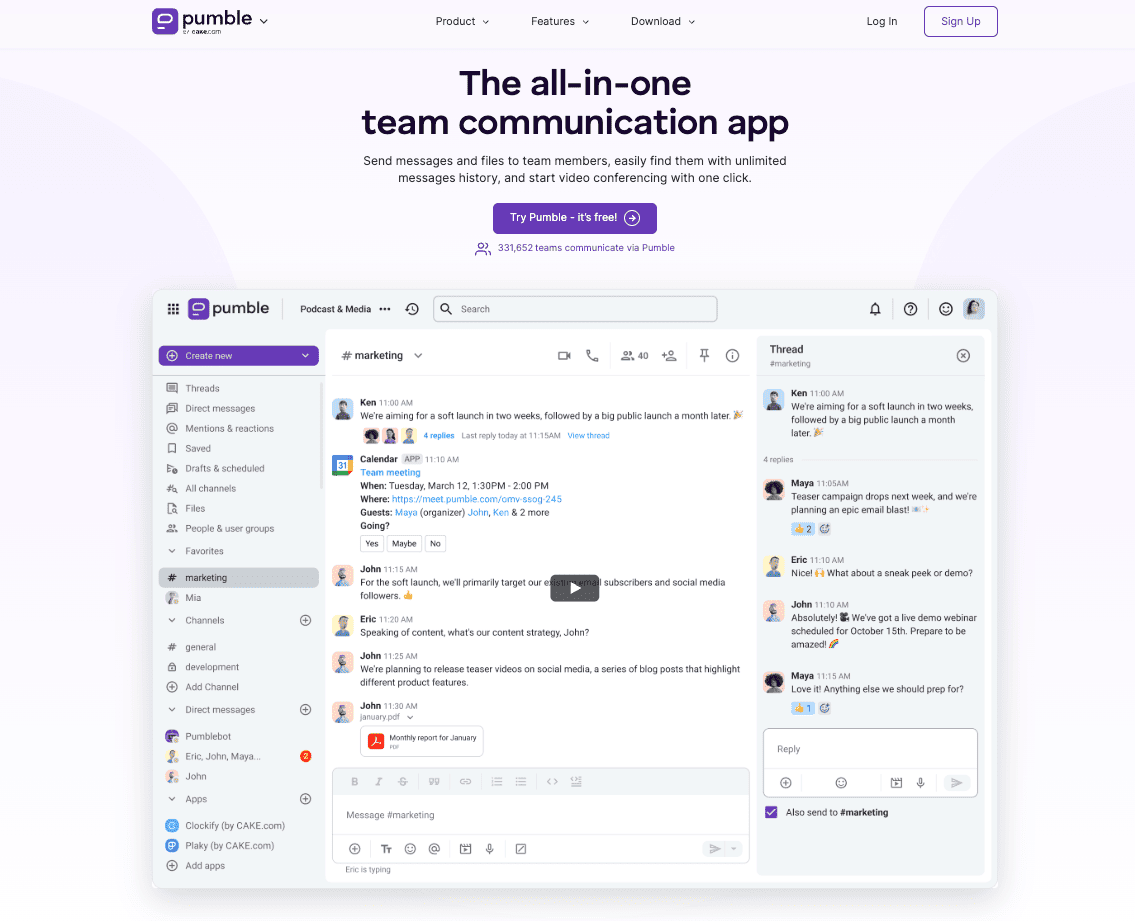
Pumble is a cost-effective alternative to Slack that covers core communication needs — channels, direct messaging, file sharing, and video calling — at a significantly more accessible price point. Its free plan includes unlimited message history, which is a meaningful differentiator over Slack's 90-day cap on the free tier.
With support for unlimited teams, guest access, and audio messaging, Pumble offers a practical communication layer for organizations that don't need an enterprise-grade platform but do need something more robust than email.
What Features Does Pumble Offer?
Real-Time and Async Communication Channels, threads, and direct messages support both immediate and asynchronous work patterns. Teams working across time zones can communicate without the pressure of synchronous availability.
Productive Collaboration File sharing, notification management, and guest access for external collaborators keep work moving across organizational boundaries. User groups and role-based permissions give admins appropriate control.
Voice and Video Calls One-on-one and group calling with screen sharing supports both quick huddles and structured team meetings.
User Permissions and Roles Admins can configure access levels and create user groups, useful for organizations that regularly work with external contractors or clients.
Worth noting: Pumble is best suited for budget-conscious teams that need a functional chat layer. It doesn't include HR-specific capabilities like onboarding workflows, performance tracking, or recognition software — HR teams will still need dedicated tools to manage the full employee lifecycle.
7. Brosix
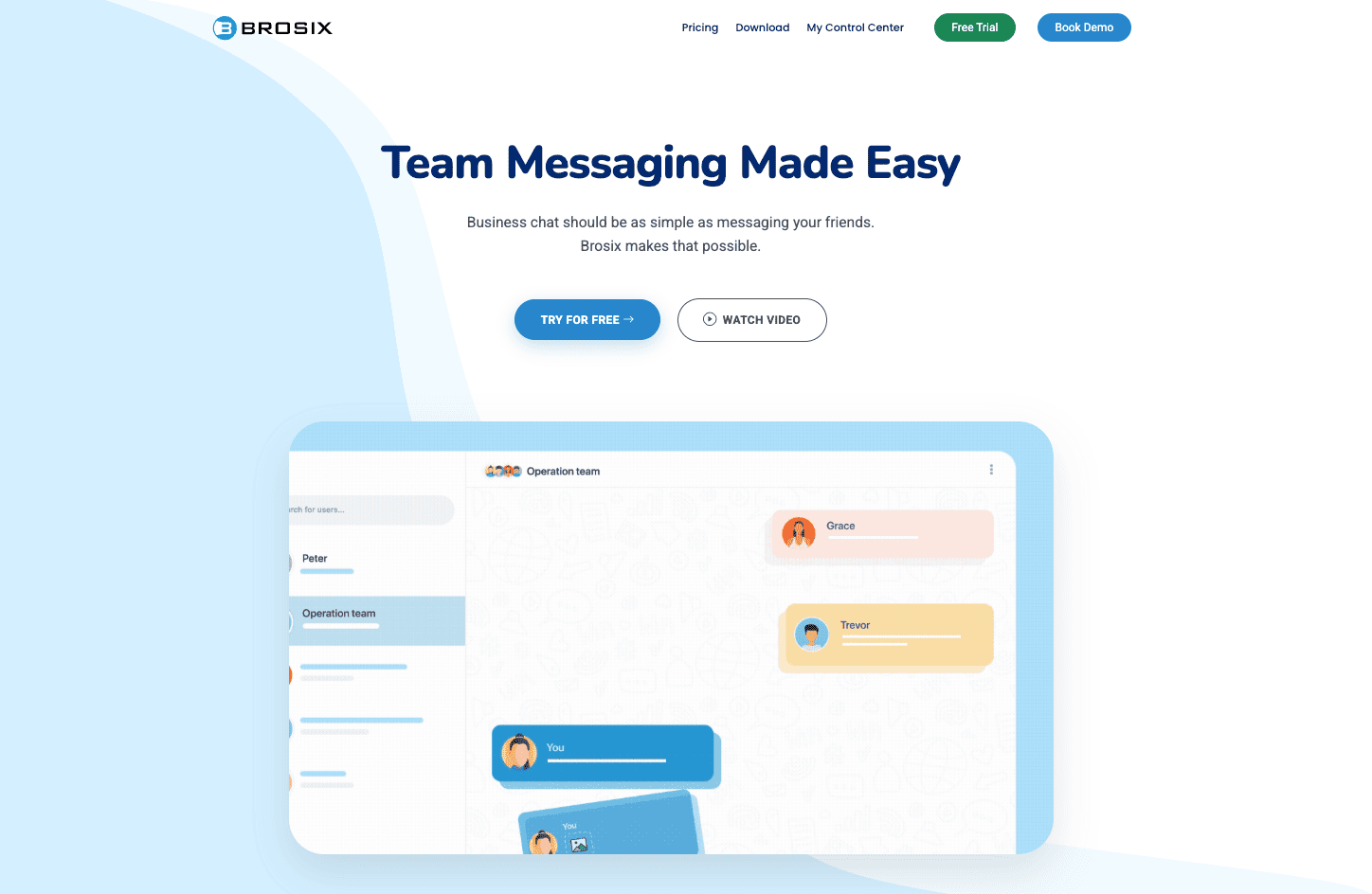
Brosix is a secure, enterprise-focused team communication platform that operates as a closed network — meaning your organization controls the entire communication environment without exposure to public servers. It's particularly well-suited for industries with strict data handling requirements.
A note on the performance stat: Some sources have attributed a "37% performance improvement" to Brosix via a Gartner citation. To be accurate: the Gartner research (May 2022) found that organizations succeeding at connecting employees to organizational culture can increase employee performance by up to 37% and retention by up to 36%. This is a finding about culture connectedness broadly — not a performance claim specific to any individual chat platform. It's a useful benchmark for why communication investment matters, but should be understood in that context.
What Features Does Brosix Offer?
Administration Controls Granular user group management, permission levels, and activity review give IT and HR administrators the oversight they need without relying on employees to self-manage their communication environment.
Improved Security Antivirus scanning, multi-level security tiers for different user roles, and customizable chat history retention address compliance and data governance requirements that general-purpose tools often can't meet.
Real-Time Communication Text chat, chat rooms, video and audio calls, and broadcast messaging for mass announcements give teams multiple modalities for staying connected — from one-on-one conversations to org-wide notices.
Teamwork Features Offline messaging, screenshot sharing, and automated welcome messages for new users add practical collaboration capabilities that support everyday team workflows.
Collaboration An integrated online whiteboard for interactive discussions, screen sharing, and file transfer round out the platform's core collaboration toolkit.
8. Spike
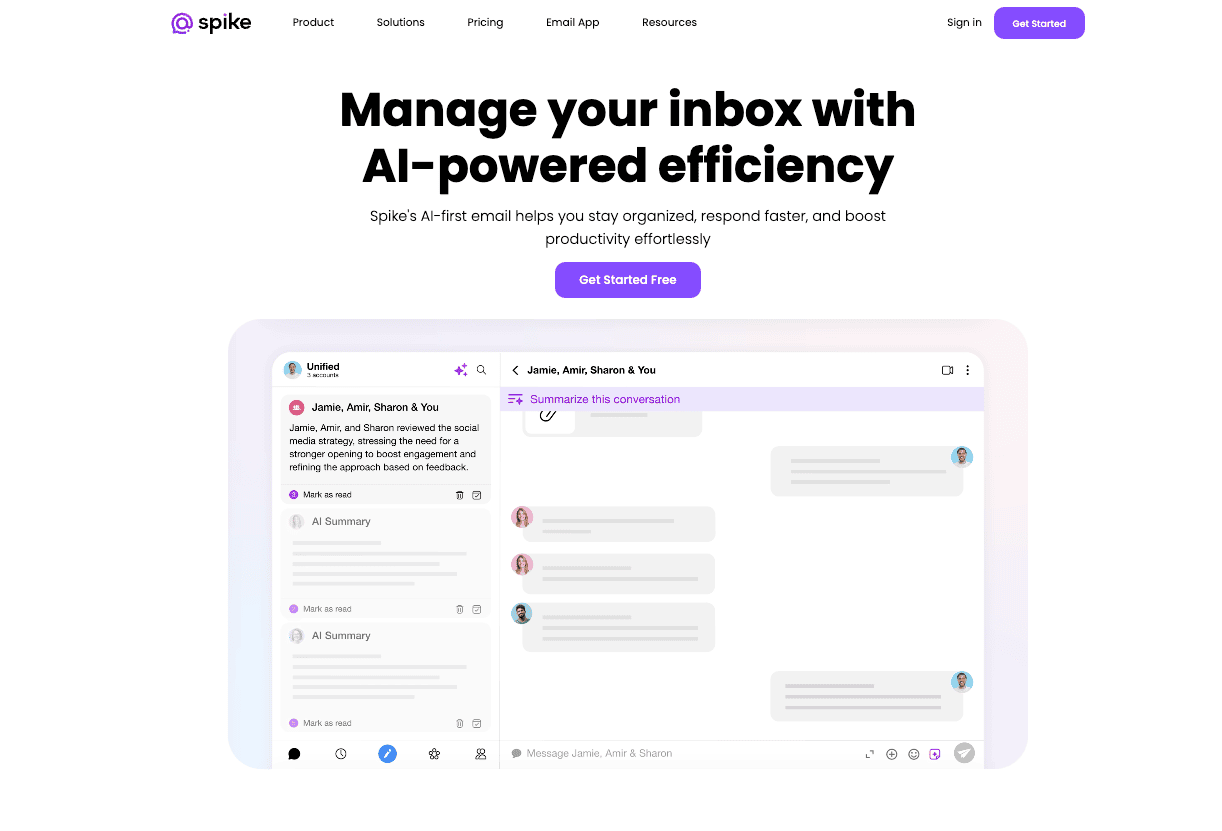
Spike takes a different approach to workplace communication by converting email threads into a chat-like conversational format. If your team still runs critical workflows through email — and many do — Spike removes the inbox formality that slows communication down without forcing a full migration away from email.
What Features Does Spike Offer?
Conversational Email Email threads are displayed in chat format, stripped of headers and signatures, so they read like direct messages. Teams get the speed of chat with the deliverability of email — useful when communicating with clients or external stakeholders who aren't on your internal platform.
Collaborative Tasks Spike's task system allows teams to create and share to-do lists with individuals or groups, giving project work a structured home inside the communication platform rather than a separate project management tool.
Content Calendars A built-in collaborative calendar lets content teams, marketing teams, and communications managers plan posts, campaigns, and schedules together. Every team member can contribute to and view the shared calendar without requiring a separate tool.
Worth noting: Spike is a strong choice for teams where email is deeply embedded in daily workflow. For organizations that have already fully migrated to channel-based messaging, Spike's core value proposition is less differentiated.
9. Rocket.Chat
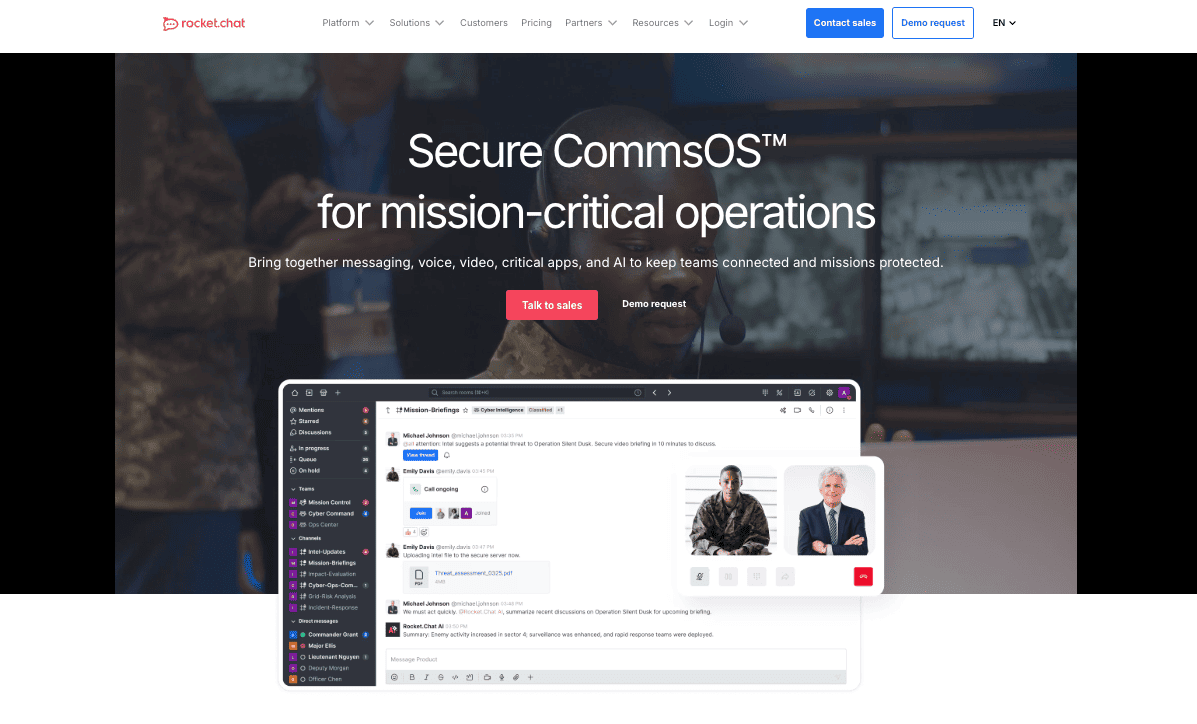
Rocket.Chat is a self-hosted, open-source communication platform for technical teams that want complete control over their communication infrastructure. Its team collaboration architecture extends into customer-facing communication, making it useful not just for internal teams but for organizations that want to unify internal and external conversations in a single workspace.
What Features Does Rocket.Chat Offer?
Versatile Design Rocket.Chat handles both internal team communication and external customer conversations within the same environment. Support teams, customer success, and sales teams can manage client interactions alongside internal collaboration — reducing the platform sprawl that affects many growing organizations.
Powerful Tools Users access customizable apps, open APIs, plugins, and webhooks, giving technical teams the flexibility to design the platform around their exact operational requirements. If your current chat tool doesn't integrate with your systems, Rocket.Chat likely can.
Meaningful Conversations Live chat, video conferencing, and direct messaging give teams multiple ways to stay in contact. A full audit history means administrators can review conversation records for compliance or training purposes.
How to Choose: A Quick Decision Framework
Most organizations default to Slack or Microsoft Teams out of familiarity. That's a reasonable starting point — but it leaves a real gap if your workforce includes frontline workers, if you need recognition programs tied to communication, or if you want chat data connected to broader HR analytics and employee engagement programs.
| If your priority is… | Consider… |
|---|---|
| HR integration + recognition + programs + engagement | HR Cloud (Workmates) |
| Frontline and deskless worker access | HR Cloud Mobile App |
| Maximum third-party integrations | Slack |
| Microsoft 365 ecosystem users | Microsoft Teams |
| Developer and technical teams needing data control | Mattermost or Rocket.Chat |
| Budget-conscious teams needing core chat features | Pumble |
| Email-heavy workflows needing modernization | Spike |
| Secure, closed-network enterprise communication | Brosix |
Choose the Best Workplace Chat Apps for Your Team
Workplace communication tools are no longer just about sending messages. The best platforms in 2026 connect communication to culture, recognition to results, and daily conversations to the kind of data that helps HR leaders make better decisions about employee motivation and performance culture.
If your team needs a dedicated messaging app, Slack and Microsoft Teams remain strong options. If you need a platform that connects communication directly to your broader HR strategy — including onboarding, recognition programs, performance, and engagement analytics — HR Cloud's Workmates is built for exactly that.
You can calculate the ROI of switching to Workmates or book a free demo to see how it fits your organization's specific communication and engagement needs.
Related reading:
- Top 10 Benefits of Effective Communication in the Workplace
- The Ultimate Guide to Employee Onboarding in 2025
- Internal Communication Software for HR Teams
Frequently Asked Questions
What is a workplace chat app?
A workplace chat app is a software platform that enables employees to send real-time messages, share files, and collaborate within organized channels or groups. Modern platforms also support video calls, voice messaging, and integrations with HR systems, project management tools, and payroll platforms.
What is the best workplace chat app for teams in 2026?
The best choice depends on your organization's needs. Slack and Microsoft Teams are the most widely used standalone messaging tools. HR Cloud's Workmates is the best choice for organizations that need communication integrated with recognition programs, onboarding, and HR analytics in a single platform. Mattermost and Rocket.Chat are best for technical teams requiring self-hosted, open-source infrastructure.
Is Slack better than Microsoft Teams?
Slack generally suits teams that rely on diverse third-party integrations and prefer a messaging-first experience. Microsoft Teams better serves organizations already embedded in the Microsoft 365 ecosystem. Neither platform includes native HR capabilities like onboarding workflows, performance management, or peer recognition. For HR-specific use cases, an integrated platform like HR Cloud addresses those gaps directly with comprehensive employee recognition ideas and recognition framework support.
What communication tools work best for frontline and deskless workers?
Frontline and deskless workers are underserved by desktop-first tools like Slack and Microsoft Teams. Mobile-first platforms built for non-desk employees — including HR Cloud's employee mobile app — are purpose-built for workers in healthcare, manufacturing, retail, and construction who access company communication from their phones, not a desktop computer.
Do I need separate apps for communication and employee engagement?
Not necessarily. Platforms like HR Cloud combine internal communication channels, company announcements, peer recognition, surveys, and HR analytics in a single platform — eliminating the need to run separate tools for messaging and engagement. See how Workmates combines both communication and recognition technology to support a comprehensive recognition culture.
About the author

Keep Reading


Like What You Hear?
We’d love to chat with you more about how HR Cloud® can support your business’s HR needs.
Book Your Free Demo