
HR Cloud

Healthcare HR software · Onboarding

Healthcare Employee Onboarding Software That Gets Clinicians Ready for Their First Shift

HR Cloud automates the forms, credential checks, training and approvals every new clinician needs.

  • Credential checks
  • Training approvals
  • Mobile completion

Trusted by 760+ HR teams across healthcare, logistics, education and retail.

Healthcare professionals meeting around a laptop, one of them smiling in a white coat with a stethoscope

Credential readiness

42 of 47 complete

RN LicenseBLS Cert

New hire status

Ready for Day 1

Forms signed · Tasks done
Manager notified

Trusted by leading companies

ToyotaChick-fil-APelotonAmazonBurger KingDunkin'KFCTaco BellBaskin RobbinsInterim HealthcareComfort SystemsOsmoseYMCAPizza Hut

Healthcare onboarding

How healthcare onboarding works in HR Cloud?

Healthcare employee onboarding software tracks everything a new clinical hire must complete before their first shift, including licenses, immunizations, background checks and training. HR Cloud turns these into role-based checklists, so HR can see exactly who is ready and who is not.

Signed paperwork is not the same as ready for the floor

  • Completed paperwork does not mean a clinician is ready for the floor.
  • Missing TB results, expiring BLS cards or unbooked orientation can delay the first shift.
  • HR Cloud ties requirements to each role and site, so missing items appear before the start date.

New RN, starts Monday

Example record

1/4 complete

Onboarding checklist

  • Onboarding packetComplete
  • TB resultMissing
  • BLS cardExpires in two weeks
  • Unit orientationNot booked
Onboard module · HR Cloud
3 remaining

Healthcare onboarding

Every healthcare requirement,
tracked in one place

Requirements differ by state, employer and role, so you set your own.
Typical items HR teams track:

  1. Credentials

    License and certification (RN, LPN, CNA, BLS, ACLS)

    Collects the document, routes it for approval and keeps it on the hire’s record
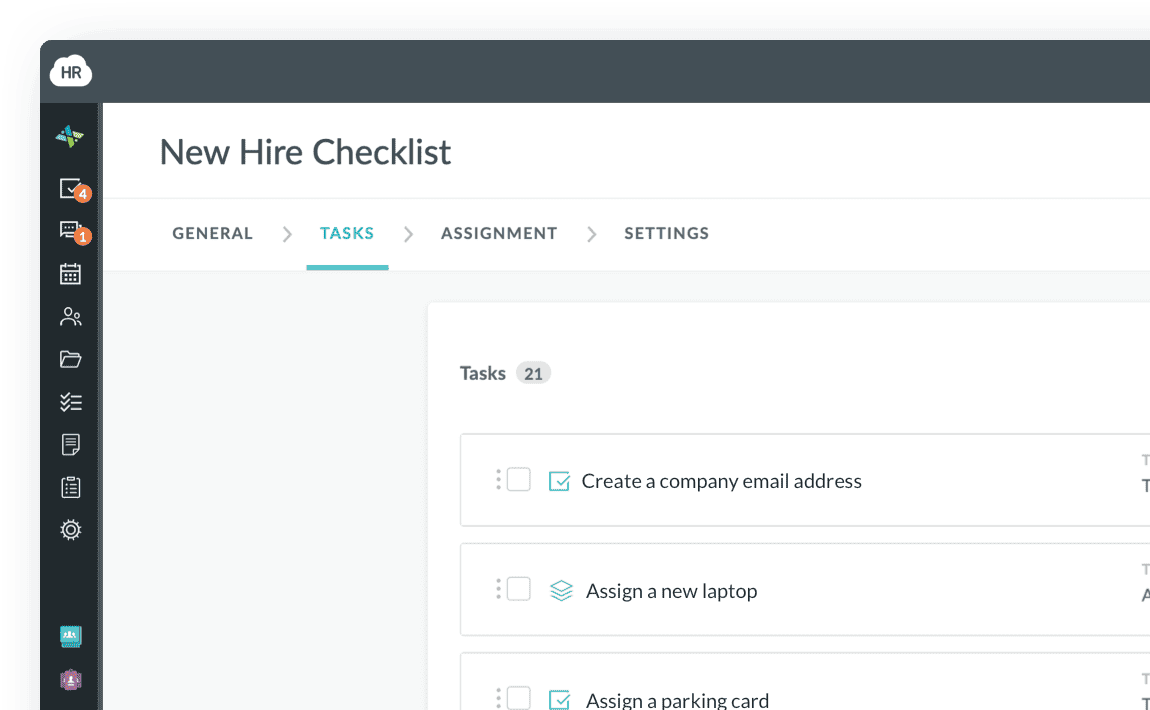
    HR Cloud Onboard New Hire Checklist with tasks, assignees and due dates
  2. Work eligibility

    Identity and work eligibility (I-9)

    Digital forms and document upload from any device
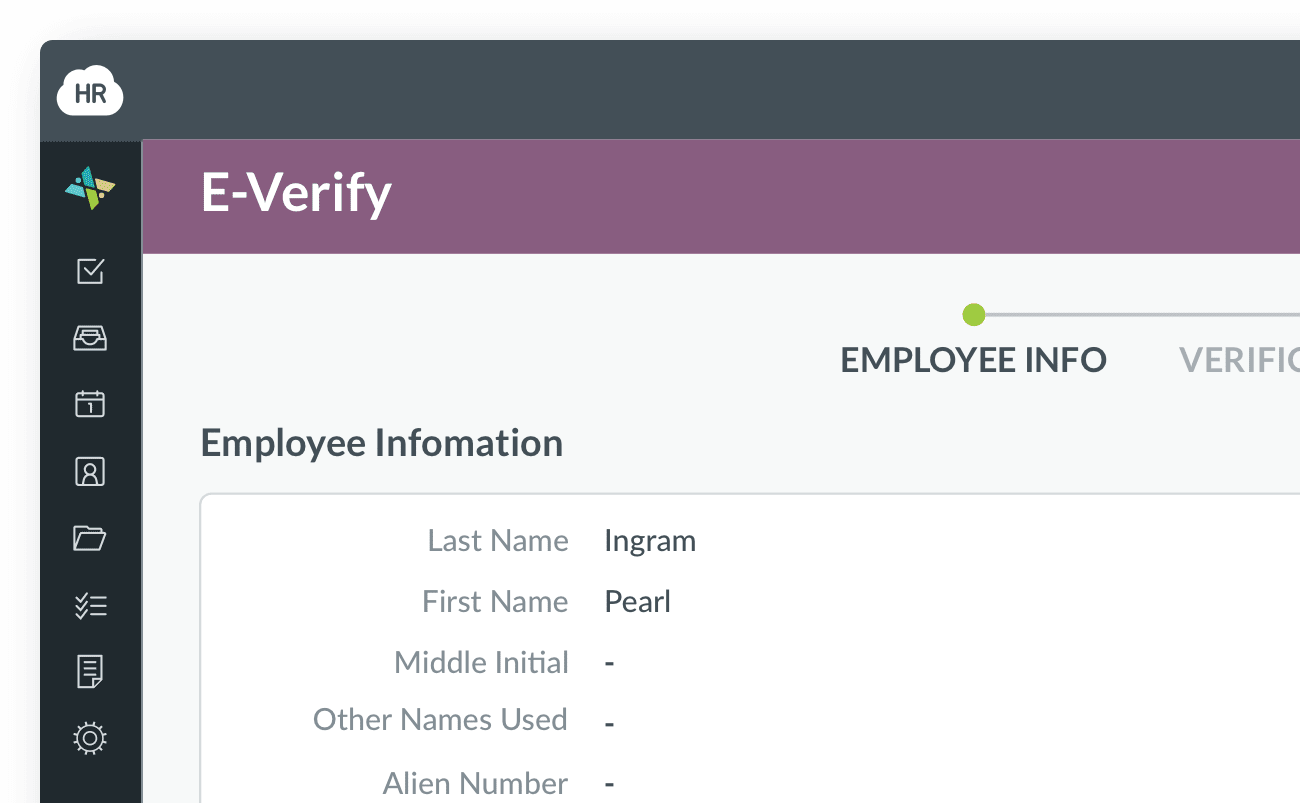
    HR Cloud E-Verify case showing the employee's information
  3. Screening

    Background and exclusion screening

    Tracks the status of each check on the hire’s record
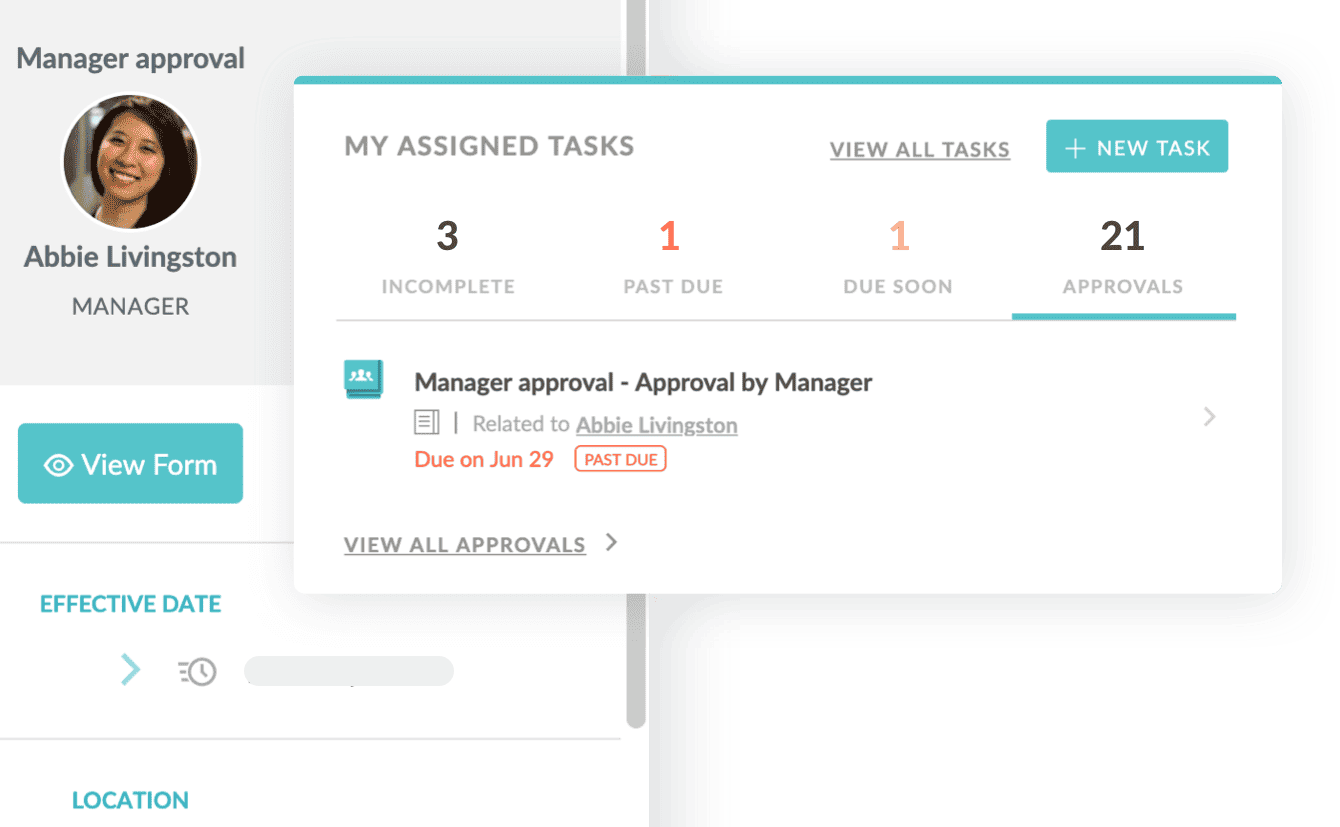
    HR Cloud manager approval request next to the assigned-tasks panel
  4. Health records

    Immunizations and TB screening

    The hire uploads proof, a reviewer approves it, and reminders go out for what is missing
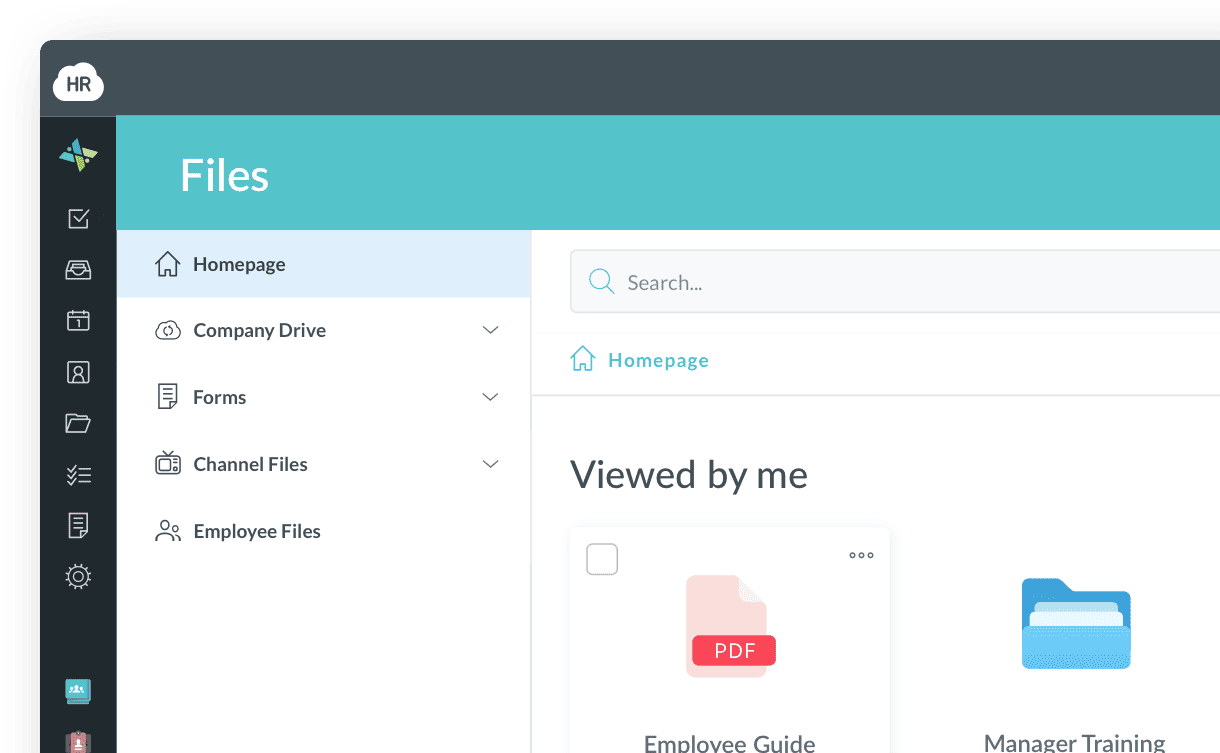
    HR Cloud Files area showing uploaded documents and forms
  5. Orientation

    Facility orientation and system access

    Creates tasks with due dates for the manager, IT and the unit
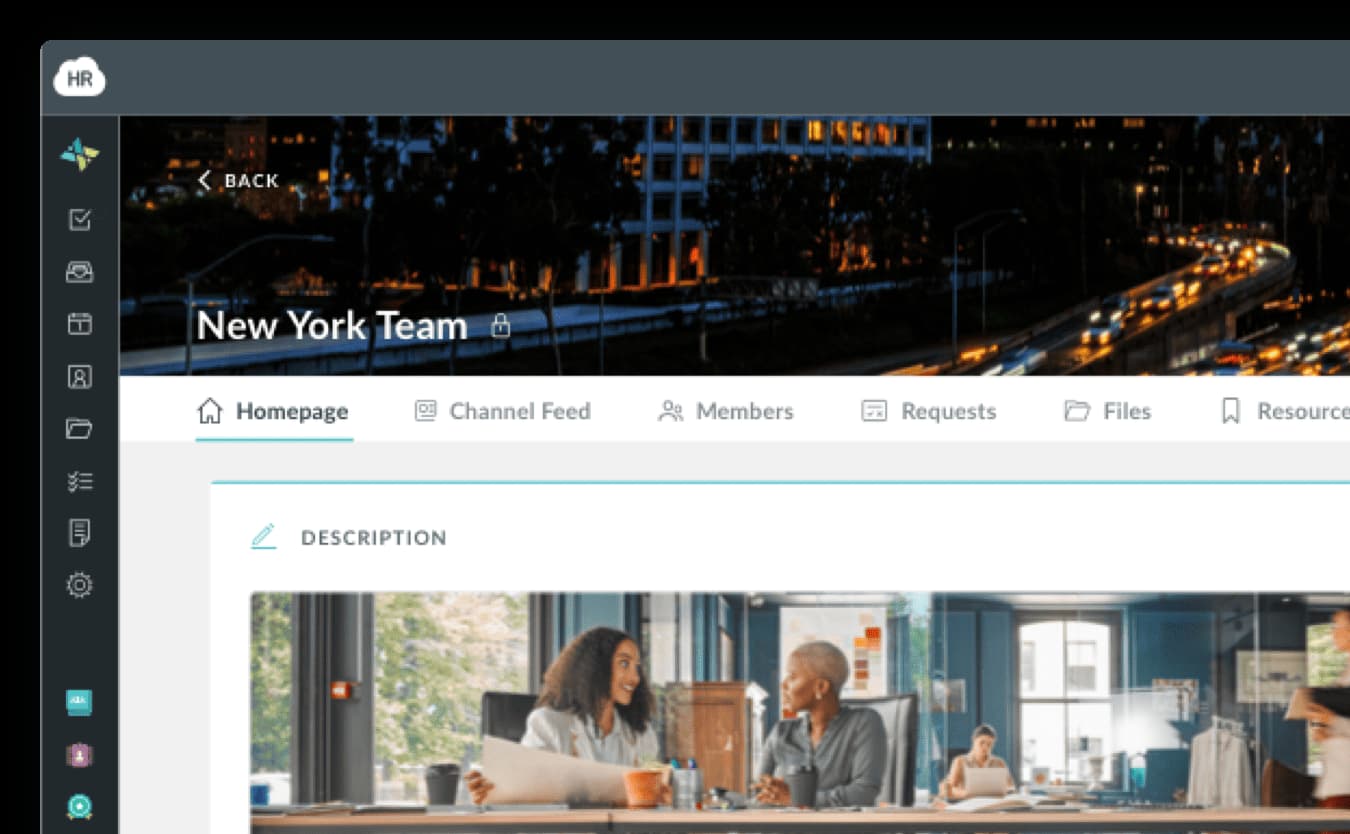
    HR Cloud team homepage with channel feed, members and files
  6. Payroll

    Payroll forms (W-4, direct deposit)

    Collects them digitally so nobody re-keys them
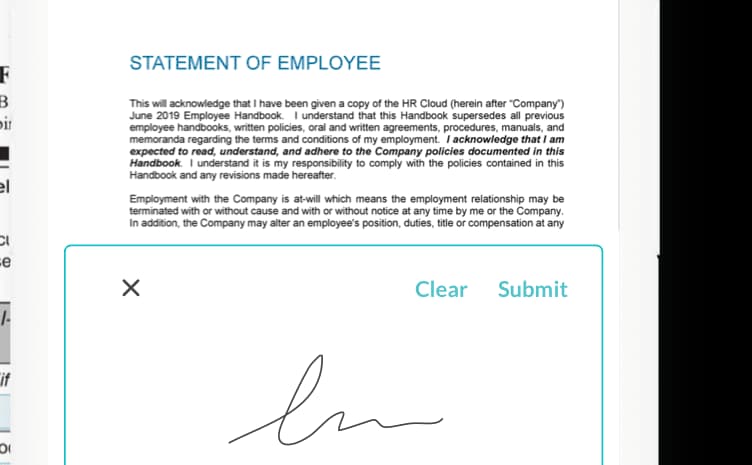
    HR Cloud employee handbook signed on a phone with an e-signature

How healthcare onboarding works in HR Cloud

A doctor in a white coat talking to a colleague on a video call at her laptop
Healthcare onboarding

Give clinical teams one clear path from completed forms to true first-shift readiness.

See who is ready, and what is blocking the rest

  • Track every hire’s stage and checklist progress in one dashboard.
  • Filter by site, role or start date to spot stalled hires and missing steps.
  • Give HR and managers a clear view of who is ready to start.
Readiness by stageSample data
  • Documents requested5 hires
  • Waiting on the hire3 hires
  • Awaiting reviewer approval4 hires
  • Ready for first shift6 hires
Onboard module · HR Cloud
A healthcare professional in scrubs completing onboarding tasks on a phone

Built for clinicians who don’t sit at a desk

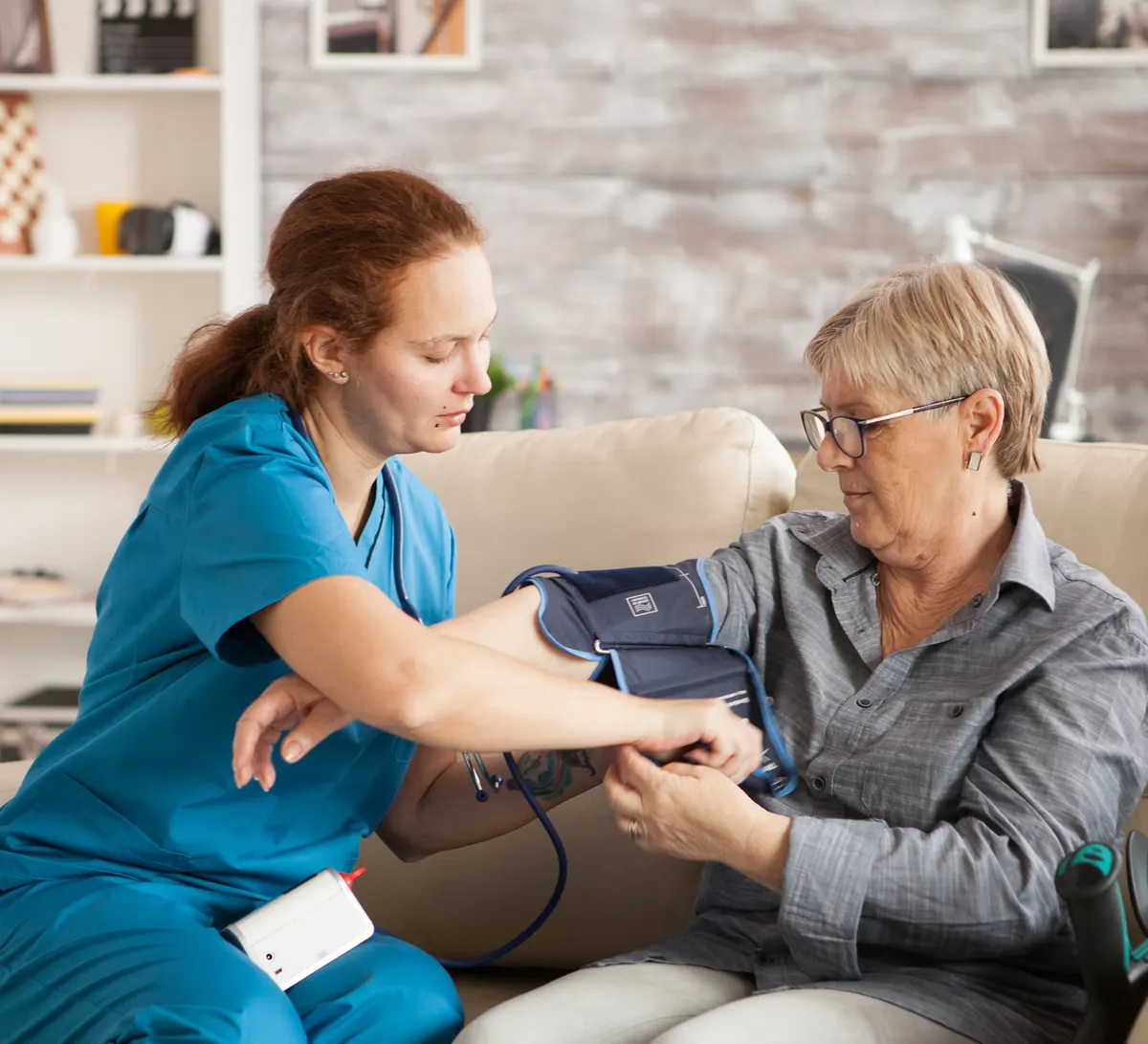
Nurses, aides and caregivers finish onboarding on their phones, between shifts. Forms are short, uploads use the camera, and e-signatures take seconds. Fewer abandoned packets means more of your hires show up on Day 1.

Built for every care setting

Hospitals and health systems

Multi-site, multi-unit onboarding with one template per role.

Skilled nursing and senior living

High-volume hiring of CNAs, LPNs and support staff, with fast turnaround.

Home health and home care

Field caregivers who onboard remotely and start quickly.

Behavioral health and rehab

Licensed-clinician credential tracking and role-specific training.

Customer success

How healthcare teams use HR Cloud

Three healthcare organizations, three different problems. Here is what each set out to fix.
Interim HealthCare
Interim HealthCare
Read the Interim HealthCare case study
97%
monthly active usage across locations
Interim HealthCare

Multi-location home care

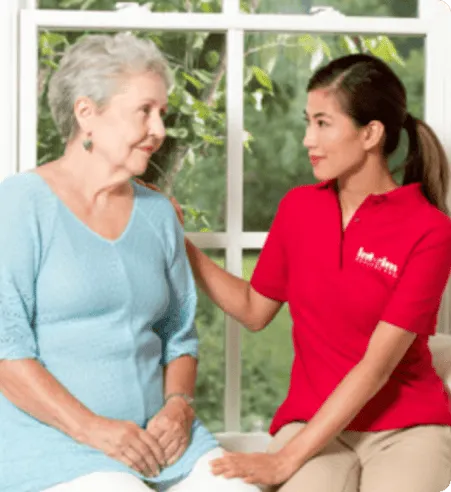
Interim HealthCare franchises in Manassas, Salt Lake City and Sioux Falls use HR Cloud for recruiting, onboarding and employee engagement. Candidates submit documents through an app, and a single rollout covers every location.


6 weeks
for a full rollout
60%
efficiency improvement
Behavioral Progression
Read the Behavioral Progression case study
8 hours
saved by HR each week onboarding new hires
Behavioral Progression

Behavioral health

The team moved compliance documentation off paper and onto HR Cloud. Managers now see where their teams stand, and HR spends less time on each new hire.

66%
efficiency gain
Medlinks Staffing
Medlinks Staffing
See more customer stories
Real-time
workforce statistics
Medlinks Staffing

Healthcare staffing

Medlinks uses HR Cloud to share project information with its workforce and to report real-time workforce and productivity numbers. Those reports have helped the team show it can take on more work and win more projects.

Productivity
reporting for client projects

Keep new hires after Day 1

Onboarding is the first step, not the last. HR Cloud connects Recruit (applicant tracking), Onboard, People HRIS and Workmates (recognition, surveys and internal communication).

Recruit · Healthcare recruiting

Build your care team. Keep hiring moving.

  • Applicant tracking
  • Interviews
  • Offers

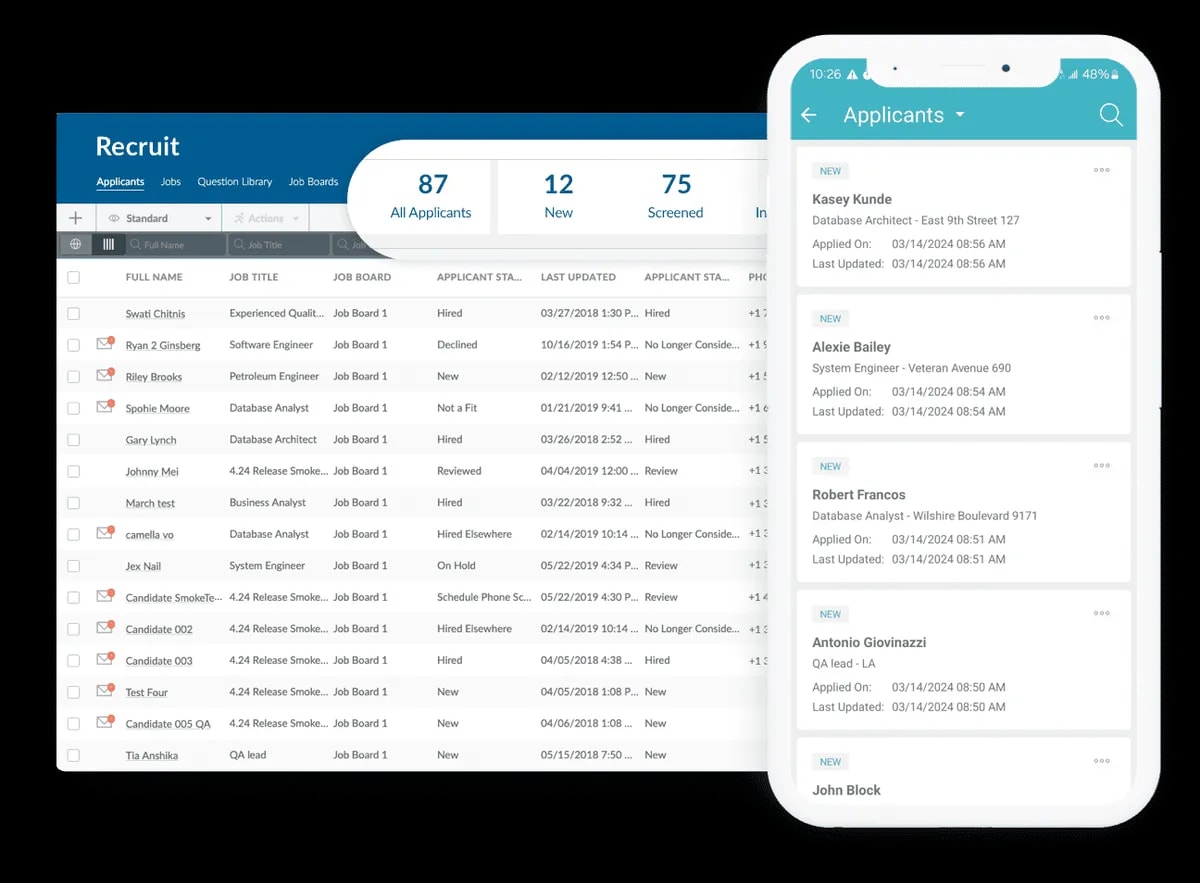
Manage jobs, applicants and interviews in one applicant tracking system, then move accepted candidates into healthcare onboarding.

Explore Recruit ATS
HR Cloud Recruit applicant dashboard and mobile candidate list
Recruit · Applicant tracking

Onboard · Healthcare onboarding

Get clinicians ready for their first shift.

  • Checklists
  • E-signatures
  • Reminders

Automate healthcare employee onboarding with role-based checklists, document collection and reminders. New hires complete their steps from any device.

Explore Onboard
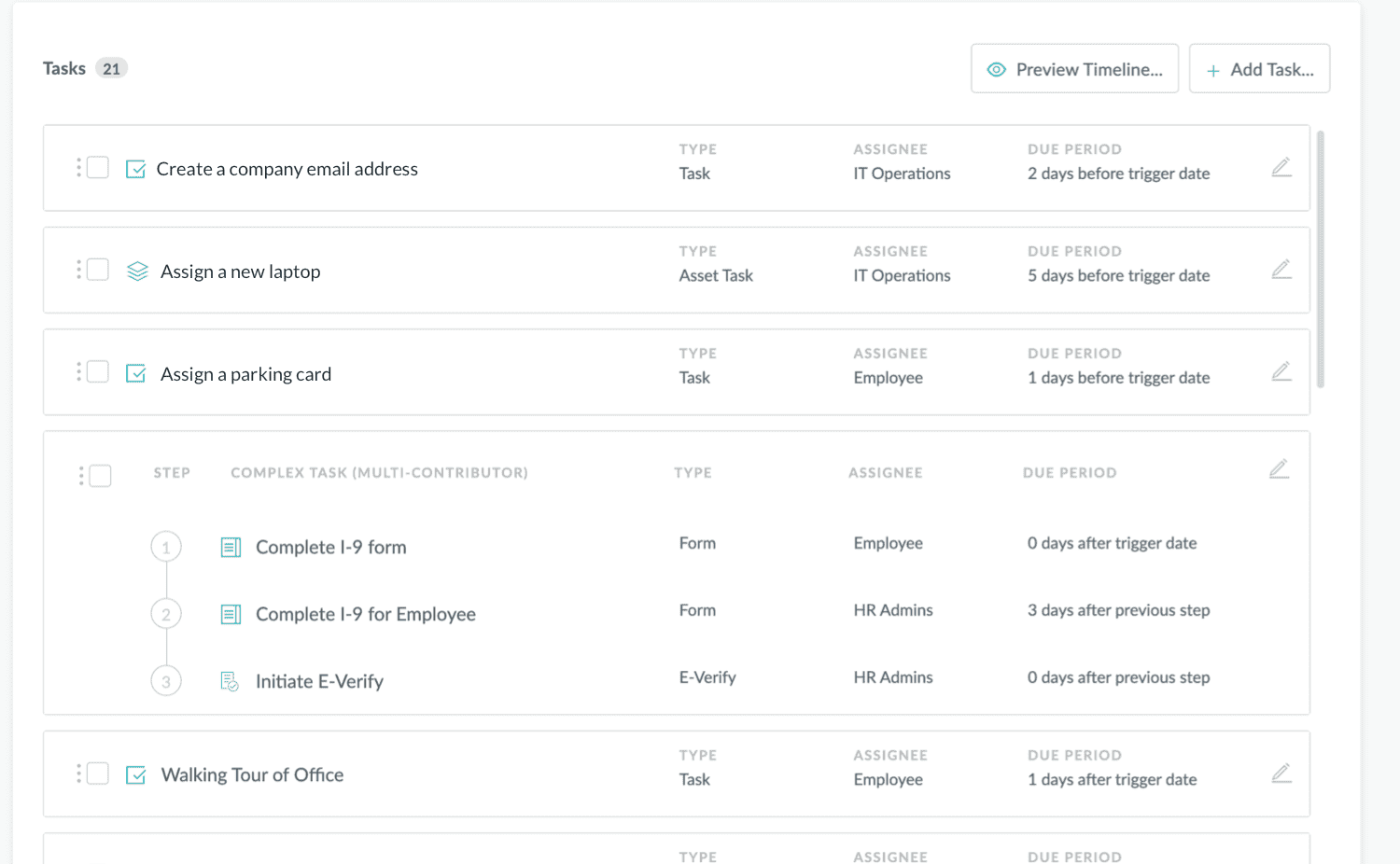
HR Cloud Onboard New Hire Checklist with tasks, assignees and due periods
Onboard · Workflows & checklists

People HRIS · Employee records

One employee record. Less scattered information.

  • Employee records
  • Documents
  • Self-service

Keep employee profiles, documents and job details together in your HRIS, with new-hire information carried forward from onboarding.

Explore People HRIS
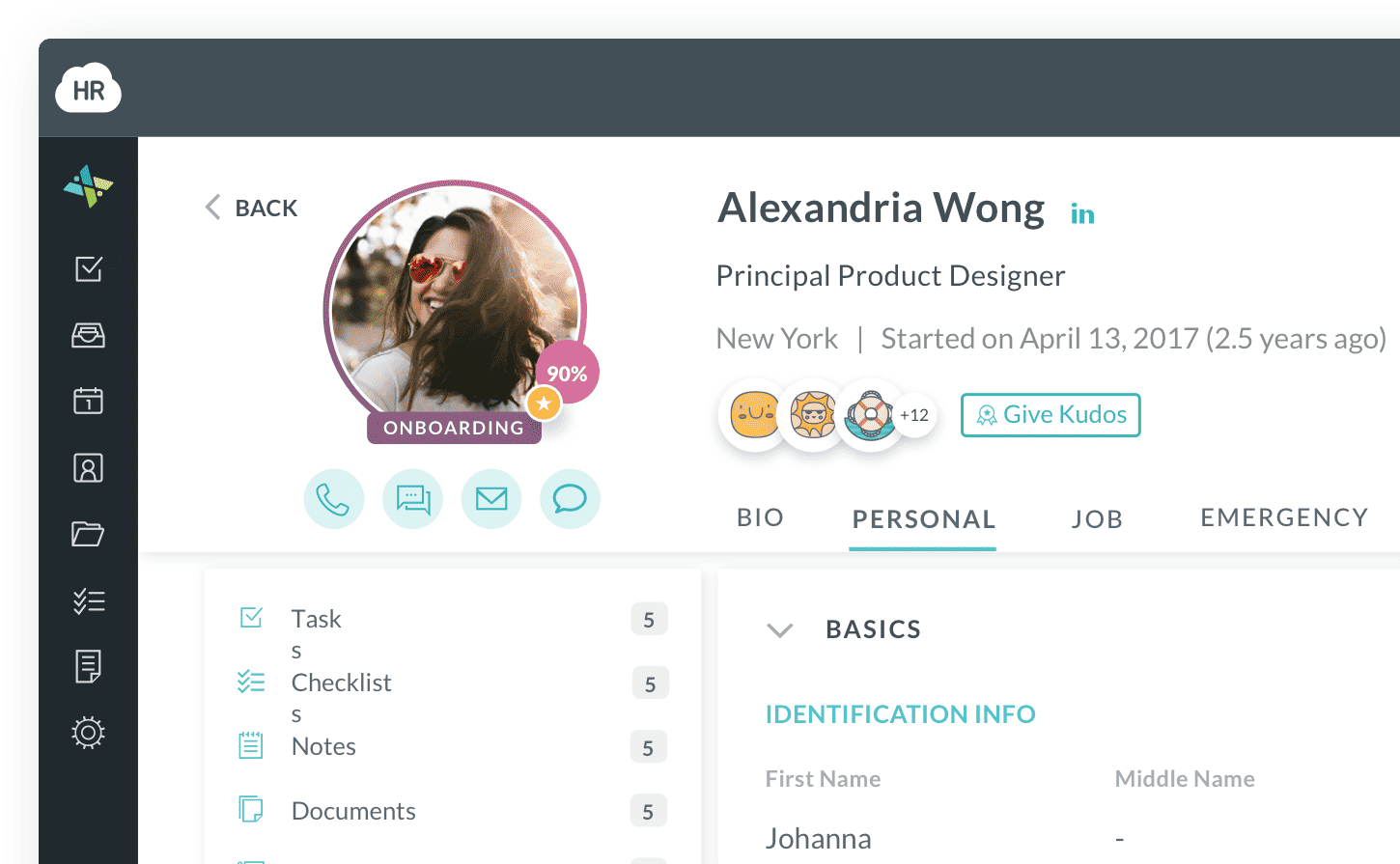
HR Cloud employee profile with personal details, documents and manager
People HRIS · Employee information

Workmates · Employee engagement

Keep care teams connected after Day 1.

  • Communication
  • Recognition
  • Surveys

Use employee engagement software to share updates, recognize great care and gather feedback across locations—beyond the first shift.

Explore Workmates
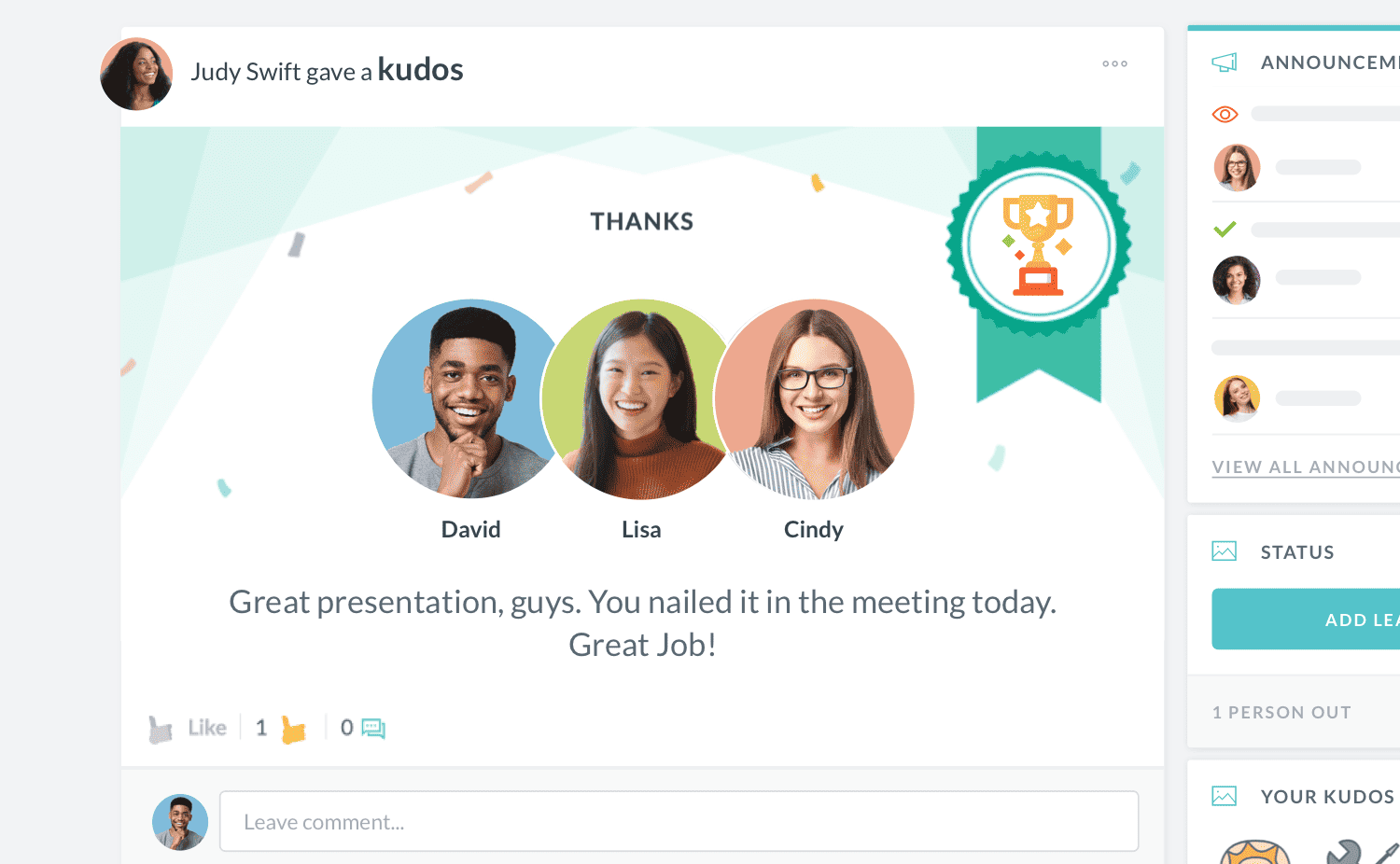
HR Cloud Workmates employee recognition interface
Workmates · Employee engagement

The data from hiring carries through to the employee record, and your team can recognize and survey new staff during the first 90 days, when turnover risk is highest.

How HR Cloud compares

Capability comparison: paper and spreadsheets, payroll-system onboarding and HR Cloud
CapabilityPaper and spreadsheetsPayroll-system onboardingHR Cloud
ManualLimitedYes
NoVariesYes
NoRarelyYes
NoLimitedYes
NoPartialYes

Works with the systems you already use

  • Start with Onboard and keep your current payroll platform.
  • Connect your payroll, HRIS and recruiting tools while retaining your existing systems of record where appropriate.
  • Integration details are confirmed during setup.

Frequently asked questions

It manages everything a new clinical or support hire must complete before their first shift, including licenses, immunizations, background checks, training and tax forms. HR Cloud turns these into role-based checklists, collects documents from the new hire's phone, and shows HR which requirements are still open.
It should track license and certification verification, I-9 work eligibility, background and exclusion screening, immunizations and TB results, required training, facility orientation and payroll forms. HR Cloud lets you configure these by role, site and state, with approvals and reminders for anything missing.
Yes. You can build onboarding checklists that adapt by role, department or location, so an RN, a caregiver and a therapist each get the steps that apply to them.
Yes. HR Cloud is built for deskless workers, so new hires can complete forms, upload documents with their phone camera and sign electronically without a computer.
Not necessarily. HR Cloud is modular: you can start with Onboard and keep your existing payroll platform, then add Recruit, People HRIS or Workmates later.
It is for HR and talent teams at hospitals, skilled nursing and senior living communities, home health and home care agencies, and behavioral health and rehabilitation providers, from single sites to multi-location groups.

Get every new hire ready before their first shift

Bring us your real onboarding process: your roles, your checklists, your sites. We’ll show you how it runs in HR Cloud.