

General contractors
Construction HR software · Onboarding
HR Cloud automates the forms, safety sign-offs, certification uploads and approvals every new crew member needs, from a phone or job-site tablet.
Trusted by 760+ HR teams, including field-based contractors and utility services companies such as Osmose and Comfort Systems USA.

Certification readiness
42 of 47 complete
New hire status
Cleared for Day 1
Forms signed · Safety signed
Manager notified
Trusted by leading companies














Construction onboarding
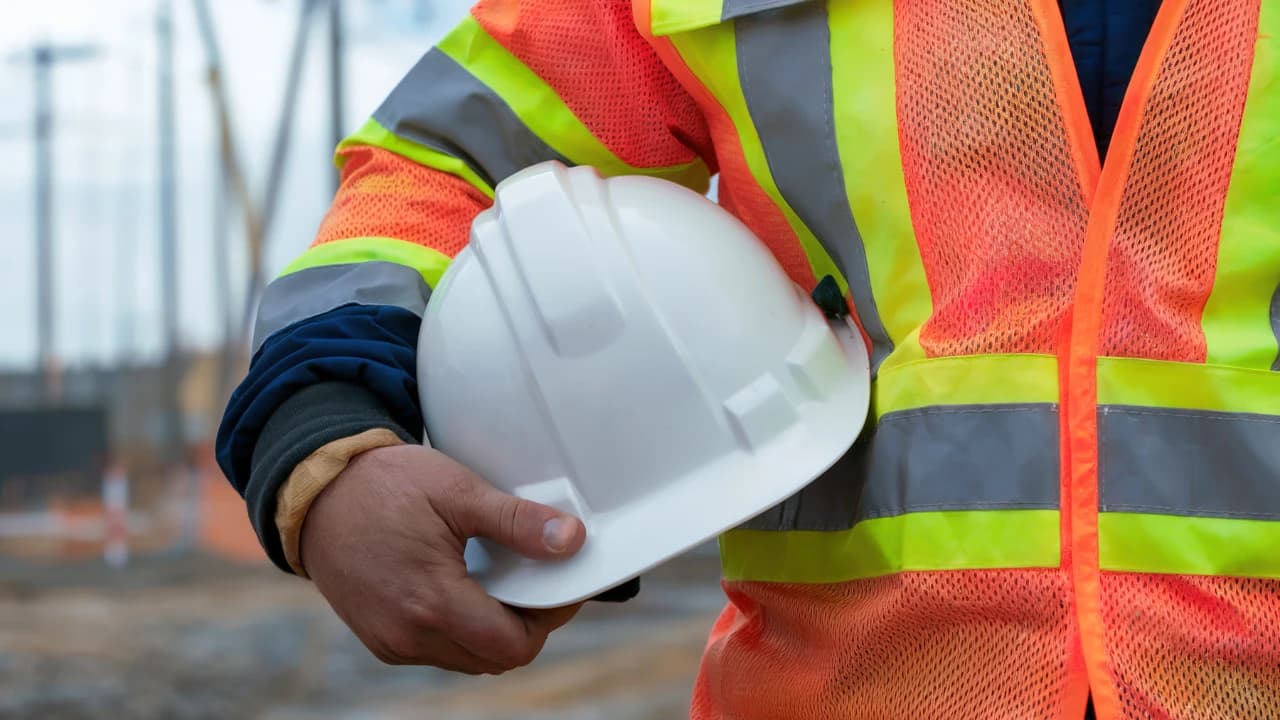
Construction onboarding software tracks everything a new crew member must complete before stepping onto an active site, including I-9 and W-4 forms, safety acknowledgements, OSHA cards and PPE issue. HR Cloud turns these into role- and location-based checklists, so HR and managers can see exactly who is cleared for site and who is not.
Example record
1/4 complete
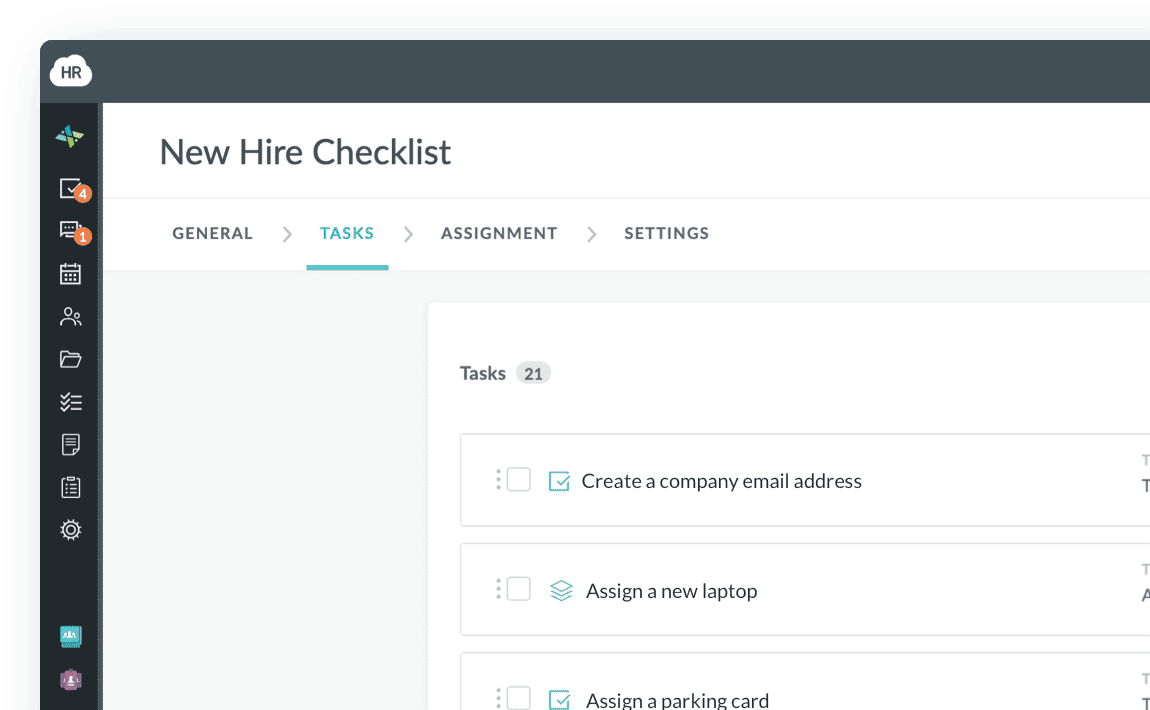
Onboarding checklist
Construction onboarding
Requirements differ by state, employer, trade and role, so you set your own.
Construction employee onboarding software captures each item once and syncs it to your HRIS and payroll system. Typical items HR teams track:
Certifications
Collects the card, routes it for approval and sends reminders before it expires
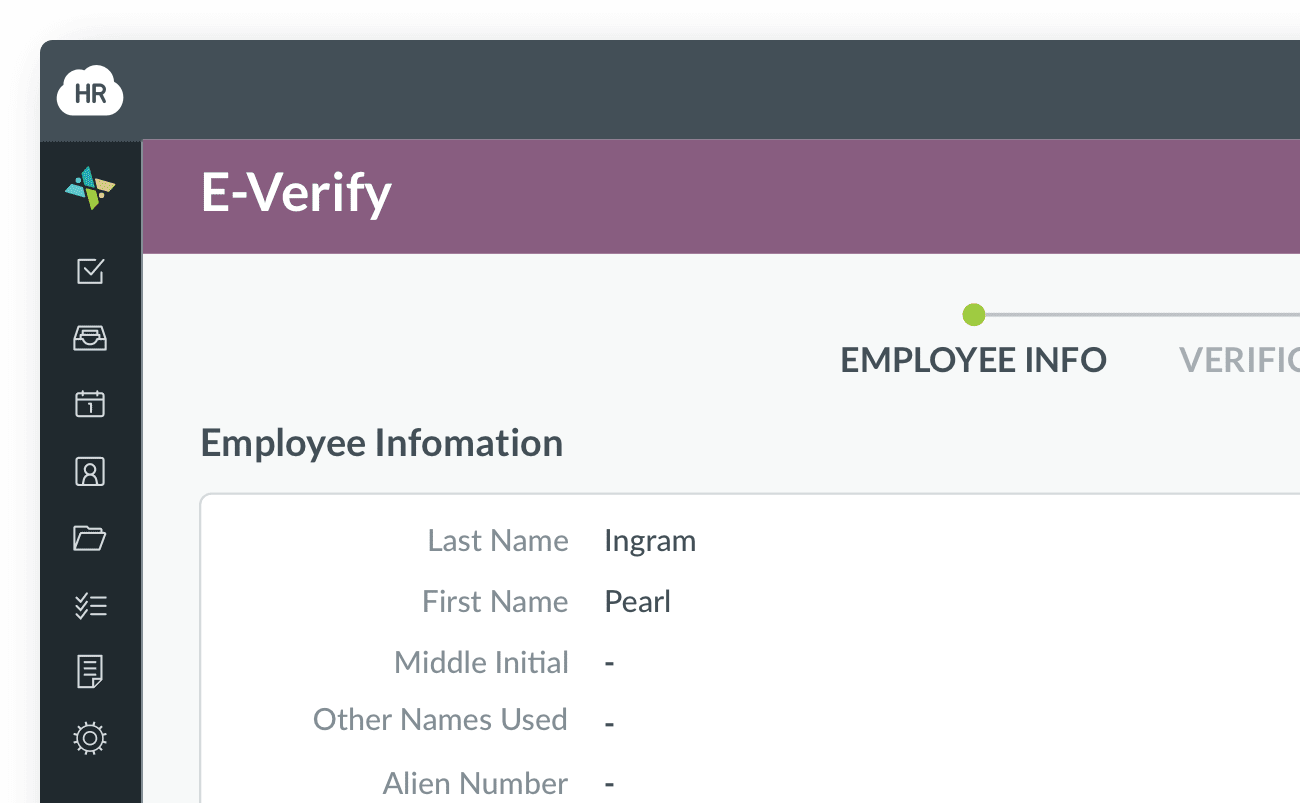
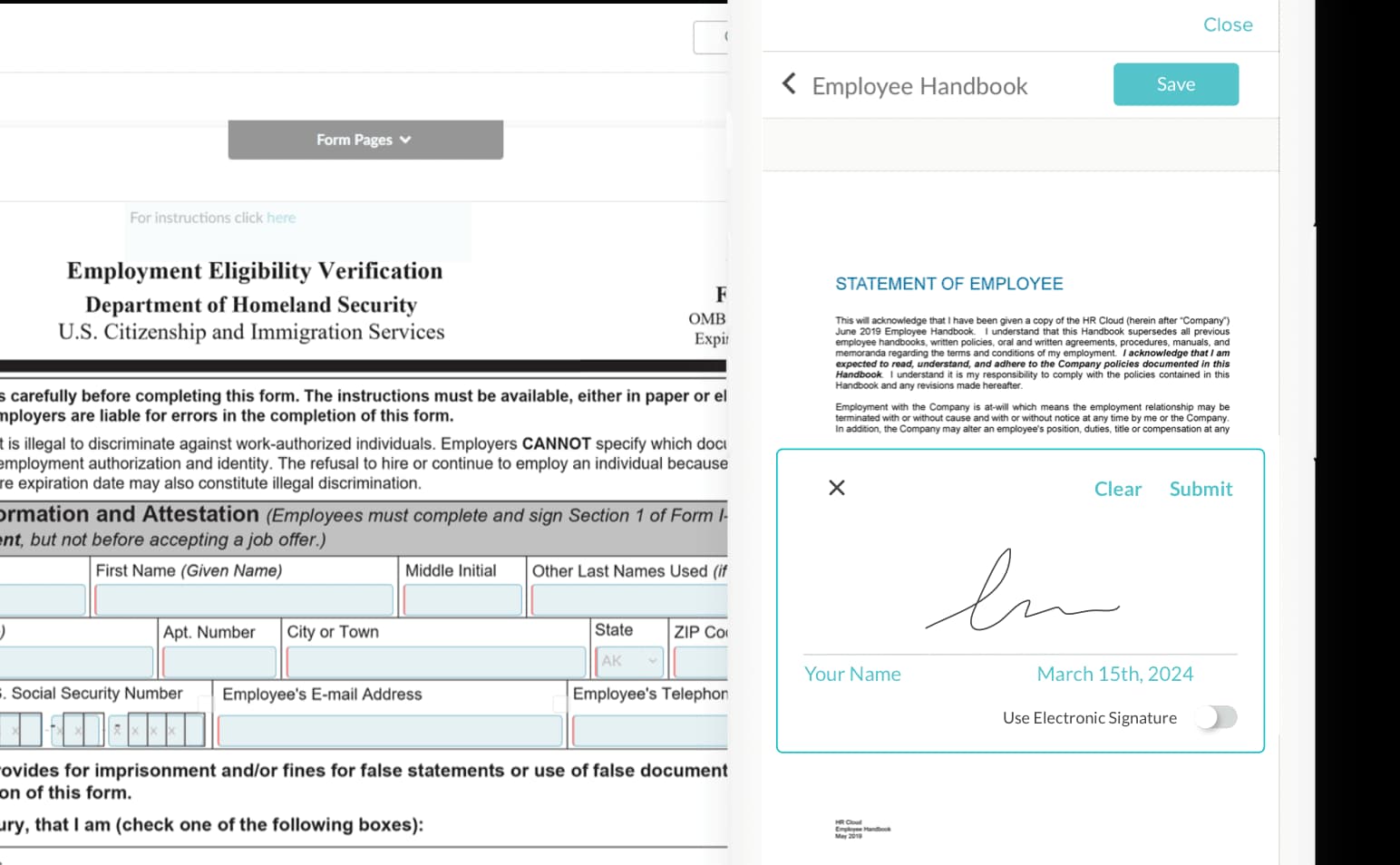
Work eligibility
Digital forms and document upload from any device
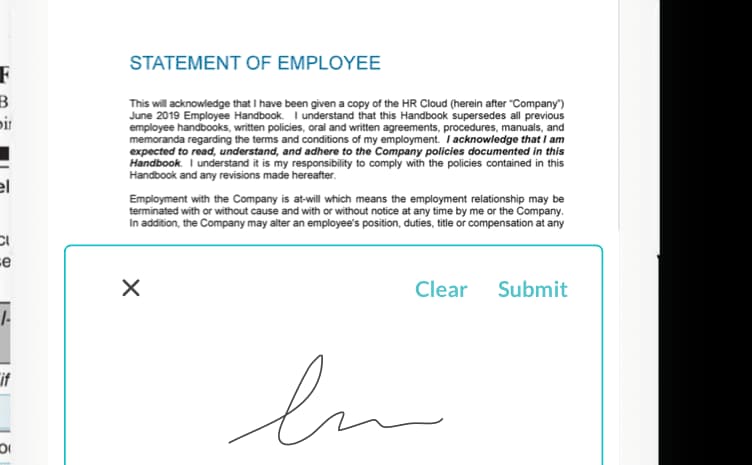
Safety
Signed acknowledgements stored on the hire’s record
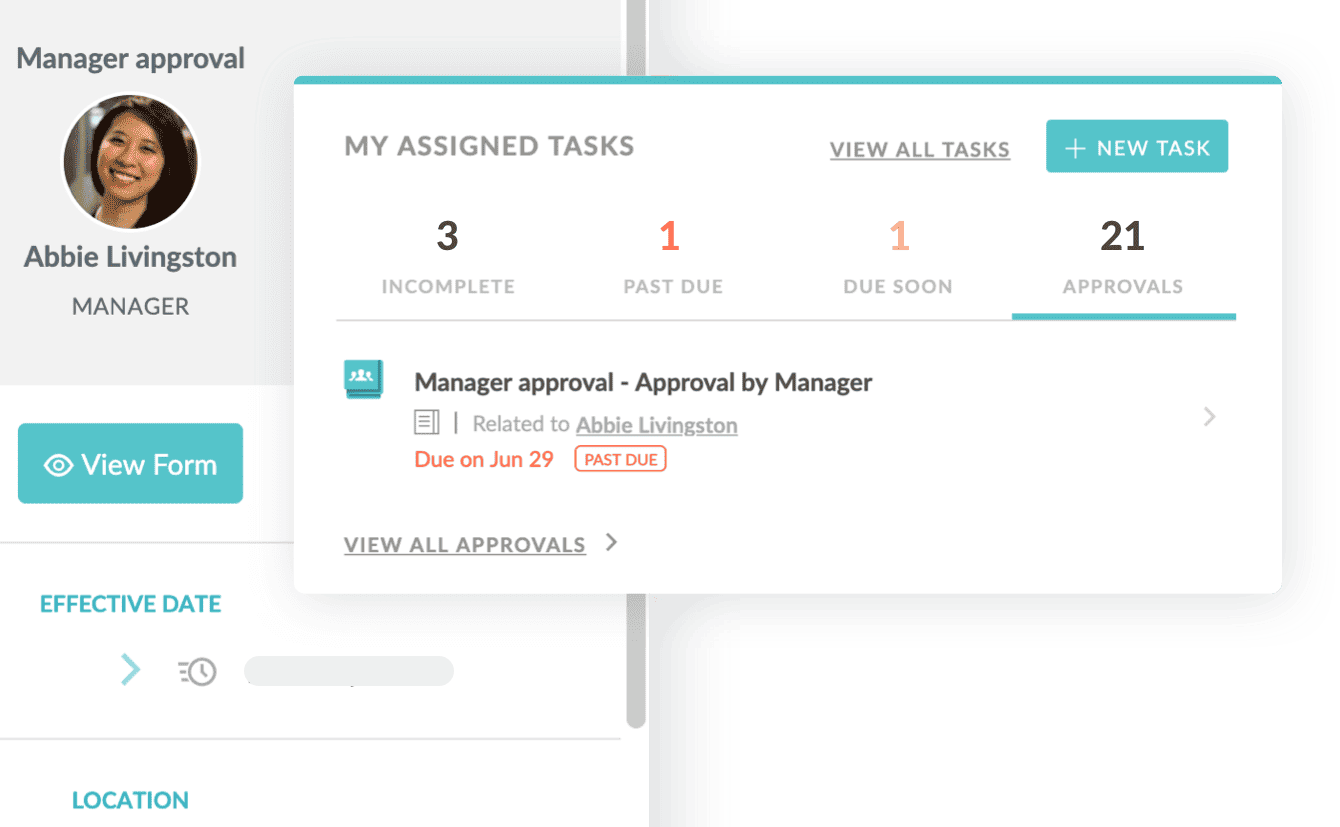
Site orientation
Creates tasks with due dates for the hiring manager, the safety lead and HR, and sends approvals to one queue
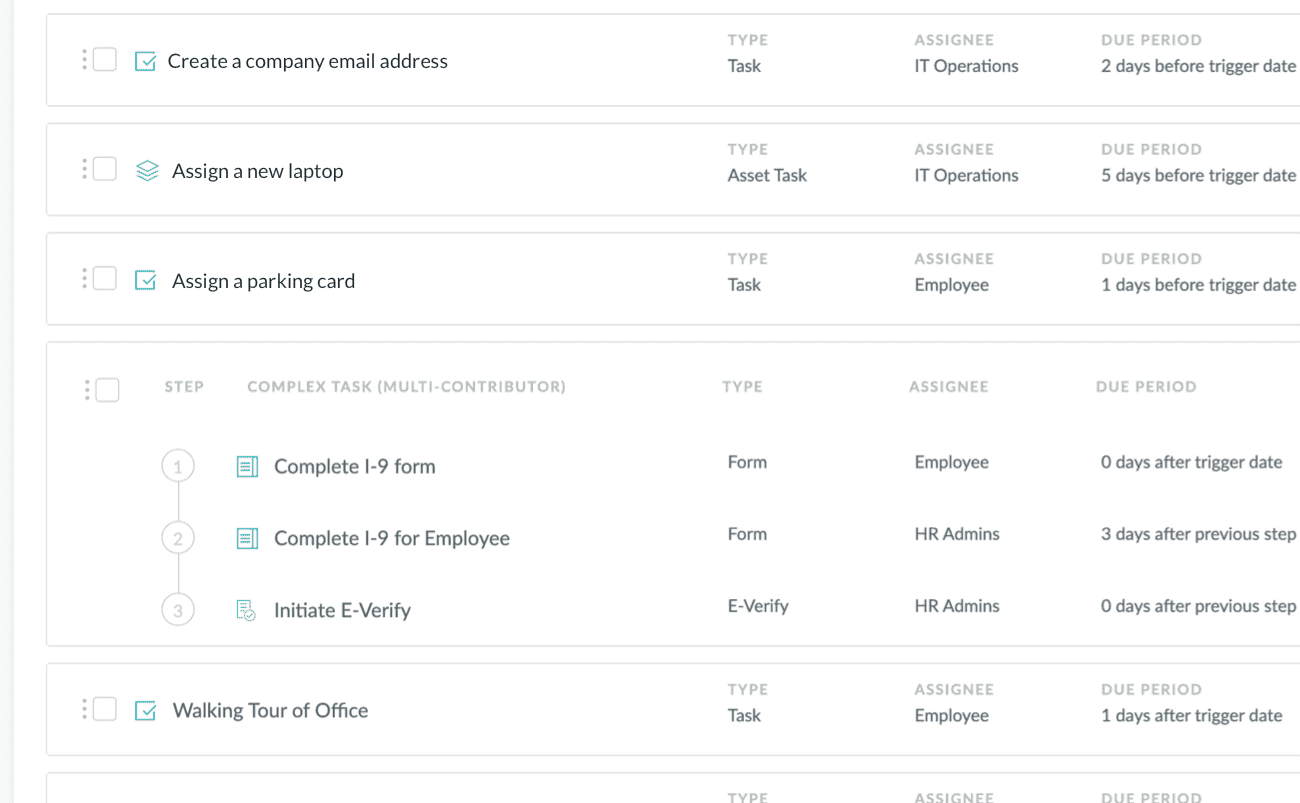
Equipment
Creates asset tasks with due dates so equipment is issued before the first shift
Payroll
Collects them digitally so new-hire data can sync to your payroll system instead of being re-keyed

Give field and office teams one clear path from signed forms to true site readiness.
Laborers, operators and tradespeople finish onboarding on their phones, before the shift starts. Forms are short, uploads use the camera, and e-signatures take seconds. For walk-up hires and crews without smartphones, a job-site tablet works as an onboarding station. Fewer abandoned packets means more of your hires are cleared on Day 1.

Customer success
Three field-based organizations, three different problems. Here is what each set out to fix.

Utility infrastructure services
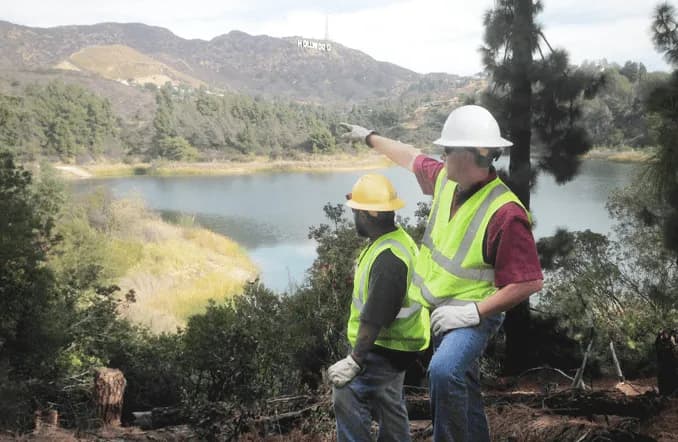
Osmose crews inspect and maintain utility structures far from a central office. Manual onboarding took up to two hours per new hire and caused data-entry errors. Osmose moved field onboarding to HR Cloud Onboard to save time, improve accuracy and keep I-9 and E-Verify work on schedule.

Environmental services
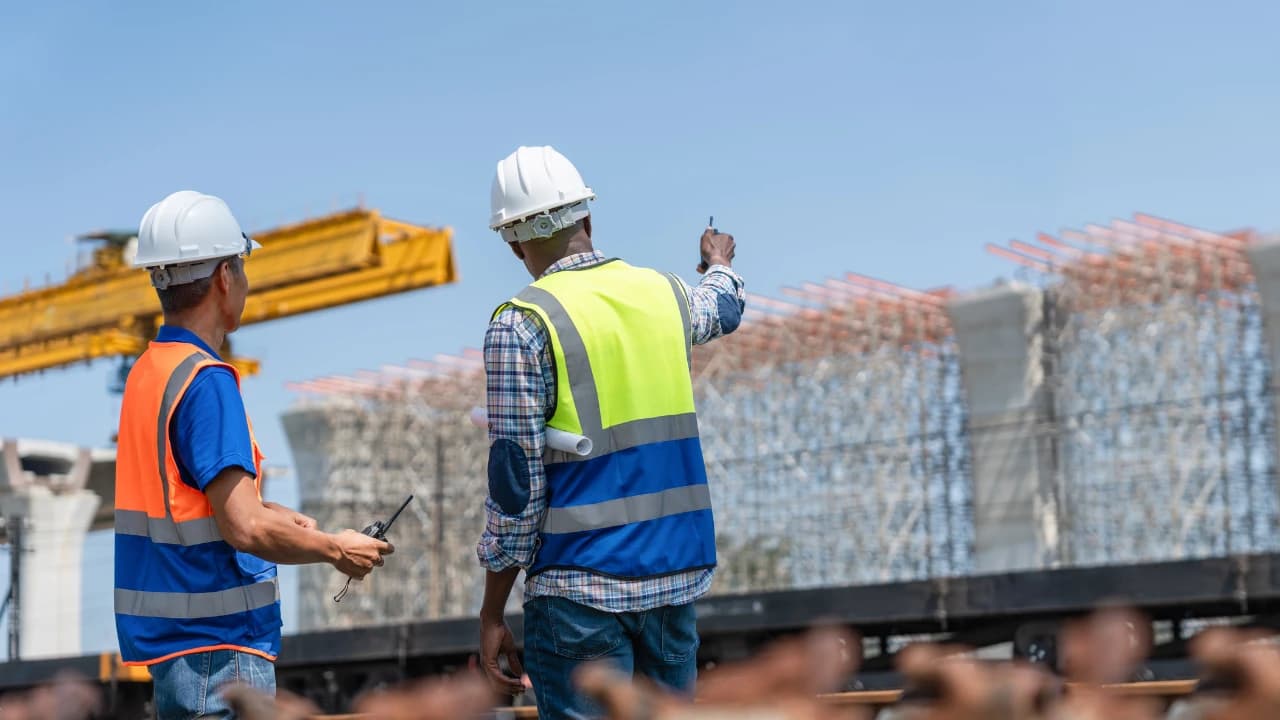
Veolia North America replaced spreadsheets, shared folders and manual email follow-ups with mobile-friendly onboarding for field employees who rarely reach email or a desktop. Task links go out by email or SMS, and HR tracks progress and logins live.
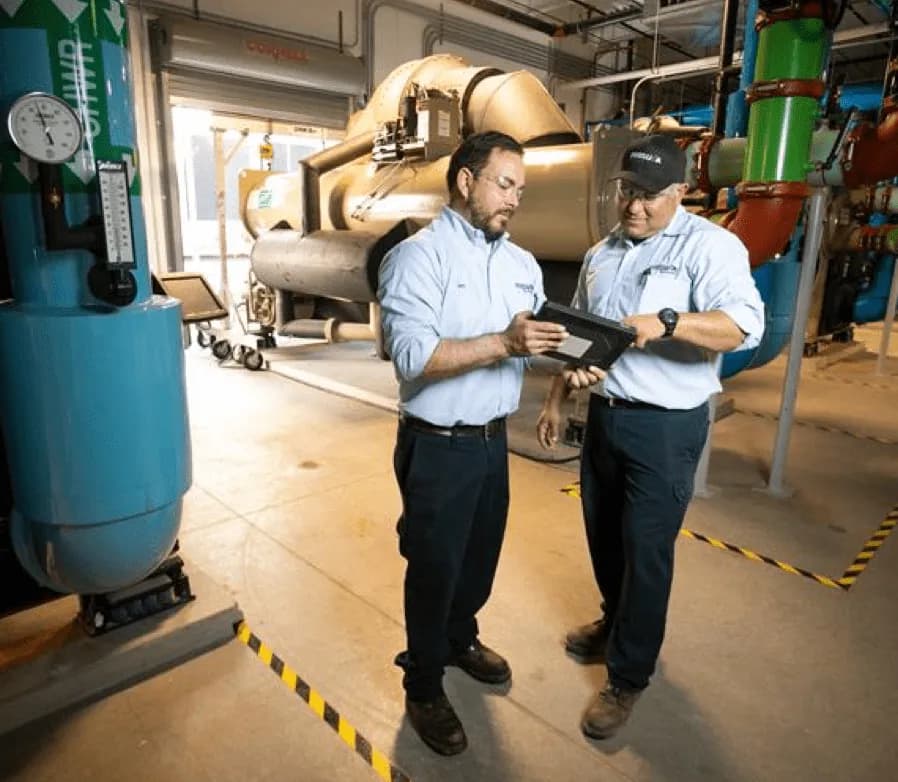

Construction
Comfort Systems USA Southwest had no employee communication or recognition platform across its regional offices, relying on email and a texting tool. HR Cloud gave associates a company-branded place to communicate and celebrate each other.
Onboarding is the first step, not the last. HR Cloud connects Recruit (applicant tracking), Onboard, People HRIS and Workmates (recognition, surveys and internal communication).
Recruit · Construction recruiting
Manage jobs, applicants and interviews in one applicant tracking system, then move accepted candidates straight into construction onboarding.
Explore Recruit ATS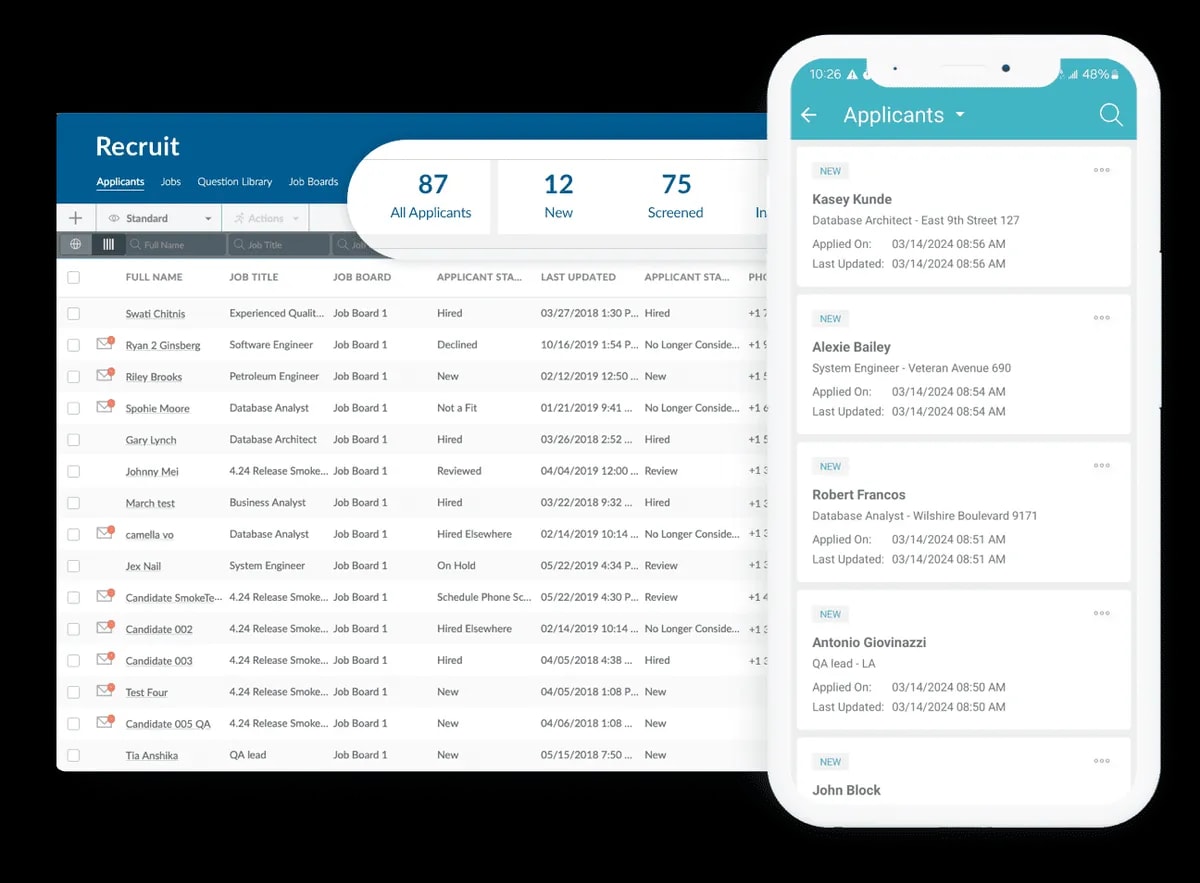
Onboard · Construction onboarding
Automate construction employee onboarding with role- and location-based checklists, document collection and reminders. New hires complete their steps from any device.
Explore Onboard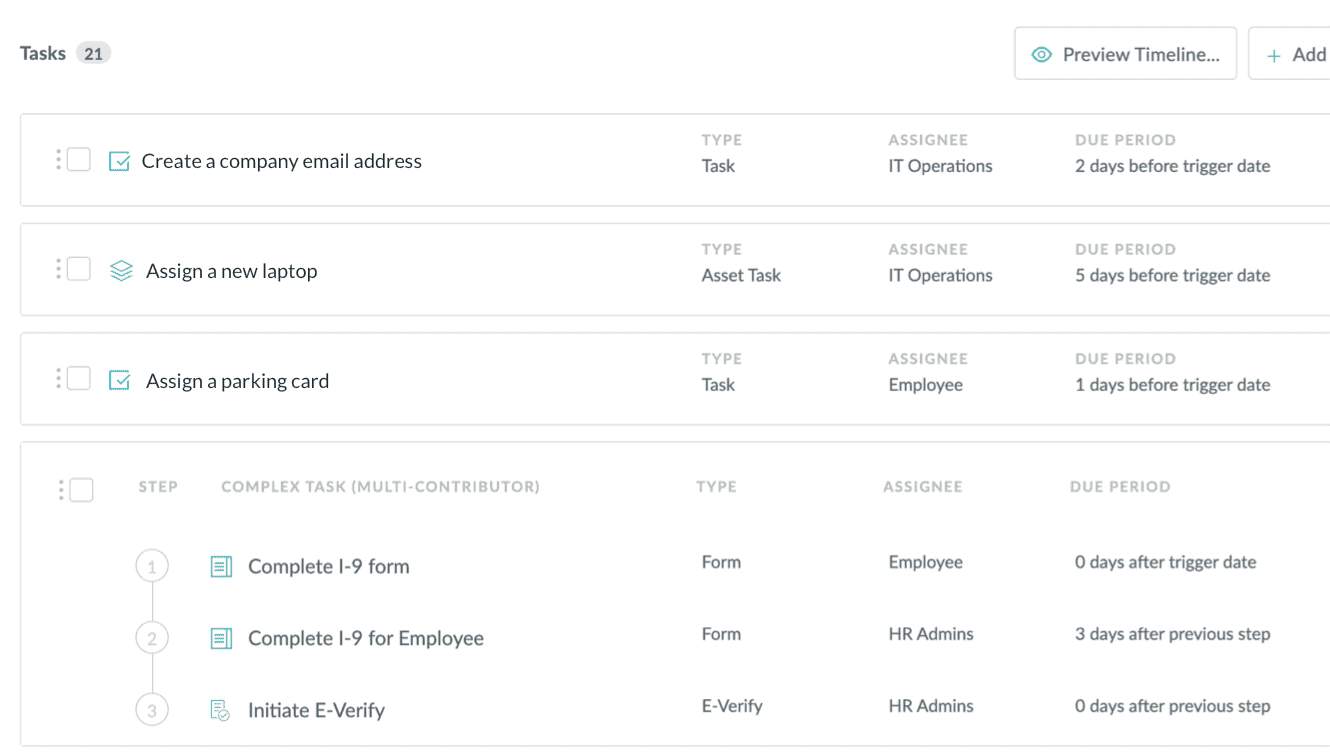
People HRIS · Employee records
Keep employee profiles, documents and job details together in your HRIS, with new-hire information carried forward from onboarding.
Explore People HRIS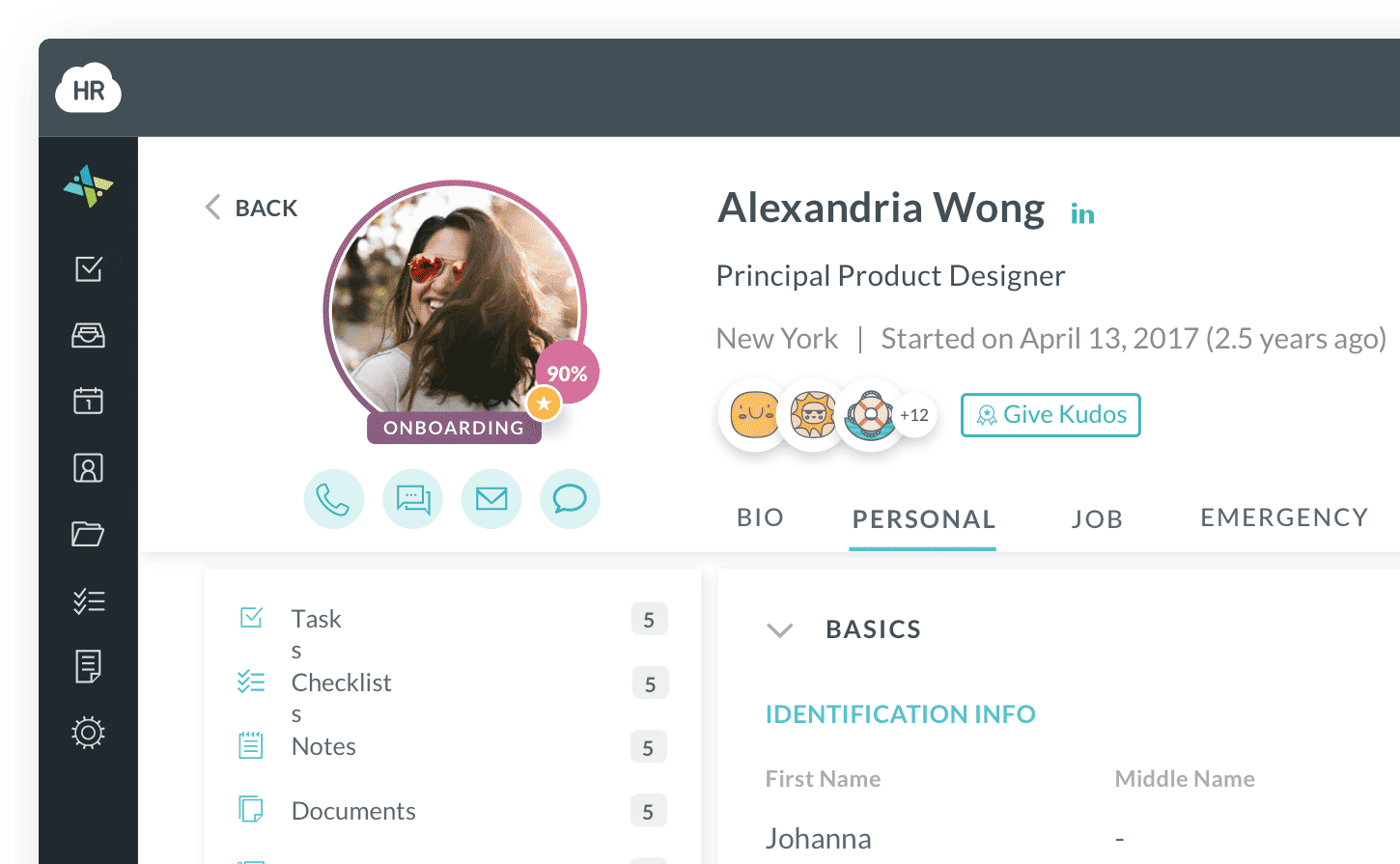
Workmates · Employee engagement
Use employee engagement software to share site updates, recognize great work and gather feedback across job sites and offices, beyond the first shift.
Explore Workmates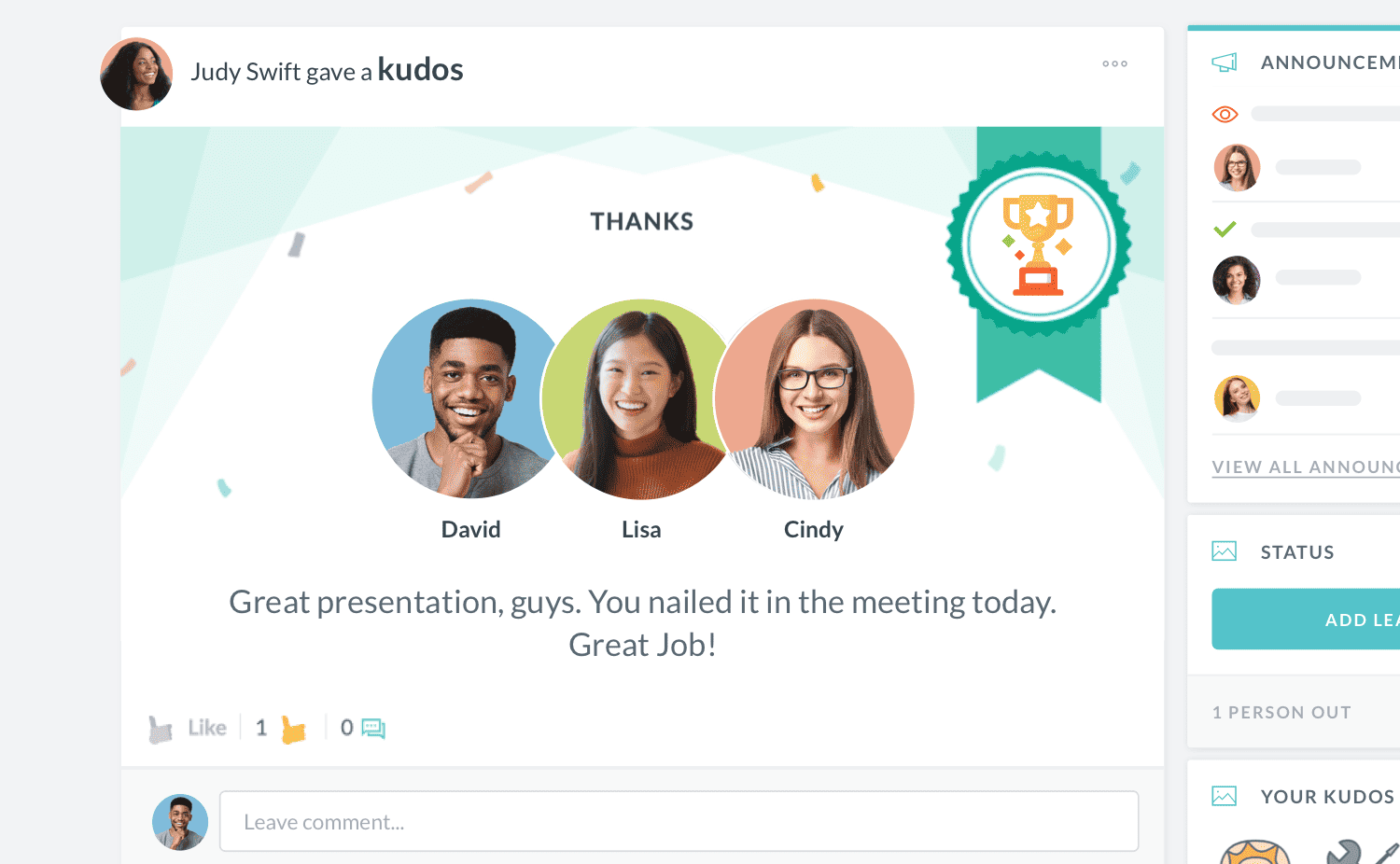
The data from hiring carries through to the employee record, and your team can recognize and survey new staff during the first 90 days, when turnover risk is highest.
HR Cloud is not a payroll system. It is the onboarding layer that integrates with the payroll you already run. Here is what it covers, and what it leaves to your payroll provider.
| What construction HR teams need | HR Cloud |
|---|---|
| I-9, W-4 and state forms | Collected as e-forms, with I-9 and E-Verify steps |
| Safety, PPE and policy sign-offs | E-signature acknowledgements and safety videos |
| Certificates and cards | Uploads on the hire’s record, with reminders set by HR |
| Completion in the field | On a phone or a job-site tablet |
| Visibility across job sites | Onboarding dashboard by department and location |
| Typical go-live | About 6 weeks on average |
| Crew engagement after Day 1 | Yes, with Workmates |
| Runs payroll | No. Integrates with ADP, UKG, Workday and Paylocity |



Bring us your real onboarding process: your roles, your trades, your job sites. We’ll show you how construction onboarding software runs in HR Cloud.
Live in about 6 weeks · Dedicated implementation lead · Support included · No payroll switch