Mobile First Healthcare Onboarding for Clinical Teams

Approximately 70-80% of healthcare workers are deskless, yet most HR technology vendors designed their onboarding systems for desktop users. Many platforms now claim "mobile-friendly" capabilities—but mobile-responsive and mobile-first are fundamentally different. Senior HR leaders evaluating onboarding platforms need to know what true mobile-first design looks like, what questions expose vendors who've simply shrunk their desktop interface, and what red flags signal a platform that will frustrate your clinical workforce from day one.
This article will help you evaluate vendor claims, ask the right questions, and select a platform that actually serves your deskless majority.
Let's start with a question that should shape every HR technology decision you make: Who is your workforce, where do they work, and what devices they use?
If the answer is nurses, CNAs, home health aides, medical assistants, and clinical technicians—people who spend their shifts on their feet, not at desks—then your onboarding platform needs to meet them where they are.
70-80% of healthcare workers are deskless. They don't have assigned workstations. They don't check email between patients. They complete paperwork on personal phones during breaks, commutes, and the fifteen minutes before their shift starts.
The question isn't whether your vendor offers a mobile app. Nearly everyone does now. The question is whether that mobile experience was designed for your workforce—or bolted onto a desktop system as an afterthought.
The Deskless Workforce Reality
The scale of the deskless workforce is staggering. According to Skedulo research, 80% of the global workforce—2.7 billion workers—are deskless. In healthcare, this includes the vast majority of your clinical staff: bedside nurses, patient care technicians, respiratory therapists, physical therapists, environmental services, dietary workers, and everyone else who provides direct care.
Yet this workforce remains systematically underserved by HR technology. Research shows only 40% of deskless workers feel connected to management, and only 32% feel their organization communicates effectively with them. An Emergence Capital survey found that 62% of deskless workers are unsatisfied with the technology they use.
If majority of the workforce is disgruntled, those are not minor engagement gaps. They're fundamental disconnections that you need to investigate further. But before you strt digging deeper, know that the disengagement often sets in during onboarding, when new hires first encounter your organization's technology.
The Cost of Getting Onboarding Wrong
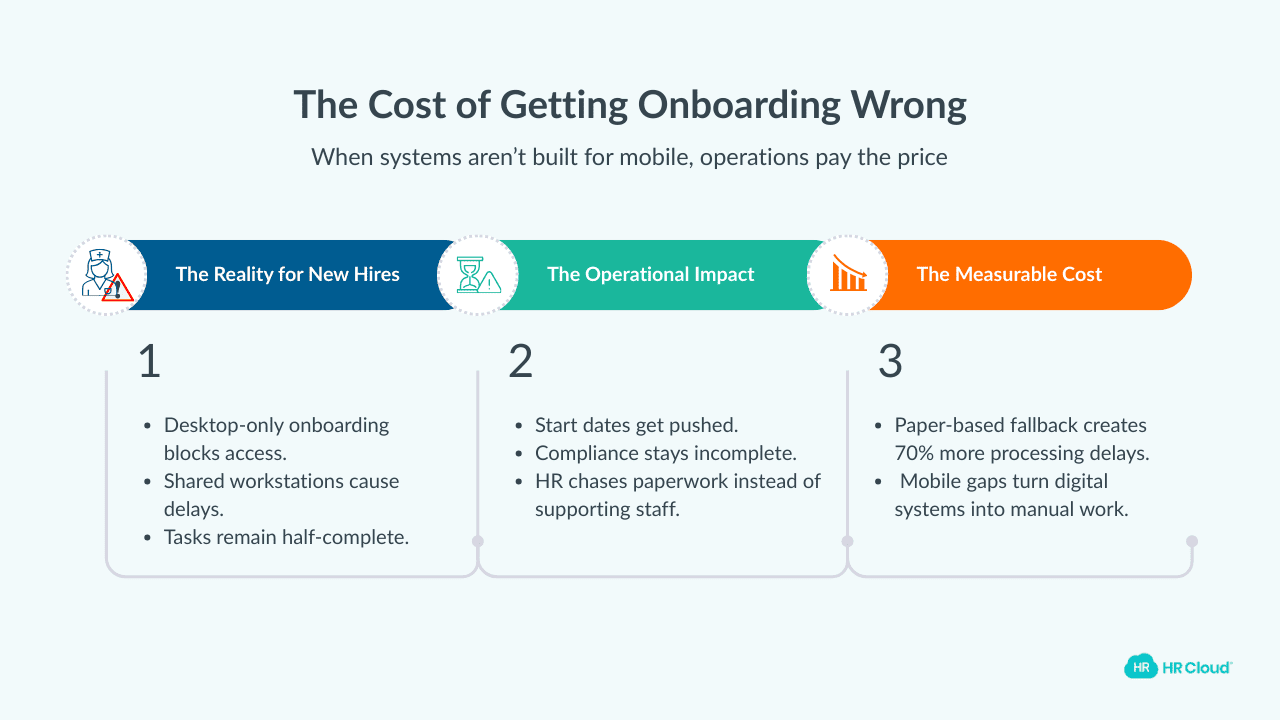
Consider what desktop-dependent onboarding looks like for a new CNA.
She's been hired for evening shift at a skilled nursing facility. The onboarding system requires a desktop browser. She doesn't own a laptop. She can't complete onboarding from home. She comes to the facility to use a shared workstation but the computers are occupied by nursing staff doing documentation.
She waits. She returns the next day. She completes half the paperwork before her designated time runs out.
Meanwhile, her start date approaches with compliance requirements incomplete.
This is the standard experience at organizations whose vendors sold them "mobile-friendly" platforms that aren't actually designed for mobile completion. And it could be you if you are not careful.
Because the operational impact of getting onboarding wrong is measurable.
Traditional paper-based systems create 70% more processing delays compared to true digital alternatives. And many organizations default to paper when their digital systems don't work for mobile users.
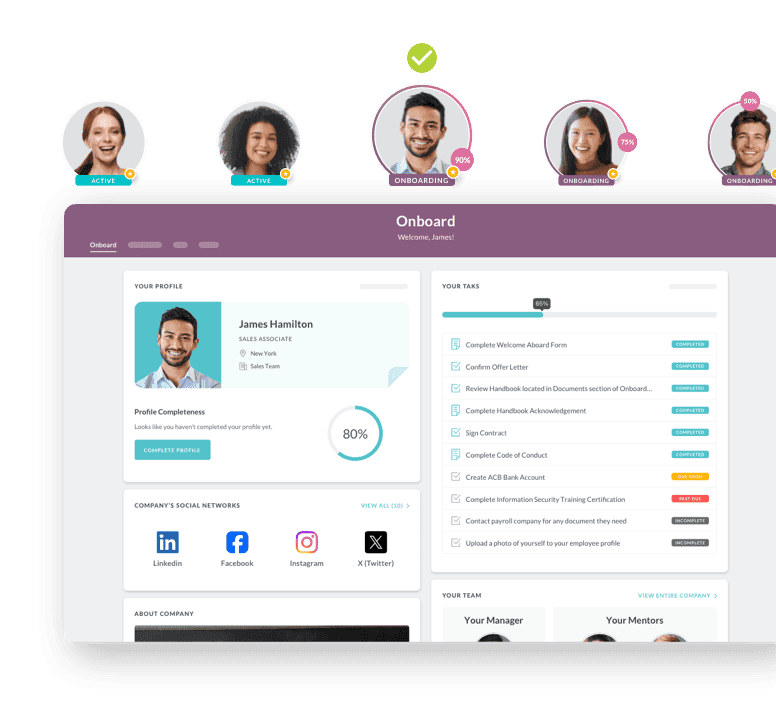
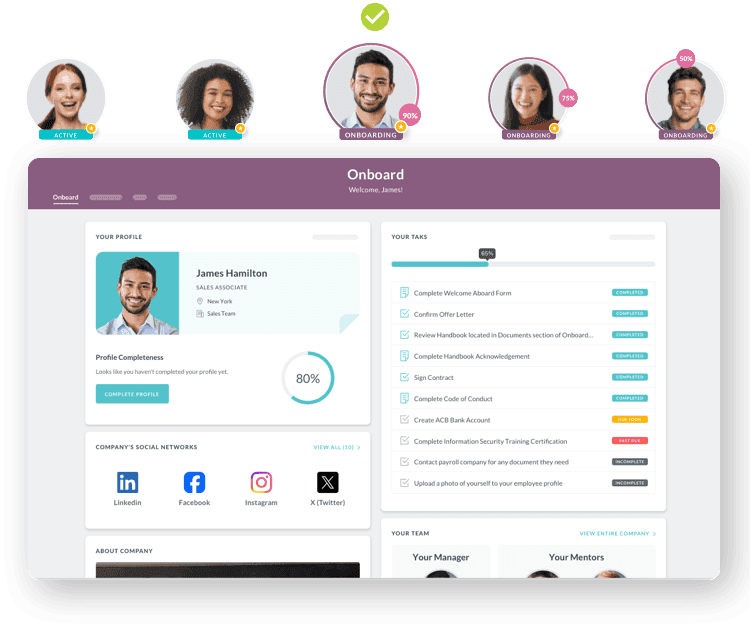
New hires wait longer to start. Compliance verification takes additional days. HR staff spend time chasing signatures instead of supporting successful transitions.
Mobile-Responsive vs. Mobile-First: The Distinction That Matters
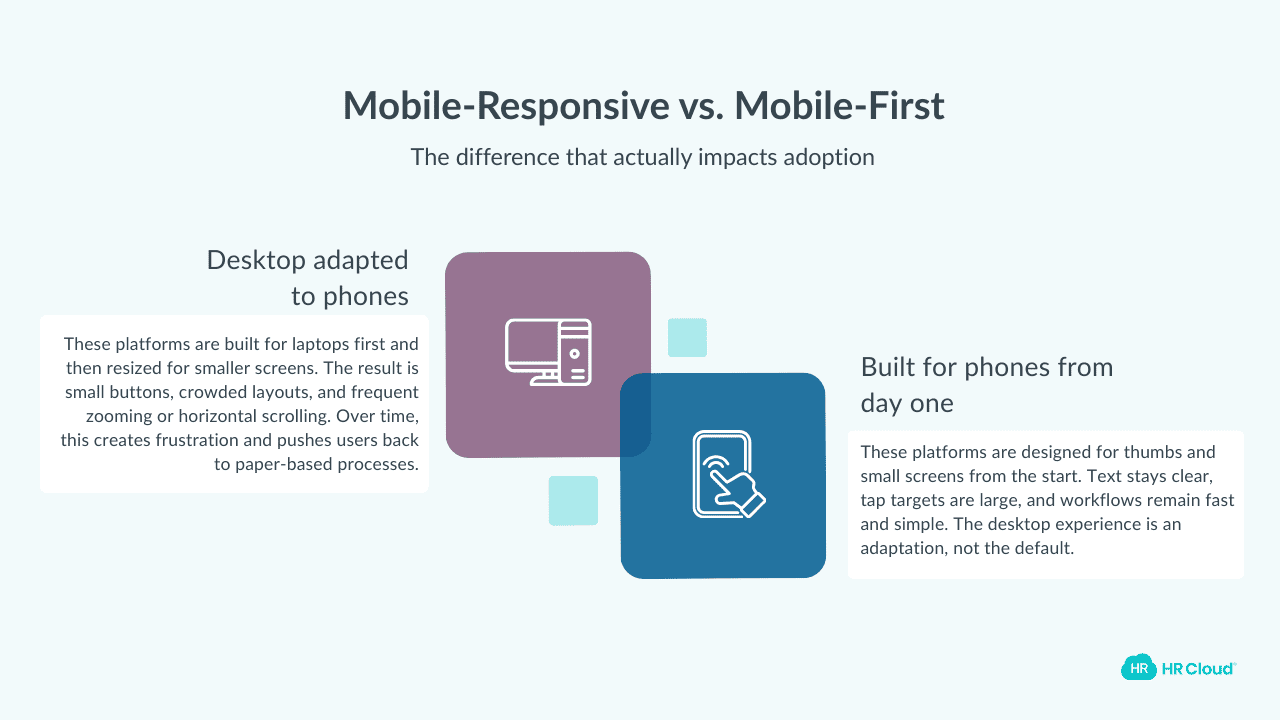
Here's where vendor claims get slippery. "Mobile-responsive" and "mobile-first" sound similar. But they're not.
Mobile-responsive means a desktop system that adapts to smaller screens. The vendor built for laptops and conference room computers, then added code that shrinks the interface for phones. The result: tiny buttons, horizontal scrolling, text requiring zoom, and frustrating experiences that push users back to paper.
Mobile-first means the vendor designed for smartphones as the primary interface from the beginning. Desktop becomes the adaptation, not the default. Every element—navigation, forms, content, workflows—was built assuming a 5-inch screen and a thumb.
When evaluating vendors, don't accept "yes, we have a mobile app" as sufficient. Dig deeper.
What to Look For: Signs of True Mobile-First Design
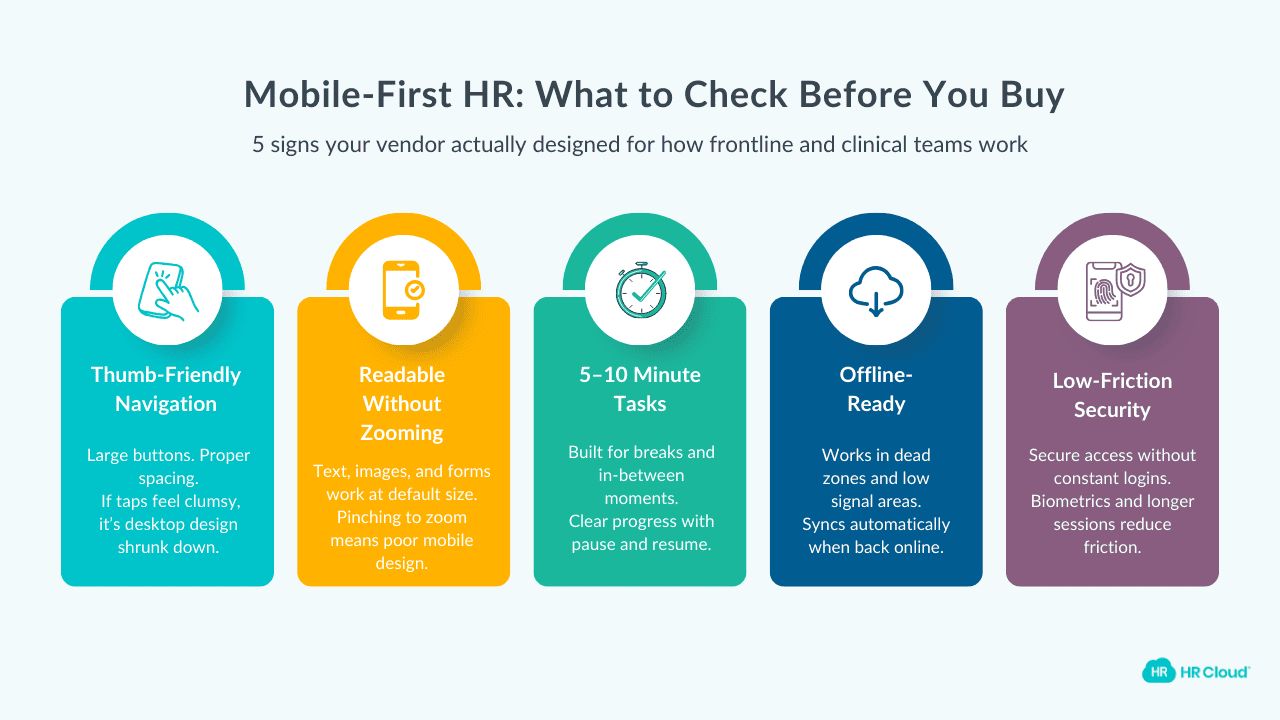
When a vendor claims mobile-first capabilities, here's what you should actually see:
- Navigation built for thumbs, not mice. Buttons should be large enough to tap without precision. Interactive elements should have adequate spacing. If you're accidentally tapping the wrong link because everything is crowded together, that's desktop design shrunk down—not mobile-first.
- Content legible without zooming. Text should be readable at default size. Images should communicate their meaning at the size they appear. Forms should have appropriately-sized input fields. If you're pinching to zoom on any screen, the vendor didn't design for mobile.
- Modules completable in 5-10 minutes. Your clinical staff will complete onboarding during breaks, between appointments, in parking lots before shifts. Content should be chunked for these realities—not hour-long modules that assume uninterrupted desktop sessions. Look for clear progress indicators and easy pause-and-resume functionality.
- Offline capability. Healthcare facilities have connectivity dead zones—basements, certain wings, parking structures, rural home health territories. True mobile-first platforms allow content download for offline completion, syncing when connectivity returns. If completing a compliance acknowledgment fails because of a brief signal drop, the vendor hasn't designed for healthcare reality.
- Persistent sessions that don't create friction. Strong initial authentication is appropriate. But requiring login for every 3-minute module completion drives users toward paper alternatives. Look for platforms that maintain reasonable session lengths and offer biometric options (fingerprint, face recognition) to reduce friction while maintaining security.
Questions That Expose Desktop-First Design
During vendor demos and evaluations, these questions reveal whether "mobile-first" is truly the way the software has been designed or is it pure marketing:
"What percentage of your healthcare clients' new hires complete onboarding primarily on mobile devices?"
Vendors with true mobile-first design will have this data and share it confidently. Hesitation or vague answers suggest they haven't prioritized mobile tracking—because mobile isn't actually working well.
"Can you show me the demo on my phone right now—not on the conference room screen?"
This single request exposes more than any sales presentation. Watch out for:
- load times
- navigation ease
- text legibility
- form usability
- whether the vendor hesitates to hand over phone control.
If they prefer showing mobile via screen projection, ask why.
"Walk me through what happens when a new hire loses connectivity mid-form."
The answer should involve offline caching, automatic saving, and seamless sync. If the answer involves "they'd need to start over" or "that section requires connectivity," the platform wasn't built for real-world mobile use.
"How do new hires upload required documents—licenses, certifications, IDs?"
The answer should be photo capture from the phone's camera. If it involves "download the document, then upload" or "scanner access," the workflow assumes desktop.
"What does authentication look like for someone completing onboarding in five separate 10-minute sessions?"
If they're logging in with full credentials five times, that's friction that drives abandonment. Look for session persistence and biometric options.
Red Flags That Signal Desktop-First Dressed as Mobile
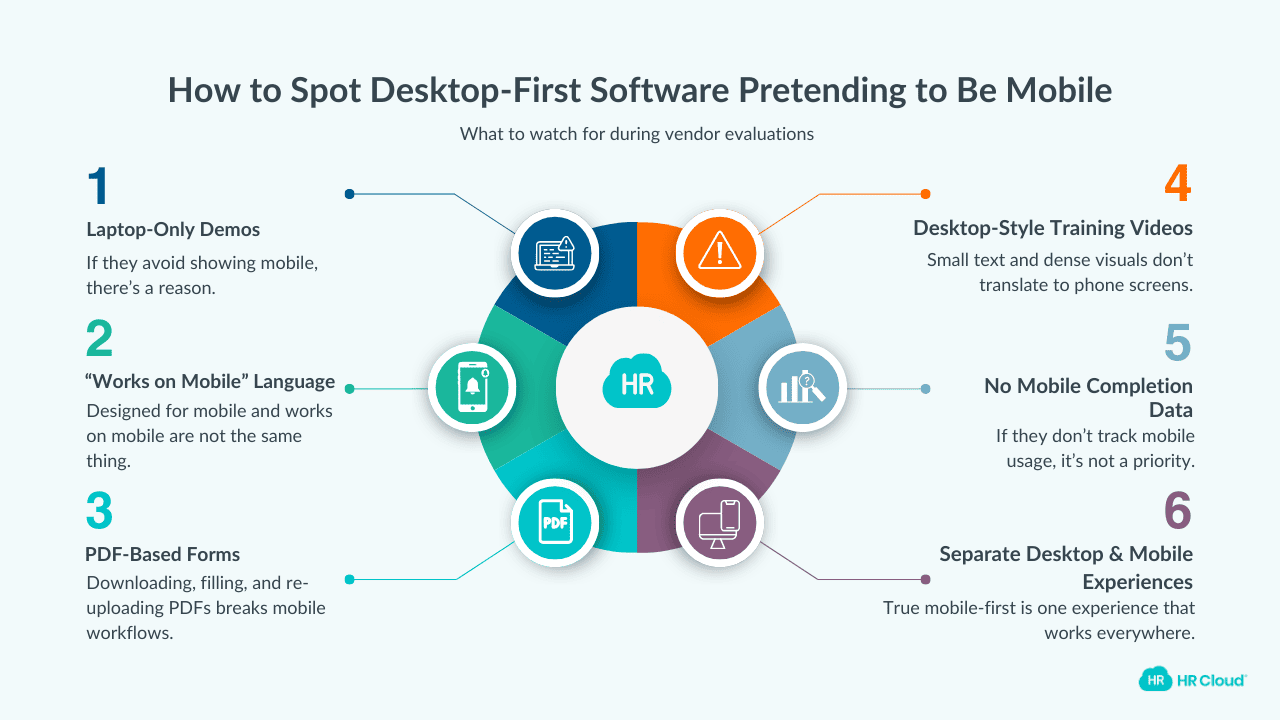
Watch for these warning signs during evaluation:
- The vendor demo happens exclusively on a laptop or projected screen. If they're not eager to show you mobile, there's a reason.
- "Works on mobile" language instead of "designed for mobile." This phrasing reveals the priority. Designed for tells you where they started. Works on tells you it was an accommodation.
- PDFs as the document format. True mobile-first replaces PDF forms with mobile-optimized form fields. If the platform still relies on PDFs that new hires download, complete, and re-upload, it's desktop-first with mobile afterthought.
- Video content with small text and detailed visuals. Training videos designed for desktop often include text and graphics that become illegible on phone screens. Ask to view compliance training videos on your phone during the demo.
- No data on mobile completion rates. Vendors who've genuinely prioritized mobile track and celebrate these metrics. Vendors who can't provide mobile-specific data haven't made mobile a priority.
- Separate "desktop experience" and "mobile experience" language. True mobile-first is one experience that works everywhere. When vendors describe two parallel experiences, they've built desktop-first with a mobile adaptation.
HIPAA Compliance and Mobile Security: What to Verify
Mobile onboarding in healthcare must address security but security shouldn't create prohibitive friction. Here's what to confirm.
The platform works on personal devices without MDM enrollment
New hires haven't started yet—you can't require them to install mobile device management on personal phones for onboarding access. Verify the platform provides secure BYOD (bring your own device) access.
Authentication balances security and usability
Strong initial login is appropriate. Biometric options for returning sessions reduce friction and increasingly, healthcare organizations are moving beyond passwords entirely. If you're evaluating how your onboarding platform handles identity, it's worth understanding the top passwordless authentication solutions built specifically for clinical and frontline environments. Verify the platform doesn't require full credential entry for every brief session.
Onboarding workflows don't require PHI access
Properly designed healthcare onboarding allows new hires to complete compliance training, submit personal documentation, and acknowledge policies without protected health information exposure. If the platform requires PHI access during onboarding, ask why.
Training content uses de-identified examples
When clinical scenarios appear in training, they should use de-identified cases—not real patient information.
The Business Case: What Mobile-First Delivers
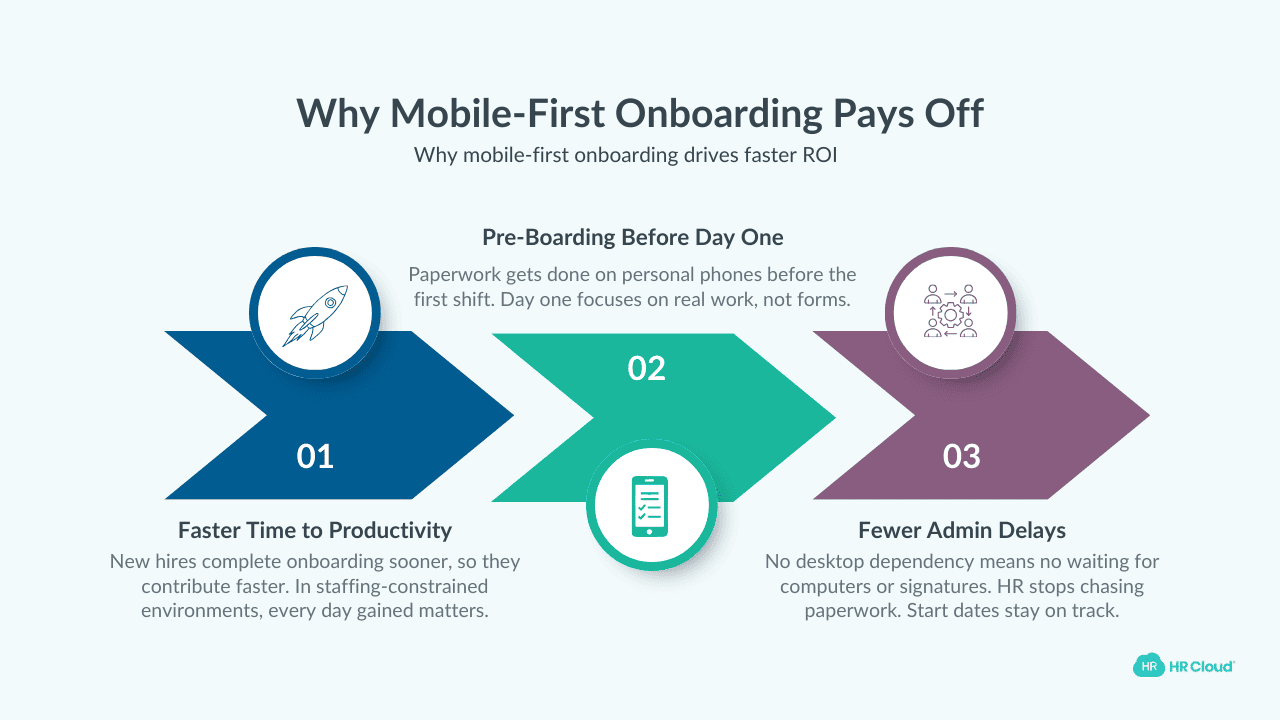
The ROI argument for mobile-first is straightforward. According to Brandon Hall research, mobile onboarding platforms report 54% faster time-to-productivity. In healthcare's staffing-constrained environment, getting new nurses to the bedside faster has immediate operational and financial value.
The productivity gains come from multiple sources:
- Pre-boarding completion before day one. When new hires can complete paperwork from home on their phones, their first shift focuses on clinical orientation—not conference room paperwork.
- Reduced administrative delays. When compliance documents don't require in-person signatures or desktop access, HR stops chasing people and start dates stop slipping.
- Parallel processing. When mobile completion doesn't require scheduled computer availability, new hires work through onboarding during their own available time—evenings, weekends, commutes.
For healthcare organizations running lean, these efficiency gains translate directly to patient care capacity.
How to Evaluate Before You Commit
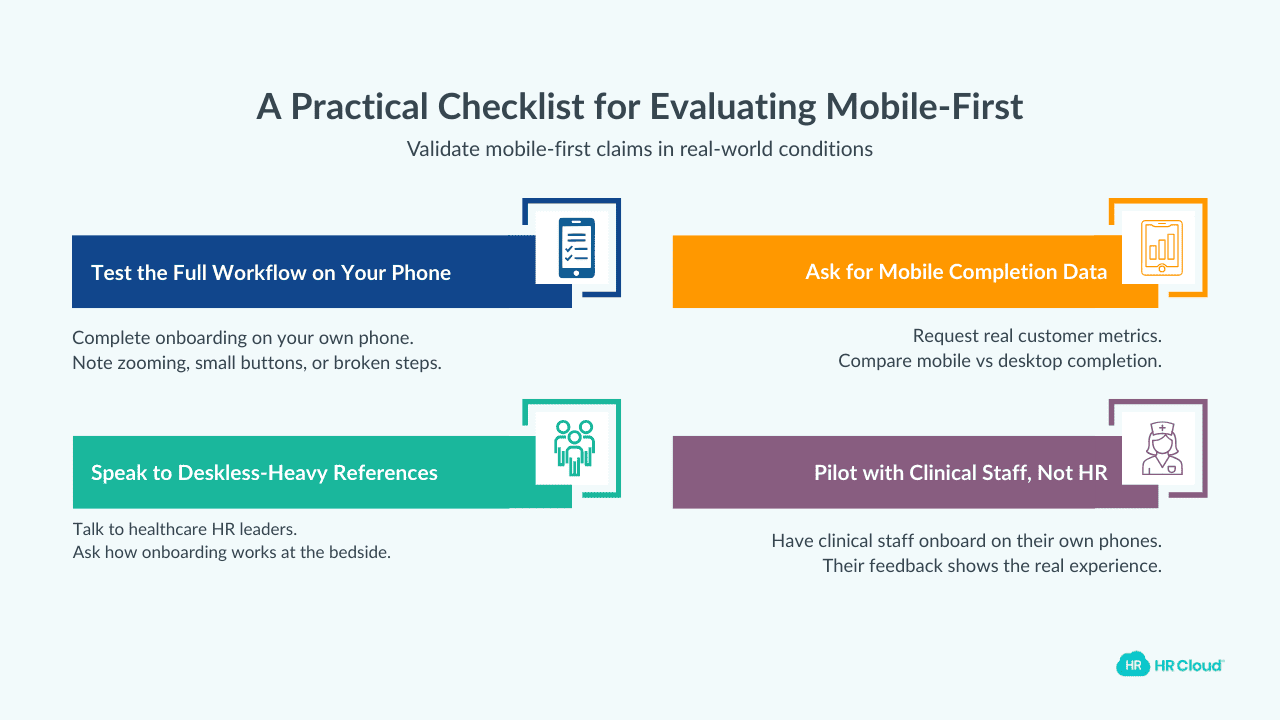
Before signing a contract, insist on real-world validation. Here’s how you can go about that:
- Complete the entire onboarding workflow yourself—on your phone. Not a tablet, not a demo account on a conference room screen. Your actual phone. Note every friction point: zoom requirements, tiny buttons, confusing navigation, broken functionality.
- Request mobile completion metrics from current healthcare clients. What percentage complete primarily on mobile? What's the completion rate mobile vs. desktop? Where do mobile users drop off?
- Ask for references specifically from deskless-heavy clients. Talk to HR leaders at healthcare organizations with large clinical workforces. Ask directly: "How well does mobile onboarding actually work for your bedside staff?"
- Pilot with actual clinical staff, not your HR team. Your HR team has desktop fluency that clinical staff may not share. Before full rollout, have CNAs, nurses, and medical assistants complete onboarding on their personal phones. Their feedback reveals the real user experience.
Final Thoughts: How to Get Onboarding Designed for Your Majority Workforce
Mobile-first healthcare onboarding isn't just a feature but a fundamental design philosophy that determines whether your largest workforce segment can successfully complete onboarding without friction, frustration, and delays.
You need to ask if your deskless clinical workers can complete onboarding as easily as your office-based administrators. If the answer is no, you've bought into a two-tier system where your largest workforce gets the worst experience.
And you lose a chance to foster an engaged work culture that builds a dedicated workforce.
Demand from vendors to design for that reality, not adapt desktop systems and call it mobile onbording.

Discover how our HR solutions streamline onboarding, boost employee engagement, and simplify HR management
Book Your Free DemoFAQs
What should healthcare HR leaders look for in mobile-first onboarding platforms?
Look for thumb-friendly navigation, content legible without zooming, modules completable in 5-10 minutes, offline capability for connectivity dead zones, and persistent login sessions with biometric options. Ask vendors for mobile completion rate data from healthcare clients. Request demos on your actual phone—not projected conference room screens.
How can HR leaders tell if a vendor's mobile claims are genuine?
Ask what percentage of healthcare clients' new hires complete onboarding primarily on mobile. Request a phone-based demo rather than screen projection. Watch for red flags: PDFs as document formats, separate desktop/mobile experience language, and inability to provide mobile-specific completion metrics.
What questions expose desktop-first platforms marketed as mobile-friendly?
Ask: "Show me this demo on my phone right now." "What happens when connectivity drops mid-form?" "How do new hires upload documents—photo capture or file upload?" "What does authentication look like across multiple short sessions?" Hesitation or friction-heavy answers reveal desktop-first design.
Why does mobile-responsive vs. mobile-first matter for healthcare onboarding?
Mobile-responsive shrinks desktop interfaces for smaller screens—creating tiny buttons, zoom requirements, and frustrating experiences. Mobile-first designs for smartphones as the primary interface. For deskless healthcare workers completing onboarding on personal phones, this distinction determines usability and completion rates.
What security features should mobile healthcare onboarding platforms include?
Platforms should support secure BYOD access without requiring MDM enrollment for new hires, offer biometric authentication options to reduce friction, maintain reasonable session lengths, and design workflows that don't require PHI access. Training content should use de-identified clinical scenarios.
How can HR leaders pilot mobile onboarding before full implementation?
Have actual clinical staff—CNAs, nurses, medical assistants—complete the entire onboarding workflow on their personal phones before rollout. Their feedback reveals friction points that desktop-familiar HR teams might miss. Track where users struggle, abandon, or switch to desktop out of frustration.
What business impact does true mobile-first onboarding deliver?
Research shows mobile onboarding platforms deliver 54% faster time-to-productivity. Gains come from pre-boarding completion at home, reduced administrative delays, and parallel processing on new hires' own schedules. In staffing-constrained healthcare, faster time-to-bedside has direct operational value.
What are red flags that a vendor's mobile-first claims are marketing spin?
Red flags include: demos only on laptops or projected screens, "works on mobile" language instead of "designed for mobile," reliance on PDF documents, training videos with small text illegible on phones, no mobile completion data, and descriptions of separate desktop and mobile experiences.
About the author

Keep Reading


Like What You Hear?
We’d love to chat with you more about how HR Cloud® can support your business’s HR needs.
Book Your Free Demo