

HR Cloud LMS (Lite)
Lightweight training that sits inside your HR Cloud suite—built to help teams roll out onboarding and performance training faster.




4.7/5 from 399 reviews
4.7 / 5 — 399 reviews
Powering the world’s best companies












Built light today. Expands fast.
Start with the essentials now, then scale training as your team and programs grow.
Launch with the essentials: assignments, tracking, completions.

Designed for HR teams who want training without another tool.

Early Access customers shape the roadmap.

Launch with the essentials: assignments, tracking, completions.
Designed for HR teams who want training without another tool.
Early Access customers shape the roadmap.
If you use Onboard or Perform, training is the missing link.
Turn employee reports into outcomes you can track—faster resolution, clearer visibility, and lower risk.
Onboard
Automatically assign the right training as soon as an offer is accepted or documents are signed—so every new hire gets role-based courses, policies, and required learning without manual follow-ups.
Perform
Tie learning to performance by linking courses to goals, competencies, and review cycles—so managers can see progress, close skill gaps faster, and keep development consistent across teams.
HRIS
Keep training history alongside employee profiles for a complete record—so completions, certifications, and documents are easy to find, report on, and use for audits or internal reviews.
How it works
Four steps from setup to audit-ready.
Create a course
Build training in minutes using what you already have—import links, upload PDFs and documents, or create a course from scratch so your content stays centralized and easy to update.
Employees learn
Employees can complete training on mobile or desktop, whenever it fits their schedule—making it easy for frontline, remote, and office teams to stay on track.
Assign to a group
Deliver the right training to the right people by assigning courses to new hires, departments, roles, or locations—so every employee gets only what’s relevant.
Employees learn
Employees can complete training on mobile or desktop, whenever it fits their schedule—making it easy for frontline, remote, and office teams to stay on track.
Track + export
Monitor completions, spot who’s overdue, and export reports for managers and audits—so you always have clear proof of training progress and compliance.
Built for real use cases
Practical training workflows for onboarding, compliance, and frontline teams—built to roll out fast and track progress easily.
New Hire Training
 Auto-assign onboarding courses the day someone joins.
- Track first-week completion without manual follow-up.
- Pair training with Onboard checklists for a seamless start.

Compliance Training
- Assign mandatory training with hard deadlines.
- Get exportable proof-of-completion for audits.
- Automated reminders so nothing slips through the cracks.

Frontline/Distributed
- Mobile-first courses that work on any device.
- Assign by location so field teams get relevant training.
- Managers can check team progress without extra logins.

New Hire Training
- Auto-assign onboarding courses the day someone joins.
- Track first-week completion without manual follow-up.
- Pair training with Onboard checklists for a seamless start.
Compliance Training
- Assign mandatory training with hard deadlines.
- Get exportable proof-of-completion for audits.
- Automated reminders so nothing slips through the cracks.
Frontline/Distributed
- Mobile-first courses that work on any device.
- Assign by location so field teams get relevant training.
- Managers can check team progress without extra logins.
Get training live fast
Launch with the essentials—create courses, assign by role or location, track completions, and export reports—without adding another complex system.
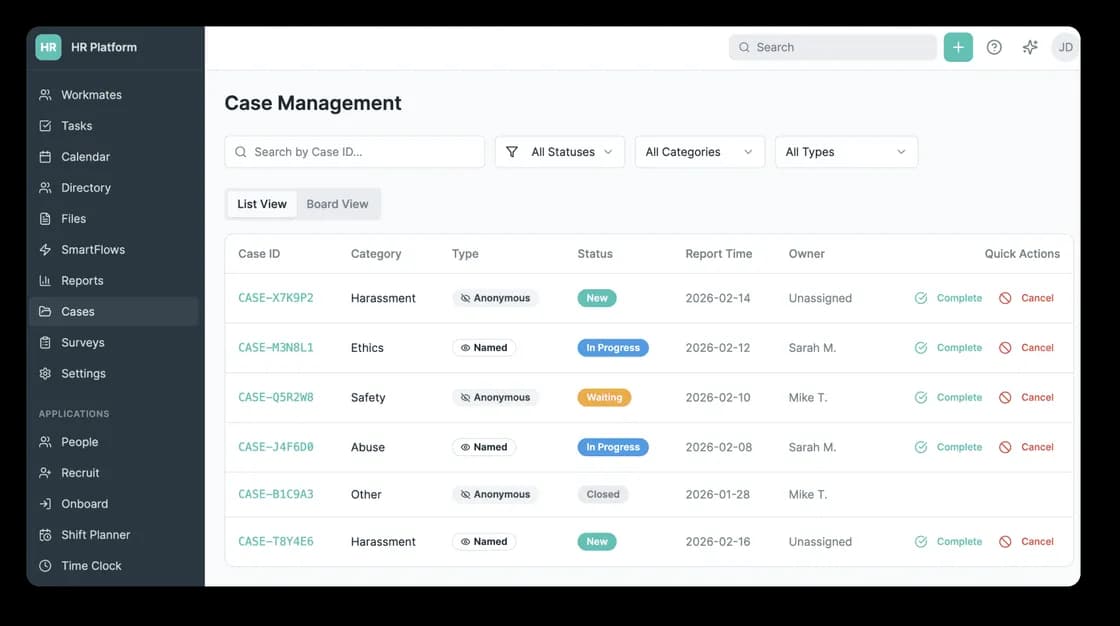
Built for day-one rollout
Create and assign training fast, keep completions organized, and give managers clear visibility—without extra tools, extra logins, or unnecessary complexity.
Frequently asked questions
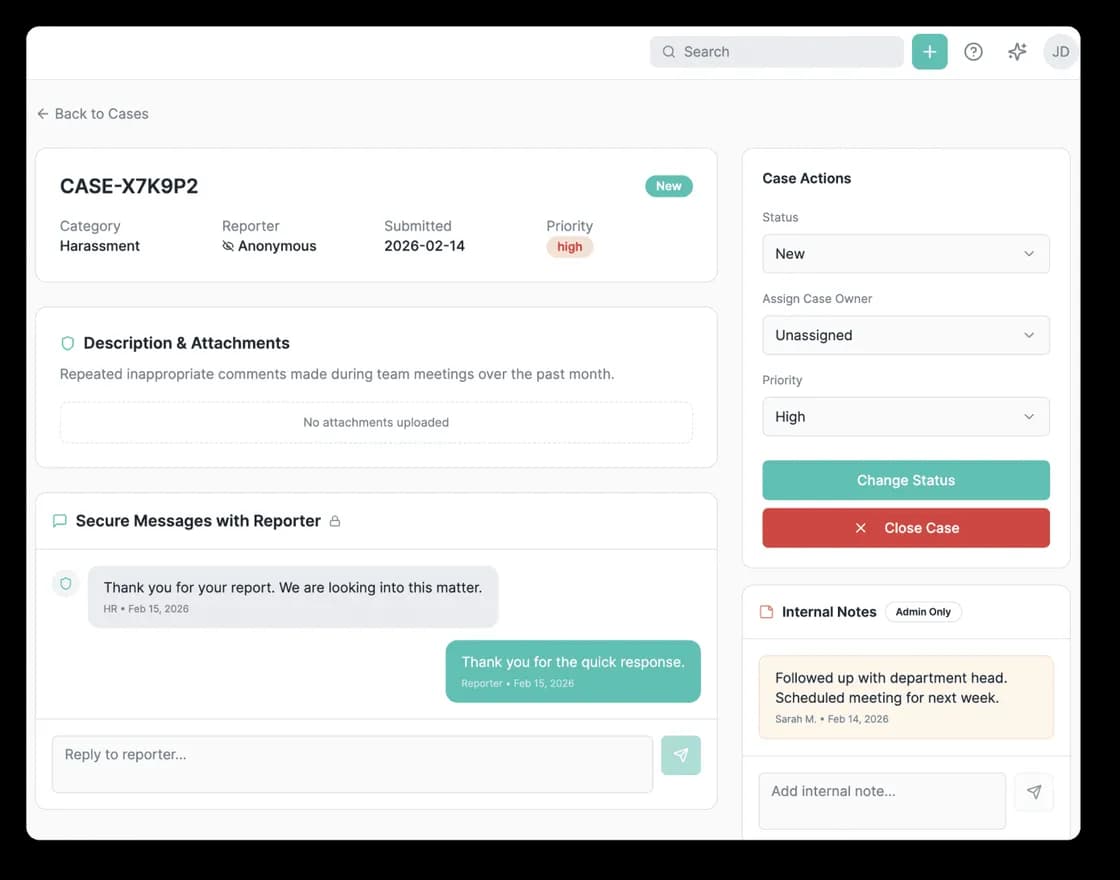
Stop managing employee issues in email and spreadsheets
Centralize reporting and case management in one secure workflow—so nothing gets missed, delayed, or lost.