





AI background check software uses machine learning and automation to screen job candidates faster, more consistently, and at greater scale than traditional manual processes. The U.S. background check services market reached $5.1 billion in 2025 (IBISWorld), and the Professional Background Screening Association reports that 93 to 95 percent of employers conduct some form of employment screening. For HR teams managing high-volume onboarding, these platforms handle criminal record searches, employment verification, identity validation, and continuous post-hire monitoring without sacrificing accuracy or compliance.
How AI Background Check Software Works
Traditional screening required human researchers to pull records manually from courts, databases, and verification sources. AI-powered platforms automate most of this work. Machine learning models classify records, flag discrepancies, and surface findings without a human reviewing every data point. The result is faster turnaround, fewer errors from manual data entry, and a consistent adjudication standard applied to every candidate regardless of who handles the file.
Most platforms pull records from criminal databases, employment history sources, education registries, and credit bureaus simultaneously. AI models parse, deduplicate, and classify those records based on configurable adjudication rules. Results sync automatically to your applicant tracking system or onboarding platform. Checkr, which integrates natively with HR Cloud, completes 89 percent of criminal checks within one hour — a speed advantage that matters when onboarding at scale. Continuous post-hire monitoring is also available on most enterprise platforms, flagging new records automatically rather than relying on periodic manual re-screening.
Key Features to Evaluate
Not all AI background check tools are built the same. When evaluating platforms, HR leaders should prioritize the following capabilities:
-
Criminal record search across federal, state, and county jurisdictions, not just national databases
-
Employment and education verification with automated outreach, linked to the employee record in your HRIS
-
Identity verification with AI document fraud detection to catch synthetic credentials and deepfakes
-
Motor vehicle record checks for driving-dependent roles
-
FCRA-compliant adverse action workflow with pre-adverse and adverse action notice templates — the FTC outlines required employer obligations under the two-step notification process
-
Continuous post-hire monitoring that triggers alerts when new criminal records appear
-
Bias audit documentation satisfying local AI employment law requirements, including NYC Local Law 144
-
PBSA accreditation and SOC 2 certification as baseline compliance signals
FCRA Compliance and What It Requires
The Fair Credit Reporting Act (FCRA) is the primary federal law governing employment background checks. SHRM's background screening guidance outlines three non-negotiable steps before adverse action: obtain written candidate authorization before ordering a report; issue a pre-adverse action notice with a copy of the report and a rights summary; wait a reasonable period (typically five business days) then issue the final adverse action notice. AI platforms streamline this workflow but do not eliminate the legal obligation.
FCRA litigation against employers rose more than 36 percent year-over-year through the end of 2025, according to First Advantage's 2026 Compliance Trends report. Statutory damages run from $100 to $1,000 per willful violation, and class action exposure scales with applicant volume. State laws layer on top: California mandates individualized assessment under the Fair Chance Act, New York City enforces ban-the-box rules, Illinois requires written notification of conviction-based decisions, and Philadelphia restricts review of misdemeanors older than four years. Employers hiring across multiple jurisdictions need platforms that apply location-specific compliance logic automatically, not manual policy adjustments per state.
AI-Specific Legal Risks
Using AI in employment screening creates compliance exposure beyond the FCRA. New York City's Local Law 144 requires employers to commission an independent bias audit of automated employment decision tools before deployment and annually thereafter. California's Civil Rights Council extends anti-discrimination law to AI tools and requires four-year retention of automated decision records. Colorado's AI Act, delayed to June 2026, will impose impact assessment requirements on high-risk hiring systems.
A January 2026 class action against Eightfold AI alleges the platform functions as a consumer reporting agency by compiling candidate profiles from LinkedIn and job history without required FCRA disclosures. The EEOC's guidance on criminal history in hiring reinforces that automated processes do not remove the employer's legal responsibility for how screening results are used. Vendor contracts that cap liability at monthly subscription fees while excluding class action settlements leave employers exposed — review agreements before signing.
Identity Fraud and AI Detection
Document fraud is a growing problem in hiring. HireRight's 2025 Global Benchmark Report found that one in six employers experienced identity fraud during the hiring process in 2024, and a 2025 survey of cybersecurity leaders found more than 40 percent of organizations had onboarded a candidate using a fraudulent identity. AI-generated credentials and deepfake identity documents have become sophisticated enough that manual document review misses them at an increasing rate. AI-powered screening platforms counter this by analyzing submitted documents at the pixel level for font inconsistencies, metadata anomalies, and layout discrepancies that indicate forgery. For organizations managing remote onboarding workflows where HR never sees physical documents, AI document fraud detection is no longer optional.
Integrating Background Checks with Your Onboarding Platform
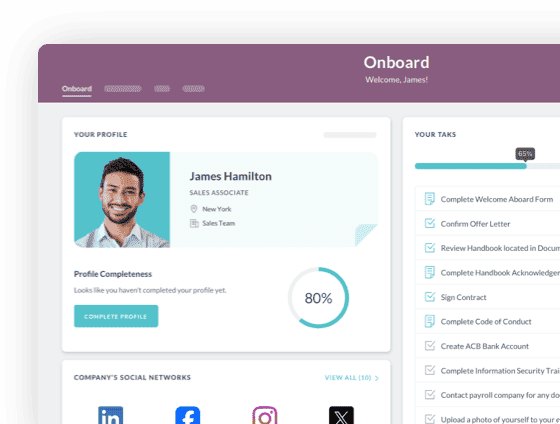
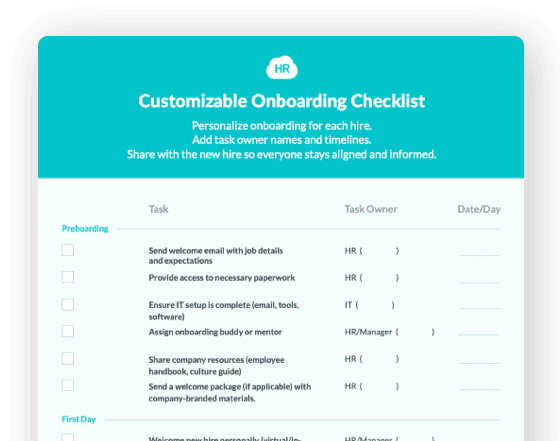
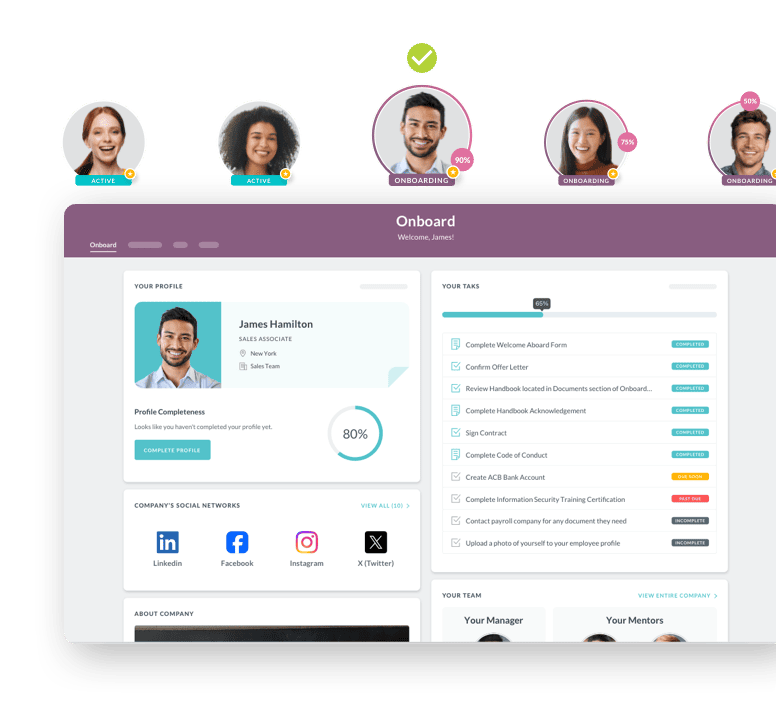
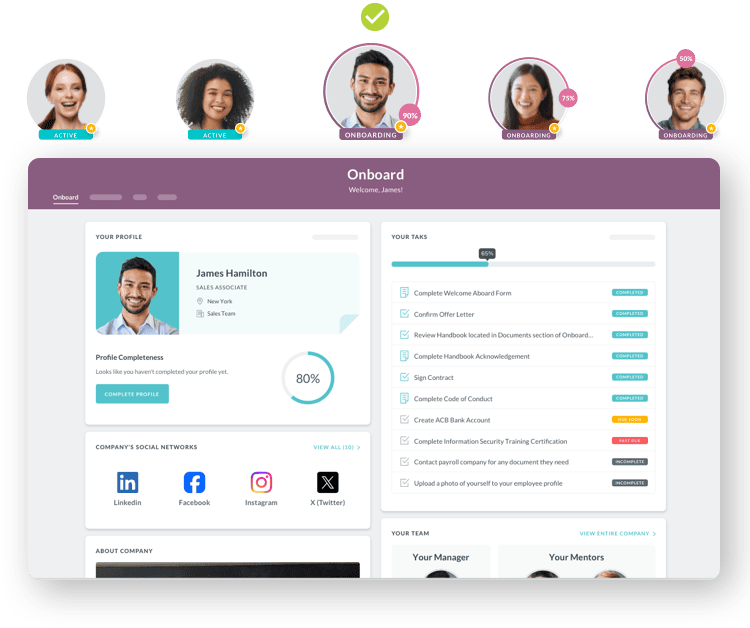
The most compliance-safe setup initiates the background check from within your onboarding workflow and returns results automatically — no toggling between systems. HR Cloud's background check integrations include Checkr and Verified First. When a candidate is selected and a checklist is assigned, an "Initiate Background Check" task appears. HR administrators select the appropriate screening package, Checkr sends the candidate a secure consent link, and results flow back into the HR admin view once the report is complete. Every step is logged inside the onboarding workflow, creating an audit trail without additional documentation effort.
This matters for FCRA compliance: consent must be collected and documented before the report is ordered. When consent is a timestamped step inside your onboarding checklist, the audit trail is automatic. When it lives in a separate email chain, it is harder to defend. Background check results link directly to the employee record in the HR Cloud HRIS, giving HR a single compliance-ready record from offer acceptance through day one.
What to Look for in a Background Check Integration
-
Bidirectional data sync between your HRIS and the screening platform
-
Automated consent collection and timestamp documentation within the onboarding workflow
-
Status updates visible in the HR admin view without manual checking
-
Clear audit trail: who initiated the check, when, and which package was selected
-
Results stored in the employee record inside your HRIS for future reference, compliance audits, and re-verification if required
Keep Reading
How Long Does ADP Onboarding Take? (And How to Reduce It)
The short answer: administrative onboarding in ADP Workforce Now (WFN) takes 1–5 business
ADP Workforce Now Onboarding Checklist: What's Missing (and How to Fix It)
According to Gallup, only 12% of employees strongly agree their organization does a great
HR Software for Hospitals: What to Look for in 2026
Hospital HR teams in 2026 face a specific set of problems: chronic staffing shortages,
Ready to streamline your onboarding process?
Book a demo today and see how HR Cloud can help you create an exceptional experience for your new employees.